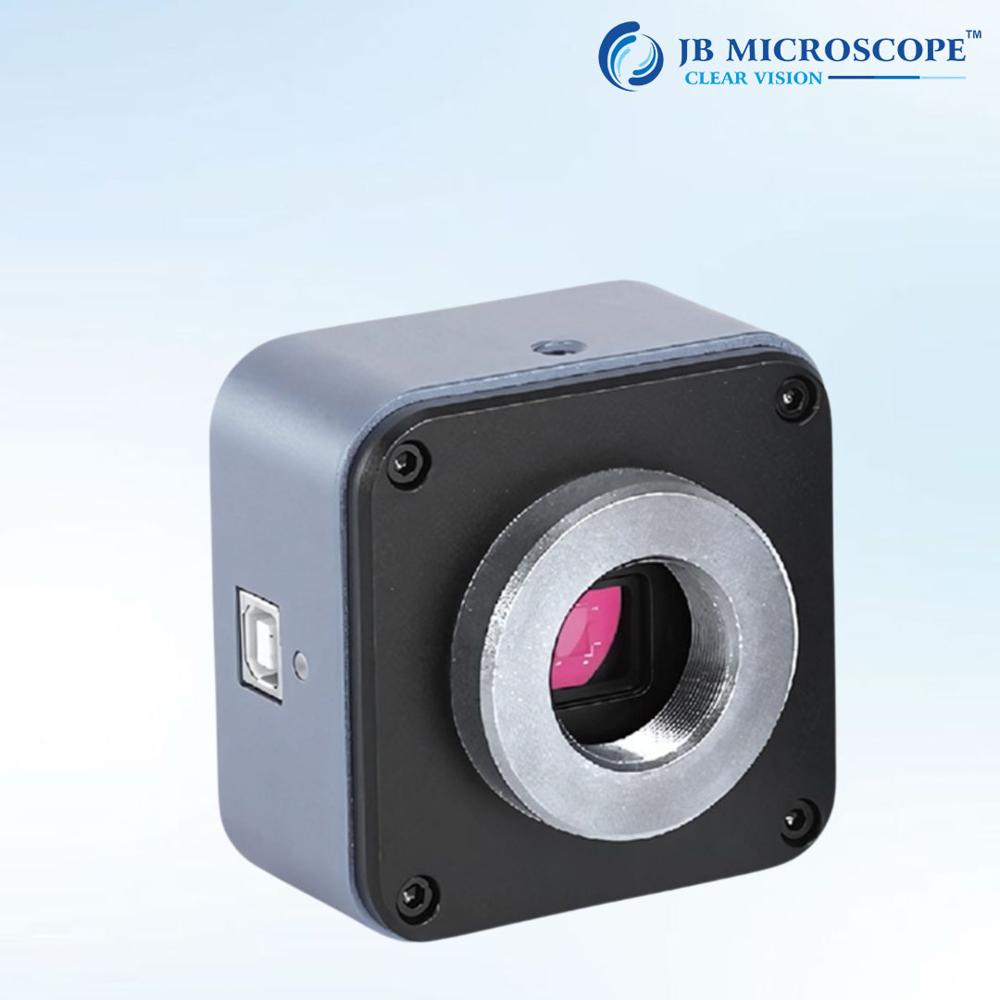
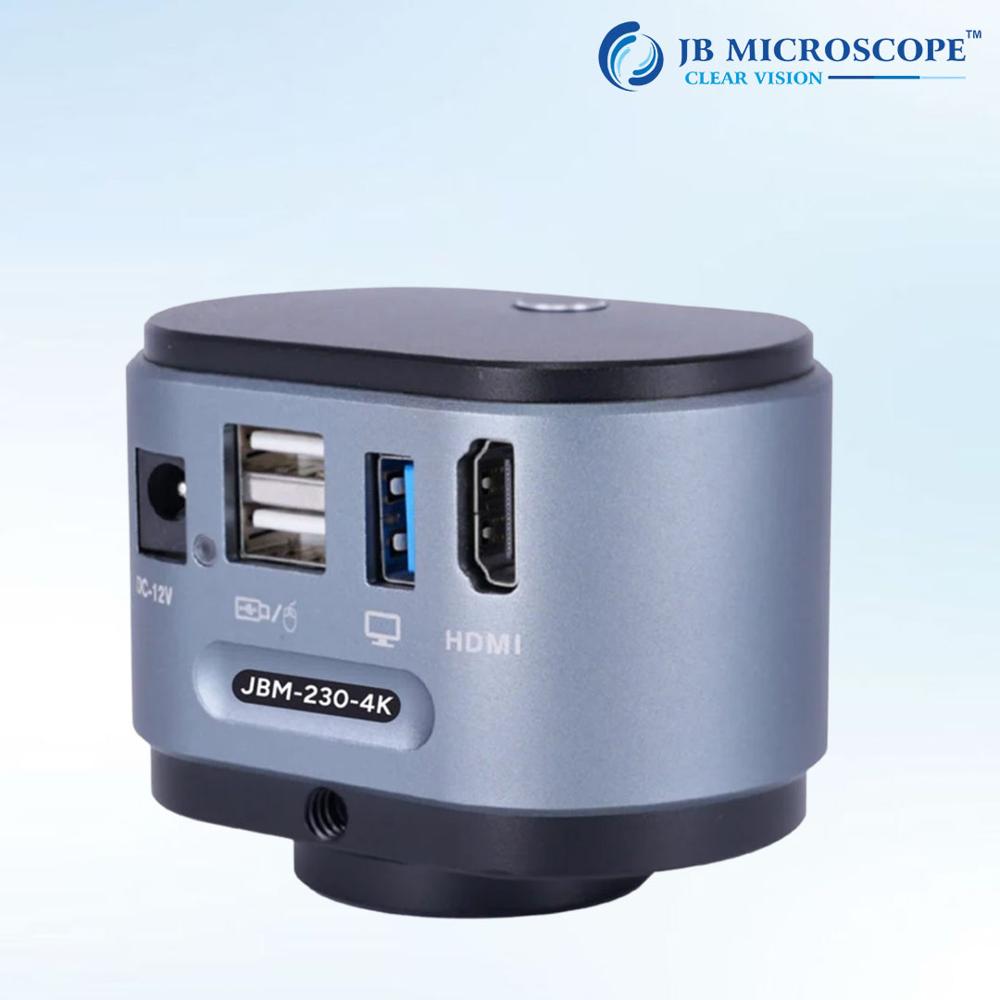
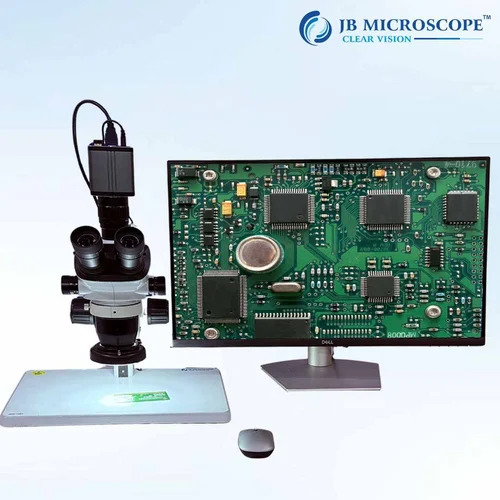
About 8MP Digital Microscope Camera JBM-1000
| Sensor resolution |
8 MP |
| Resolution |
8MP |
| Output interface |
USB 3.0 |
| Sensor size |
1/1.8 inch |
| Frame rate |
60 fps |
| Mount type |
C mount |
| Colour type |
Color |
| Model Name/Number |
JBM-1000 |
| Camera type |
USB camera, CMOS camera |
| PC software |
Windows Mac, Windows |
| Power supply |
5 V DC |
| Country of Origin |
Made in India |
Minimum order quantity: 1 Piece
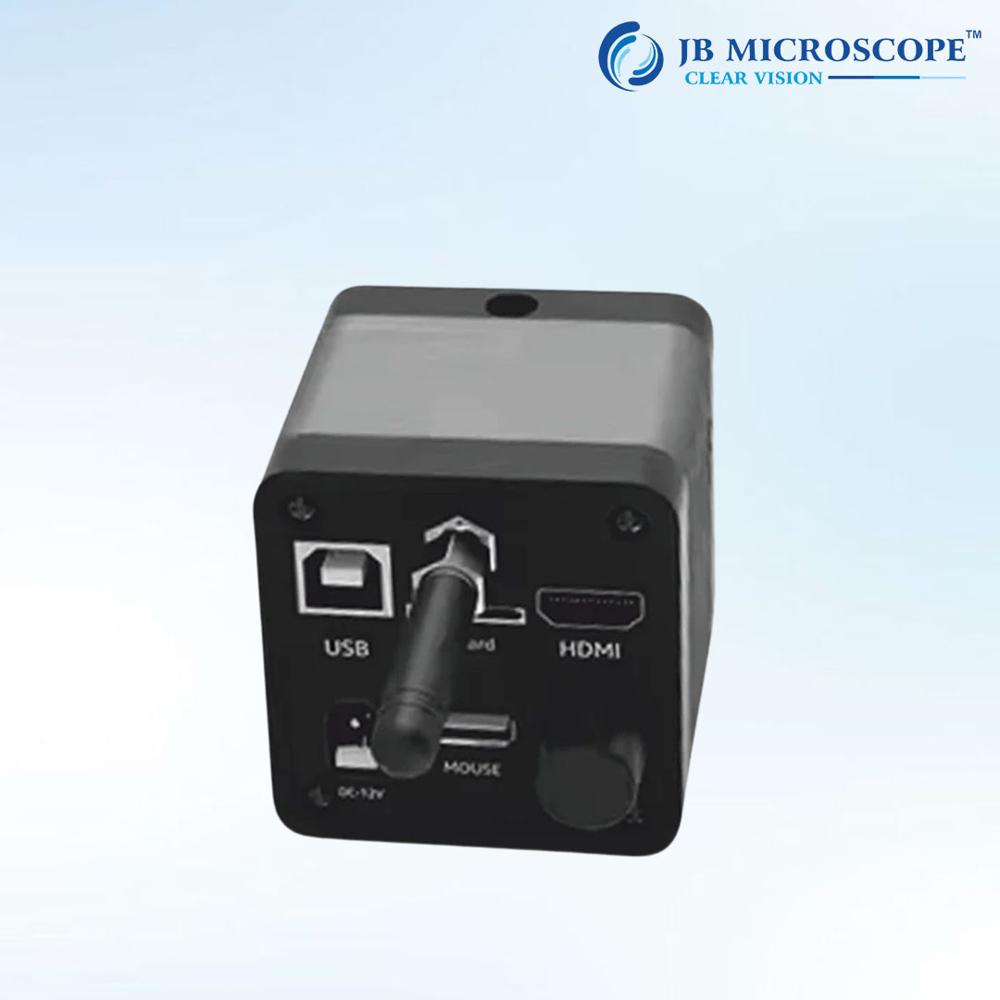
USB3.0 high speed transmission interface, simple and convenient at the same time to ensure stable high transmission rate full resolution can realize 30 frames/s fast imaging, up to 60 frames/s
PRODUCT PARAMETERS
- Brand: JB MICROSCOPE
- Camera Pixel: 8 Megapixel
- Chip Model: IMX678
- Optical Size: 1/1.8 inch
- Image size: 2.0m2.0m
- Resolution: 3840(H)X2160(V)
- Camera frame rate: up to 60 fps
- Output Interface: USB3.0 high speed output
- External Device: Desktop PC or PC Notebook
- Optical Interface: Standard C connector
- Auto Settings: Exposure, Brightness, White Balance
- Manual Settings: Exposure, Gain, Noise Reduction, Gamma
With an 8MP CMOS sensor and high sensitivity, the JBM-1000 produces high-resolution images and smooth 1080p videos at 30 fps. Its wide view angle and adjustable precision lens deliver clarity for both routine observation and advanced analysis. Real-time image capture ensures you can document and analyze findings instantly.
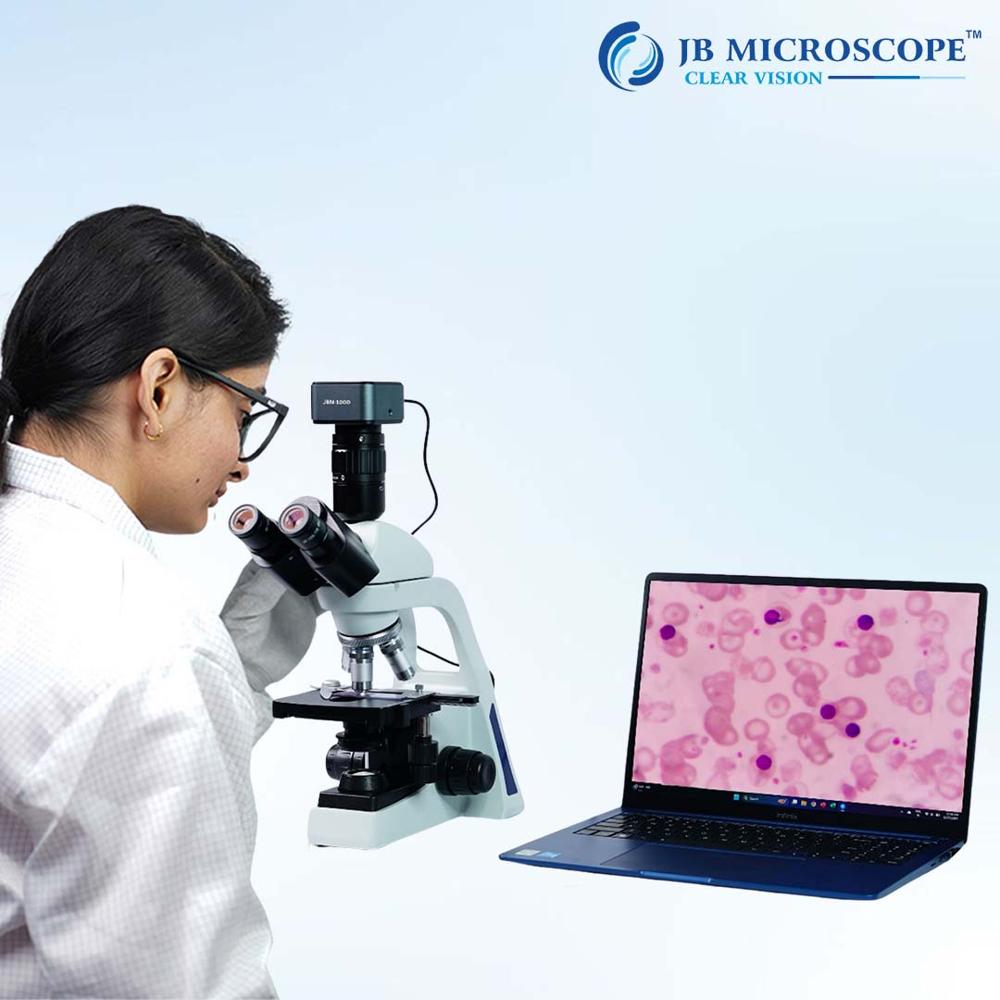
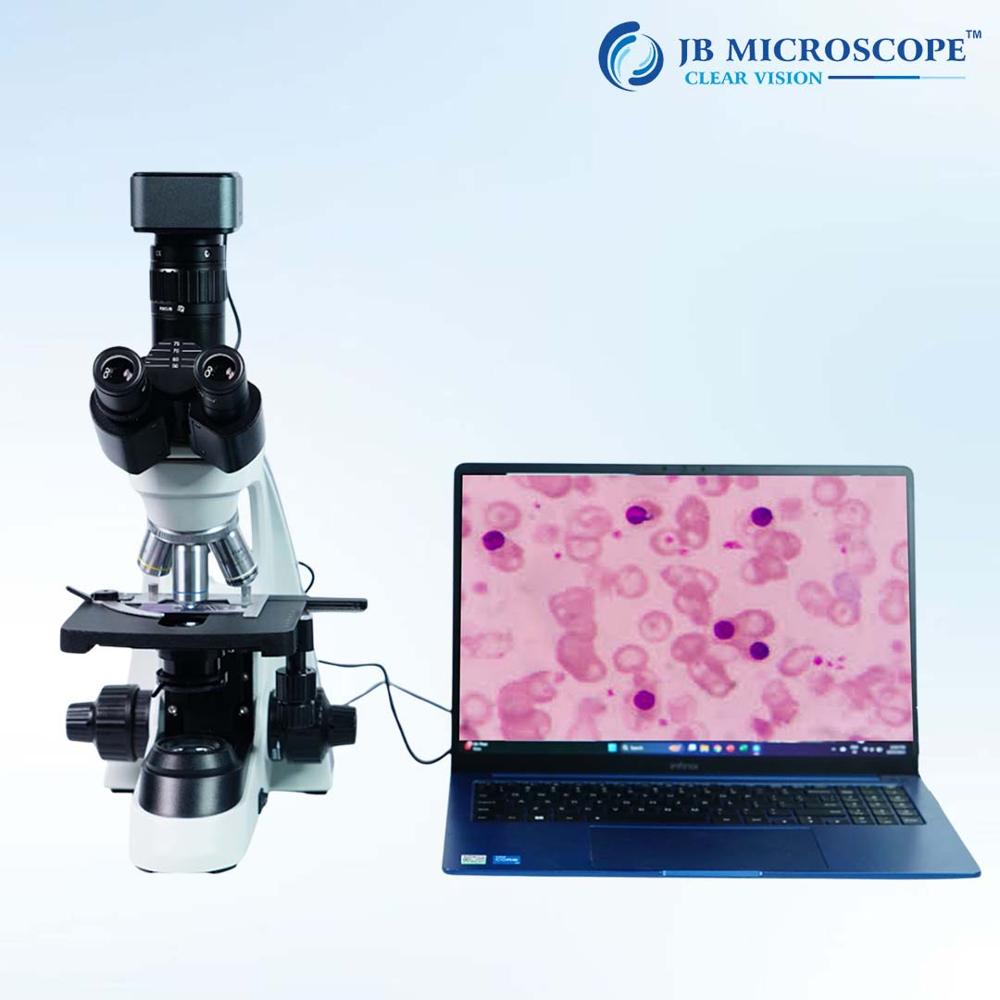
Effortless Setup and CompatibilityThis camera supports Plug & Play via USB 2.0, eliminating difficult installations. It's compatible with Windows and Mac OS systems, and comes with provided imaging software. No internal battery is required-just connect it to your PC and start exploring. Its C-mount design fits a variety of microscope models, making integration seamless.
Ideal for Lab, Industry, and EducationWhether you're teaching, researching, or conducting industrial inspections, the JBM-1000's durable metal/plastic build, broad temperature tolerance, and LED illumination meet demanding environments. Digital image and video outputs in multiple formats simplify documentation and sharing, while optical and digital zoom enhance flexibility.
FAQ's of 8MP Digital Microscope Camera JBM-1000:
Q: How do I install and set up the JBM-1000 Digital Microscope Camera?
A: To install the JBM-1000, simply connect the camera to your computer via the included USB 2.0 cable. No external power is needed, as it is USB powered. Install the provided imaging software and drivers for Windows or Mac OS, then attach the camera to a compatible C-mount microscope. Follow the on-screen instructions to start capturing images or videos.
Q: What software and operating systems are supported by the JBM-1000?
A: The JBM-1000 supports Windows and Mac OS platforms. It comes with dedicated driver and imaging software, ensuring smooth operation and full access to features like real-time image capture, manual/automatic ISO, and video recording in various file formats (JPG, BMP, PNG for images; AVI, MP4 for video).
Q: When should I use the manual focus adjustment?
A: Manual focus adjustment is essential for obtaining clear images at different magnifications or specimen depths. Use the adjustable precision lens to fine-tune focus whenever you change slides, specimens, or magnification levels, ensuring maximum clarity for documentation and analysis.
Q: Where can I store images and videos captured with the camera?
A: Images and videos taken with the JBM-1000 are saved directly to your connected computer's storage. The camera does not have a memory card slot. You can choose preferred file formats and organize your data using the included software for easy retrieval and sharing.
Q: What benefits does the built-in LED illuminator provide?
A: The built-in LED illuminator enhances visibility under low-light conditions, providing uniform lighting for specimens. This ensures high-quality image capture and minimizes shadows or uneven exposure, which is crucial for detailed analysis and clear video documentation.
Q: How does real-time image capture improve workflow?
A: Real-time image capture allows you to instantly view, record, and save observations without delays. This streamlines workflow in scientific research, quality control, teaching, and documentation tasks, enhancing efficiency and accuracy in your work.
Q: What is the main advantage of the C-mount and USB 2.0 interface?
A: The C-mount enables easy attachment to a wide range of microscopes, while the USB 2.0 interface facilitates fast data transfer and Plug & Play connectivity. Together, they offer flexible installation and reliable performance across various laboratory and industrial environments.
 Rajouri Garden,New Delhi, India





 Send Inquiry

 Send Inquiry


 Send Inquiry
 Send SMS