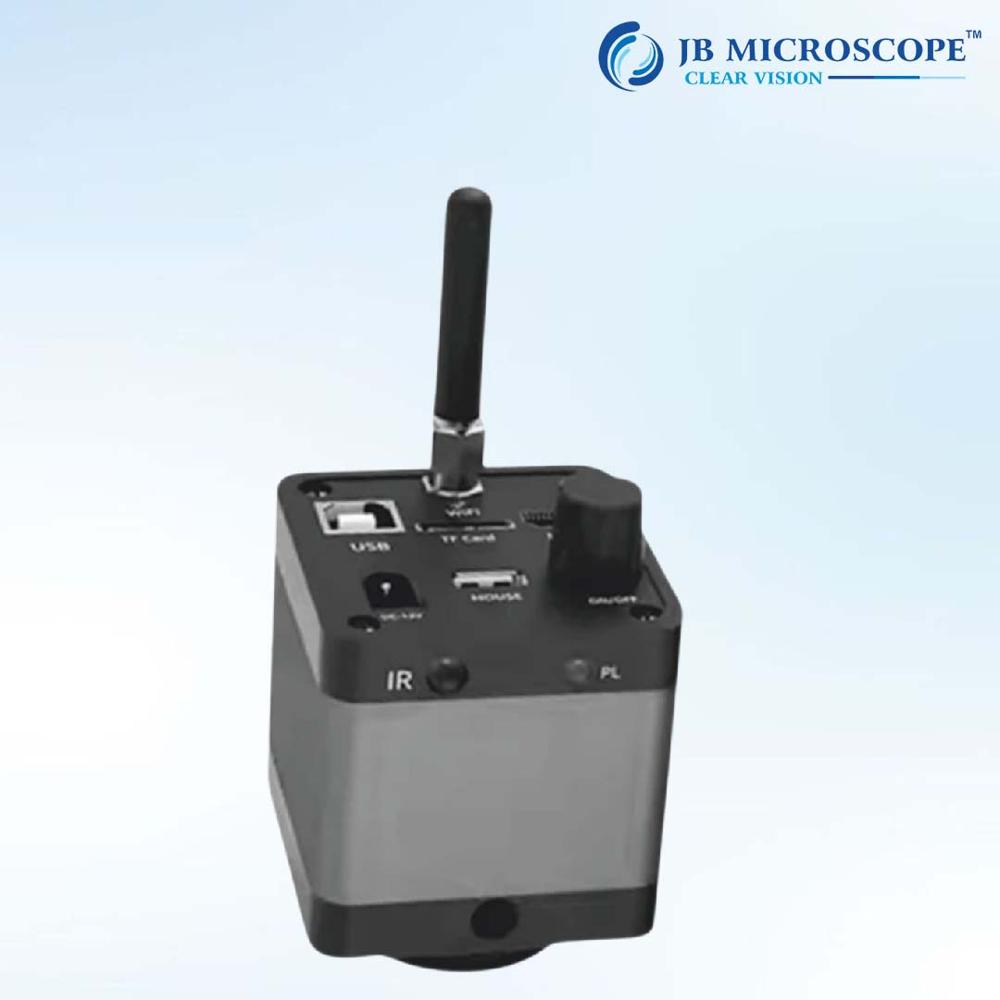
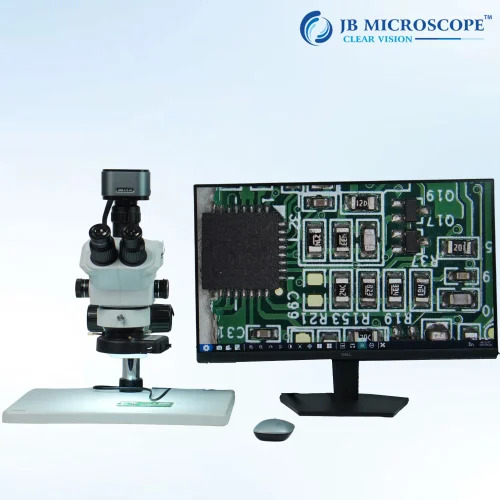
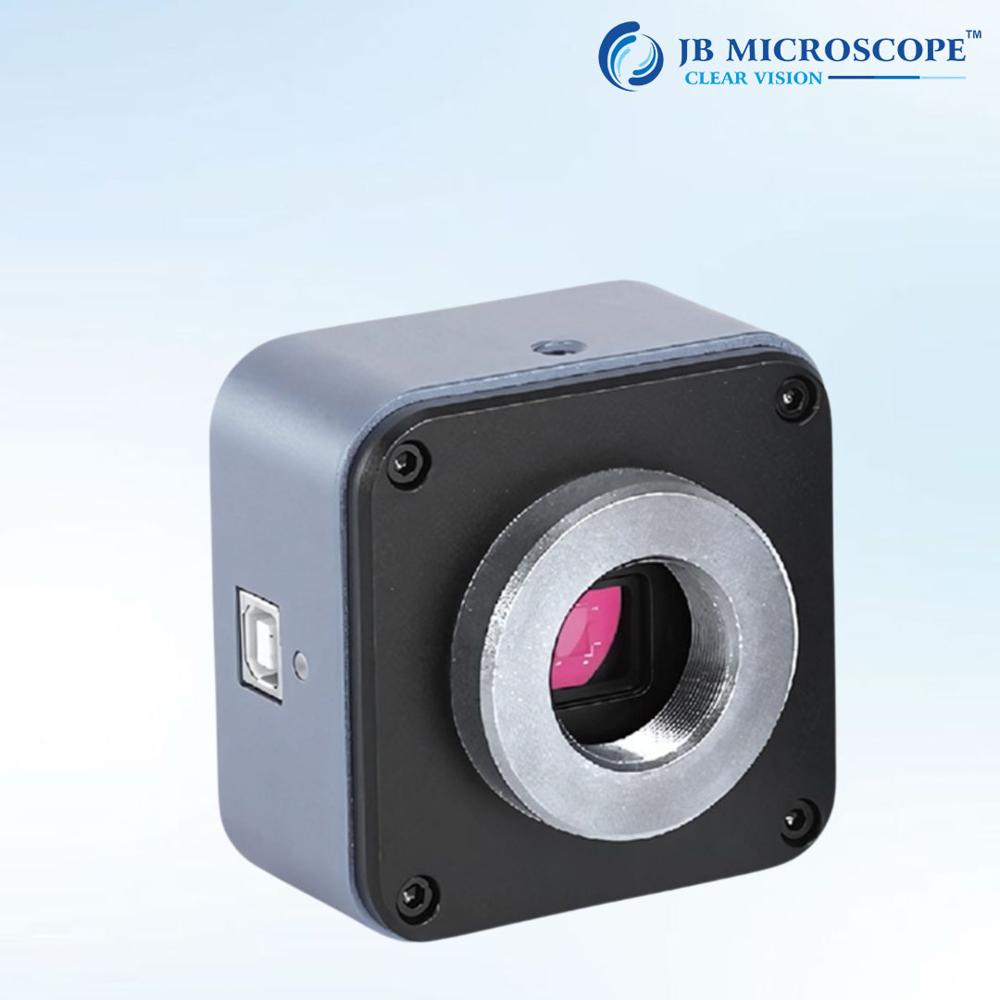
About Wifi Industrial Microscope Camera JBM-WF5
| Sensor resolution |
2 MP |
| Resolution |
1920*1080 |
| Output interface |
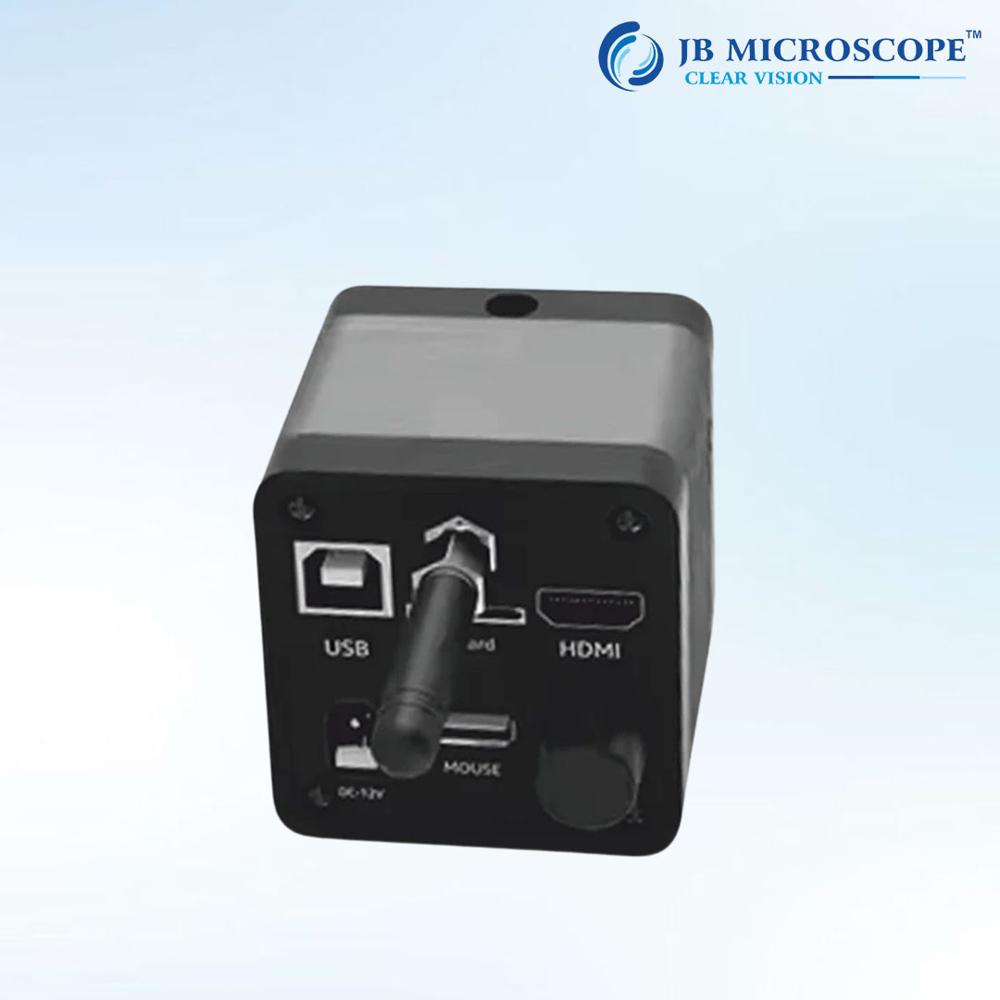
HDMI |
| Sensor size |
1/2.3 inch |
| Brand |
JB MICROSCOPE |
| Model Name/Number |
JBM-WF5 |
| Camera type |
WiFi camera, USB camera, HDMI camera, C mount camera, CMOS camera |
| PC software |
Windows Mac, Windows |
| Power supply |
12 V DC |
| Country of Origin |
Made in India |
- Model number : JBM-WF5
- Type : Other
- Pixel : 2MP
- Illumination : None
- Port: USB & HD wifi
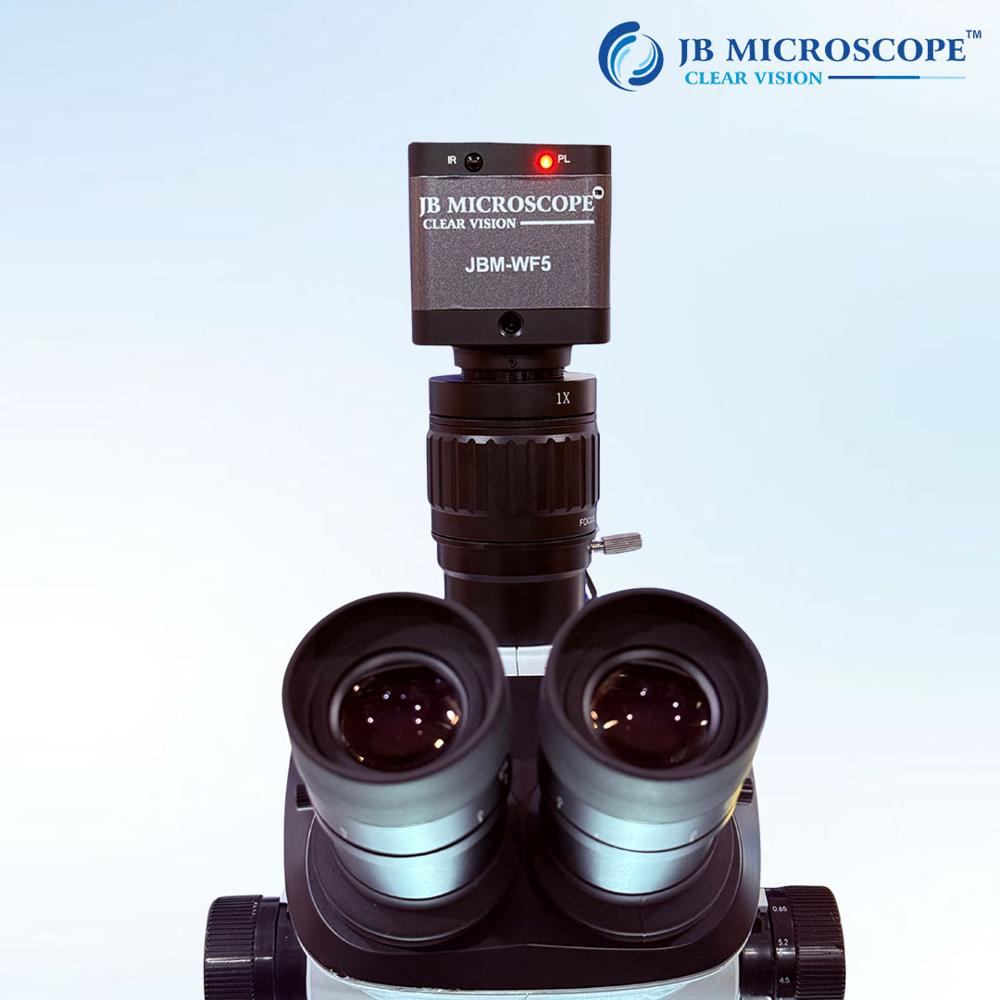
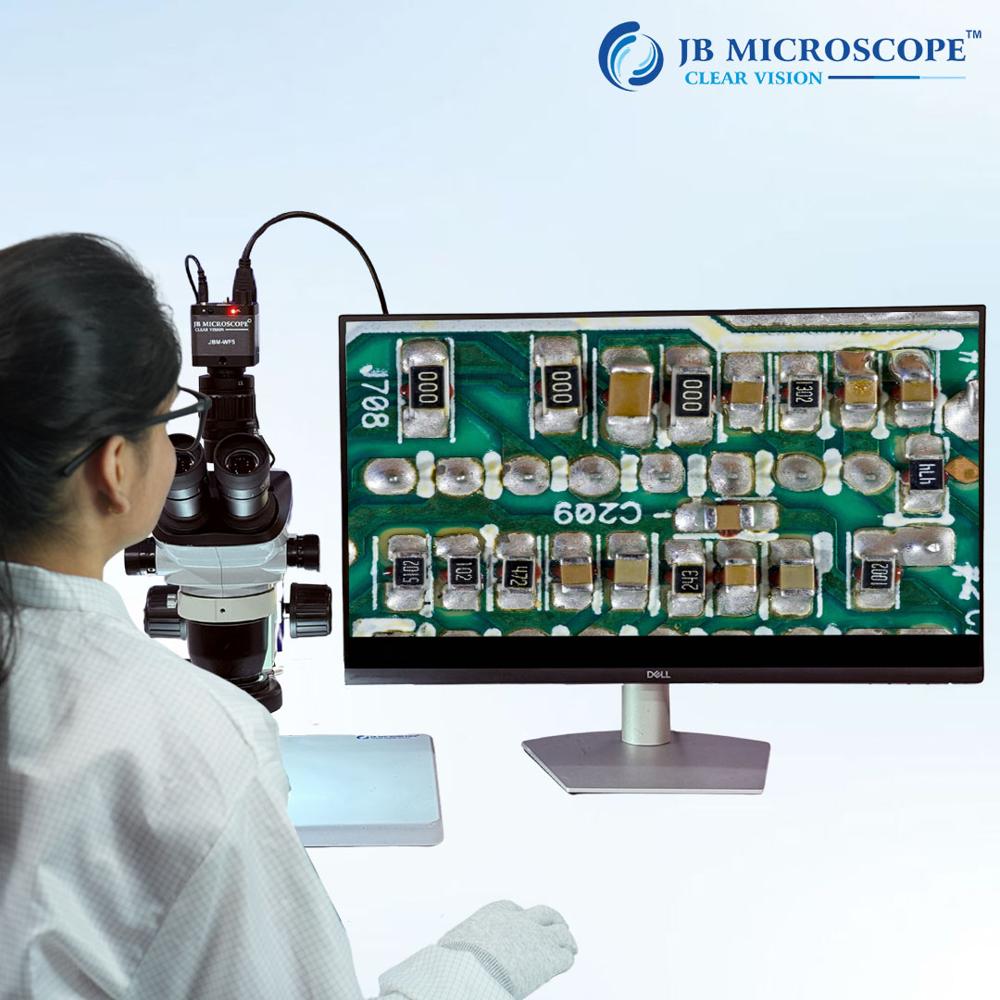
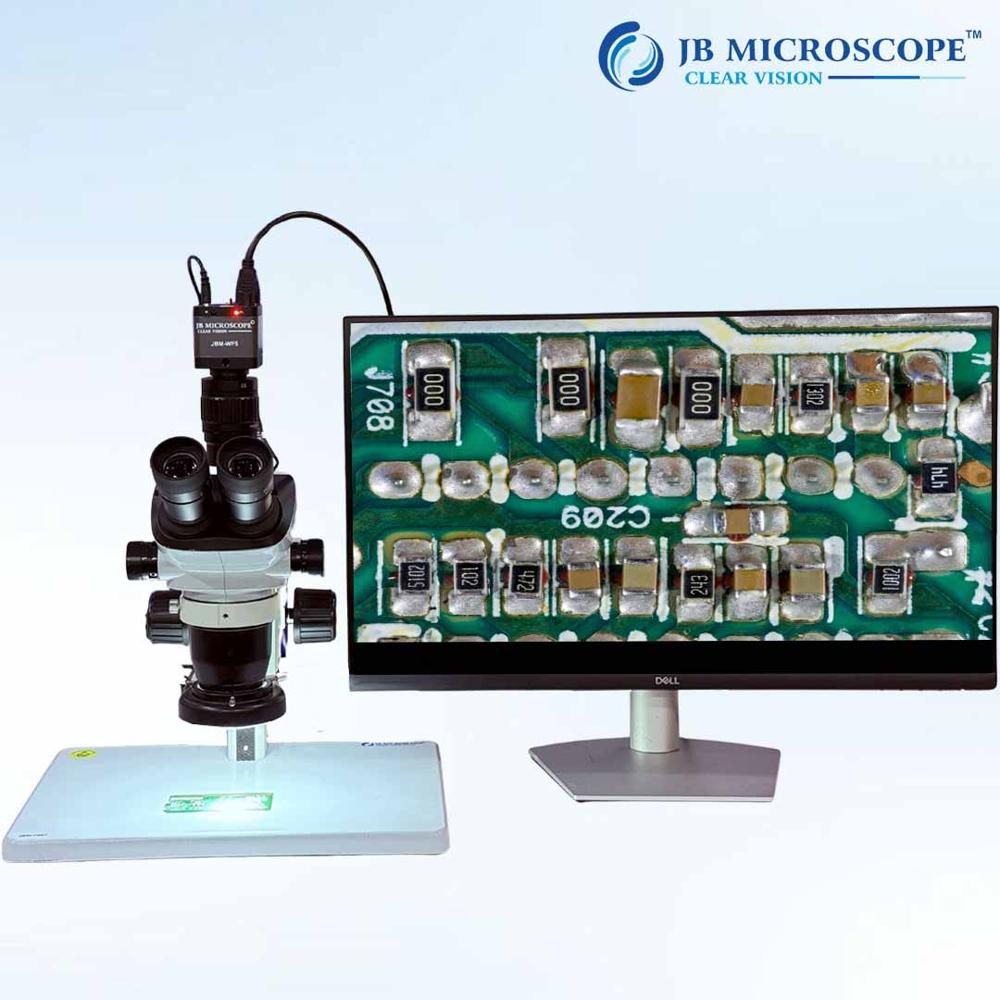
- Application: For Trinocular and electronic microscope
- Sensor Frame :1/2.33inch
- rate Video : 60F/S @ HD output
- record : Support
- Warranty 1 year
Seamless Wireless ConnectivityThe JBM-WF5 microscope camera offers effortless wireless transmission using IEEE 802.11b/g/n, allowing you to connect quickly to your smartphone, tablet, or PC. No tangled cables-just power up, open the app, and start viewing or recording instantly. Live streaming your discoveries becomes simple, whether you are on the move or settled at your workspace.
Precision Imaging and VideoEquipped with a 2.0 Megapixel CMOS sensor and offering Full HD 1080p video capture, the JBM-WF5 delivers clear images and videos in JPEG and AVI formats. The adjustable lens (8x-100x optical and digital zoom) and eight variable white LEDs ensure you can adapt lighting and magnification to capture the smallest details with clarity.
Portability and Versatile MountingWeighing approximately 90g and designed with a robust ABS plastic body, the JBM-WF5 is built for convenience. Use it handheld for quick checks or mount it on its adjustable stand for steady inspections. The built-in 2000mAh battery ensures continuous operation, perfect for use in field or in laboratories.
FAQ's of Wifi Industrial Microscope Camera JBM-WF5:
Q: How do I connect the JBM-WF5 microscope camera to my mobile device or PC?
A: The JBM-WF5 connects wirelessly via WiFi. Simply power the camera on, enable WiFi on your mobile device or PC, connect to the camera's WiFi network, and launch the compatible app (available for iOS and Android) to start viewing live images and videos.
Q: What is the process for focusing and adjusting the lighting on the JBM-WF5?
A: Focus adjustment is manual, ranging from 3mm to infinity. Rotate the focus ring on the camera body until your subject is clear. Adjust the brightness with the dial to control the 8 white LEDs for optimal illumination depending on your environment and sample.
Q: Where can I store the photos and videos captured with the JBM-WF5?
A: Captured photos (JPEG) and videos (AVI) can be stored directly on a Micro SD card (up to 64GB supported) inserted into the camera. Additionally, images and videos can be saved to your connected mobile device or PC via the companion app.
Q: When is it best to use the different mounting options for the camera?
A: Use the handheld mode for quick inspections or when working in tight spaces. For tasks that require stability or extended observation, the adjustable stand provides a fixed position, ensuring sharp, jitter-free images and video.
Q: What are the main benefits of using the JBM-WF5 compared to traditional microscopes?
A: The key benefits include real-time wireless viewing, portability, built-in illumination, easy storage, and compatibility with various digital devices for sharing and analyzing results. Its rechargeable battery and lightweight design make it ideal for on-site or field applications.
Q: How do I record videos or take snapshots with this microscope camera?
A: Within the companion app, simply use the snapshot button to take photos or press the video record button to start capturing video. All recordings can be managed and reviewed within the app, and saved either on the Micro SD card or directly to your device.
 Rajouri Garden,New Delhi, India





 Send Inquiry

 Send Inquiry


 Send Inquiry
 Send SMS