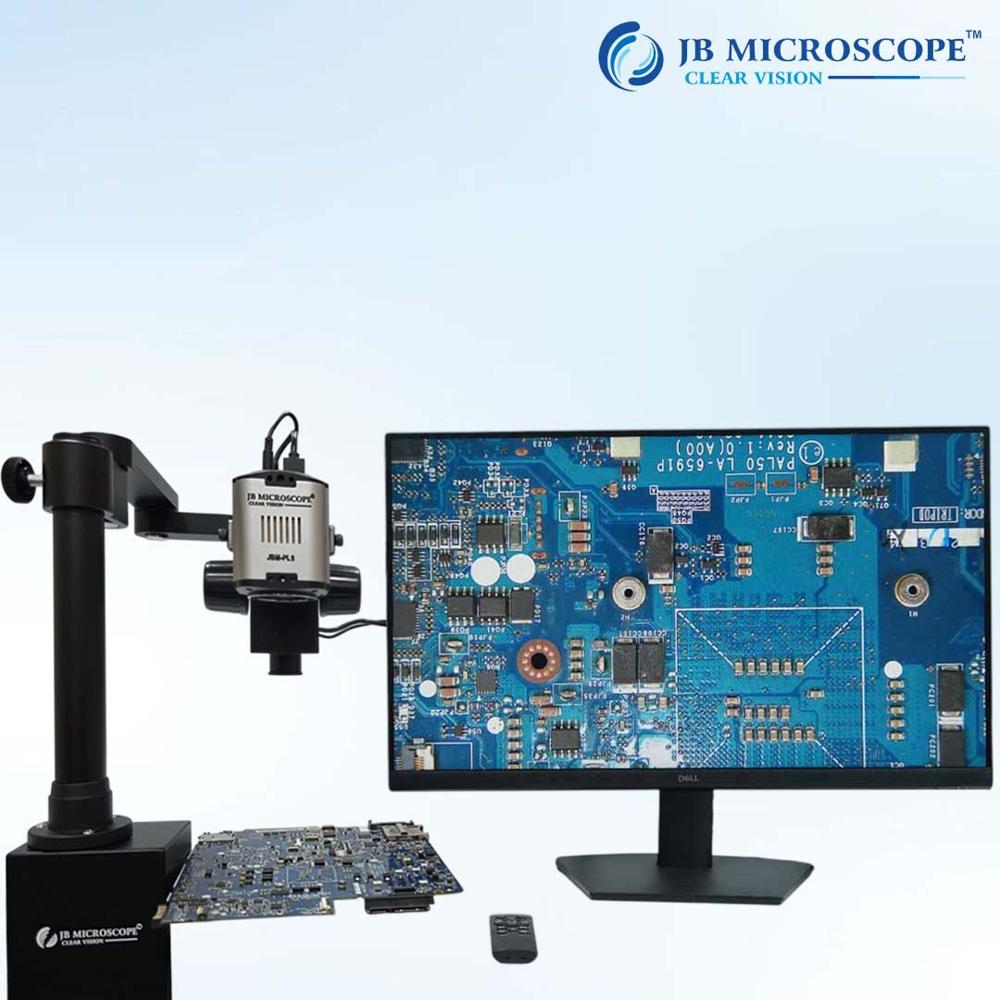
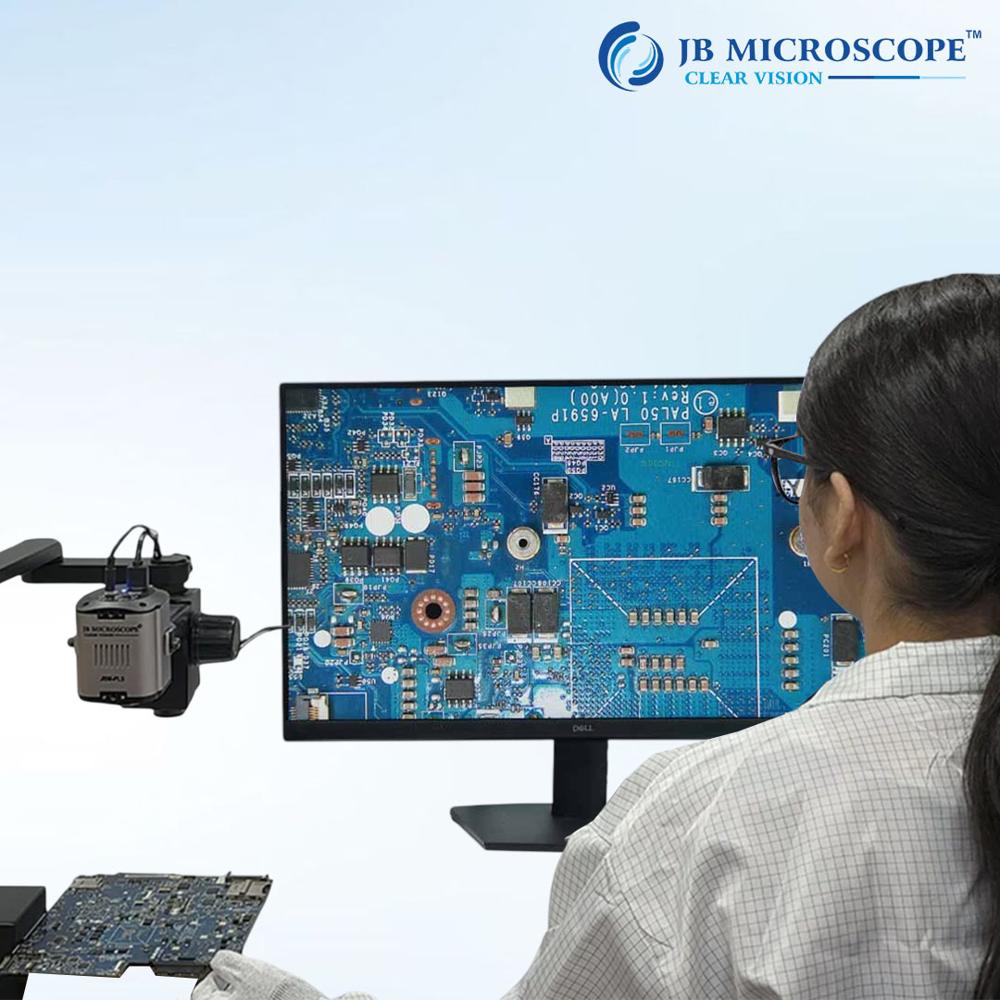
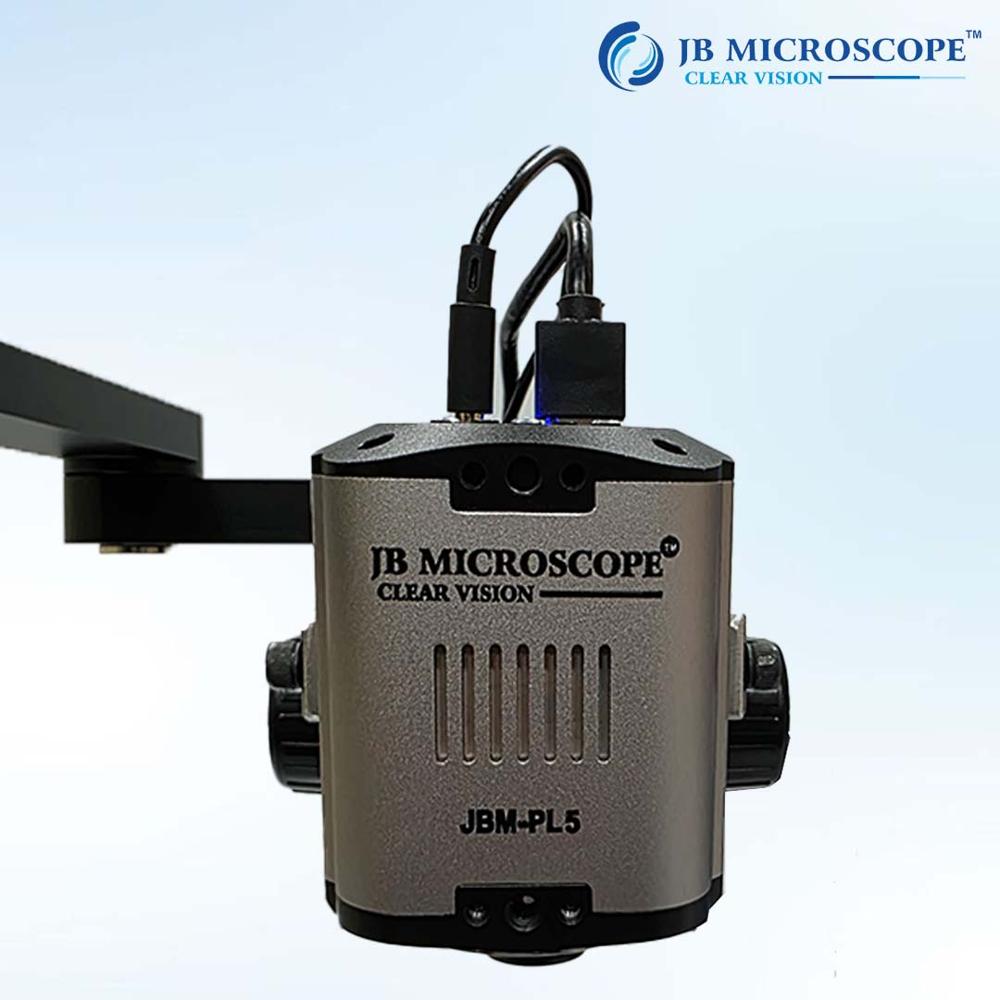
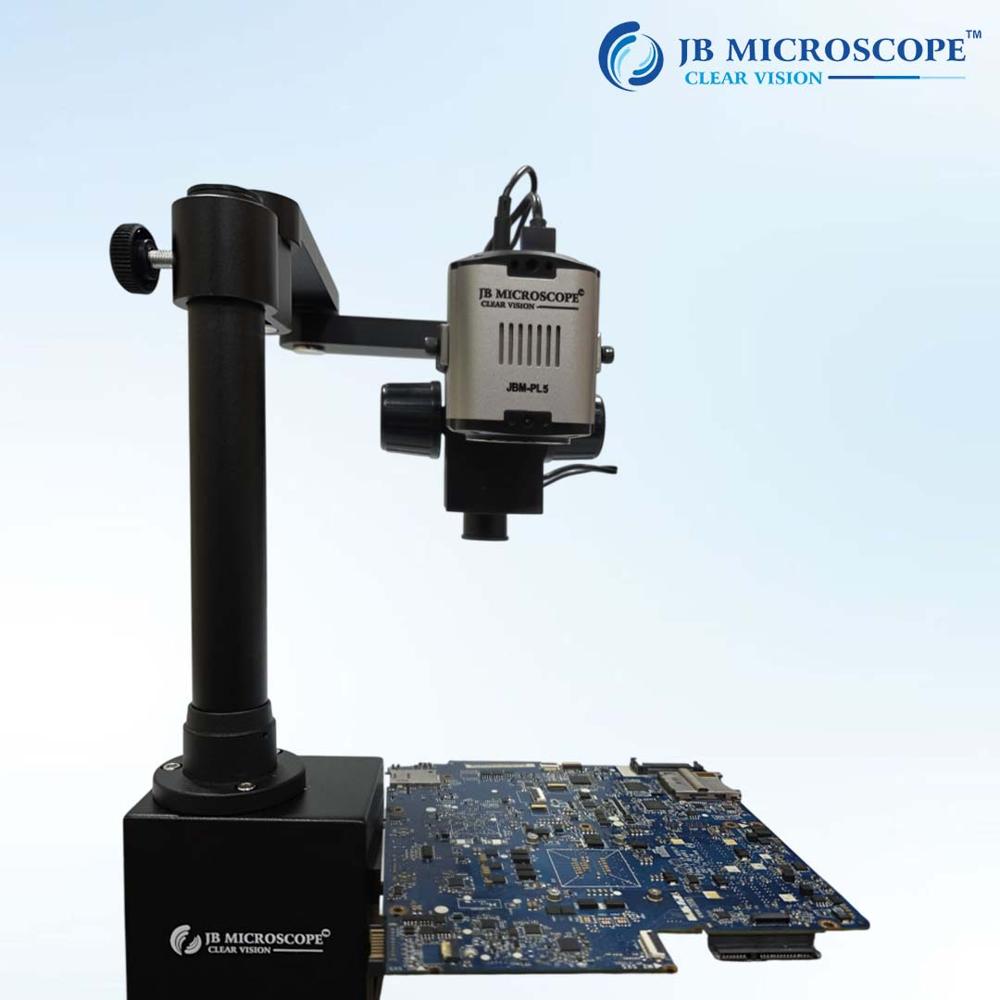
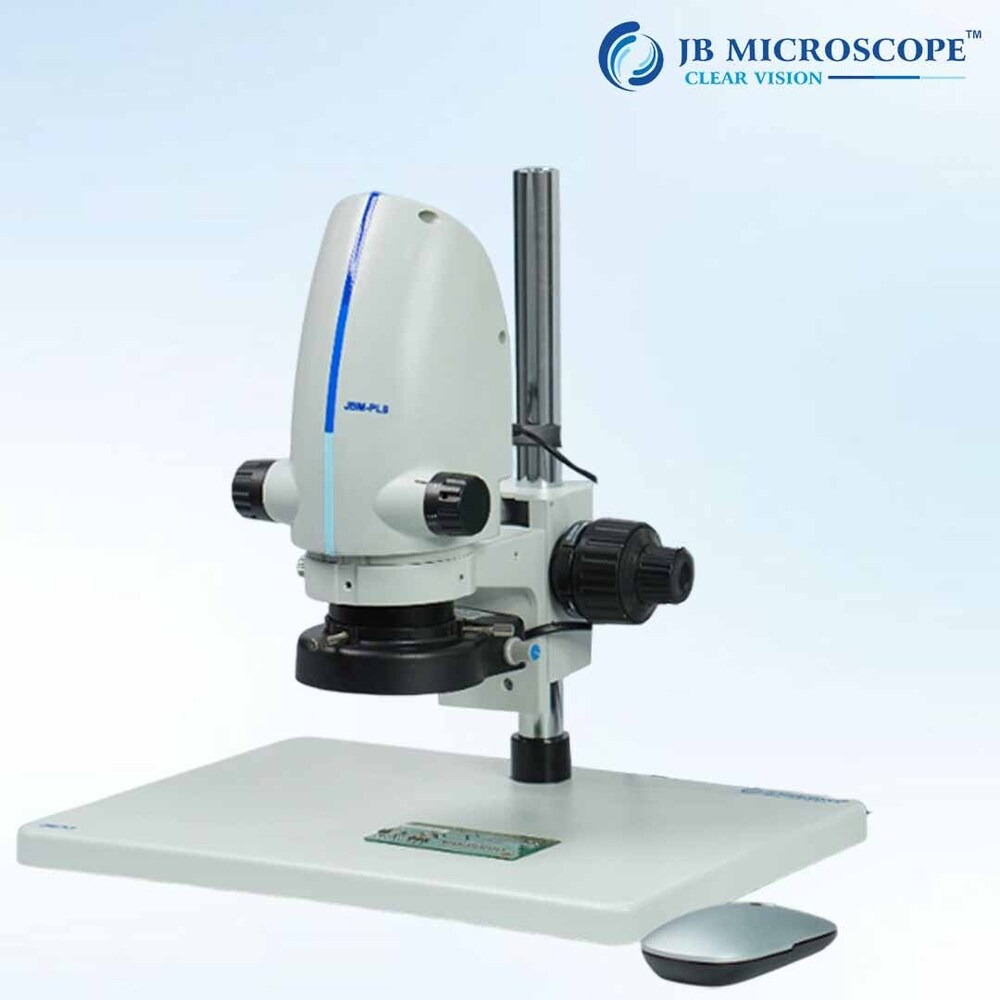
About 4K Digital Autofocus Camera JBM-PL5
| Optical Zoom |
100X |
| Magnification |
10x |
| Camera Resolution |
8 MP |
| Camera Range |
10 m |
| Image Sensor |
1/2.8inch |
| Country of Origin |
Made in India |
| Focus: |
near /far, automatic/ manual/ semi-automatic (one-touch) |
| Pixel size |
2.0umx2.0um |
| Output connection two |
HDMI + USB dual output |
| Lens: |
10x |
| Zoom range |
And 10x optical magnification |
Minimum order quantity: 1 Piece
Support HDMI+USB dual output display.
Highprecision10X optical magnificationlens,67.5 degrees without distortion.
High-performance image processor with built-in 3D noise reduction algorithm.
TOF recognition,precise autofocus,presetbitfocus.
Versatile Digital Autofocus CameraThe JBM-PL5 seamlessly supports both manual and digital autofocus, giving users flexibility in capturing high-resolution images up to 3840x2160 (4K). Its design accommodates various optical requirements, thanks to the trinocular head, widefield eyepieces, and adjustable interpupillary distance. The robust housing ensures long-lasting performance for demanding laboratory or field use.
Comprehensive Connectivity and StorageSupporting USB 3.0, HDMI, and TF card interfaces, the JBM-PL5 allows direct connection to computers and displays. With microSD/TF card support up to 64GB, you can easily store images and videos in JPEG, PNG, BMP, and AVI formats. Both power supply and essential accessories like the calibration slide and cables are included for out-of-the-box usability.
User-Friendly Imaging SolutionIncluded image analysis and measurement software simplifies data processing and documentation. The autofocus mechanism, digital zoom up to 8x, and an easily rotatable 360 viewing head add to user convenience, making this camera ideal for teaching, demonstration, or detailed inspection applications.
FAQ's of 4K Digital Autofocus Camera JBM-PL5:
Q: How do I switch between auto and manual white balance or exposure modes on the JBM-PL5?
A: You can select auto or manual modes for both white balance and exposure directly through the camera's menu system. Access the settings using the included software or the on-device buttons, allowing precise adjustments to suit your imaging needs.
Q: What operating systems are compatible with this camera, and do I need additional drivers?
A: The JBM-PL5 supports Windows 7/8/10 and Mac OS X. The required drivers and the image analysis software are included, enabling quick and straightforward installation without the need for separate downloads.
Q: Where can I view or output the captured images and videos from the JBM-PL5?
A: Captured images and videos can be saved to a microSD/TF card (up to 64GB supported) and viewed directly on any HDMI display or monitor by connecting via the built-in HDMI port. Additionally, you can transfer files through the USB 3.0 interface for computer viewing or processing.
Q: What is the process for capturing still images and recording videos with this camera?
A: To capture still images or videos, use the snapshot button or the software's capture function. Still images are stored up to 8MP, while video is captured at up to 3840 x 2160P, 30fps. Files are automatically saved to the connected storage option selected (TF card or computer).
Q: How does the autofocus and digital zoom enhance my microscopy work?
A: Autofocus ensures sharp, clear images with minimal manual adjustment, saving time during frequent sample changes. The up to 8x digital zoom allows detailed inspection without losing image integrity, making it ideal for high-precision tasks and educational demonstrations.
Q: When should I use manual focus instead of autofocus?
A: Manual focus is useful when dealing with specimens that have irregular surfaces or when working under challenging lighting conditions. It allows you finer control over the focal point, ensuring optimal image clarity for complex samples.
Q: What benefits does the included image analysis and measurement software offer?
A: The bundled software provides tools for image measurement, annotation, and data management, streamlining the analysis process. This is particularly advantageous for research and quality control, as it enhances documentation accuracy and allows for more efficient workflow organization.
 Rajouri Garden,New Delhi, India





 Send Inquiry

 Send Inquiry


 Send Inquiry
 Send SMS