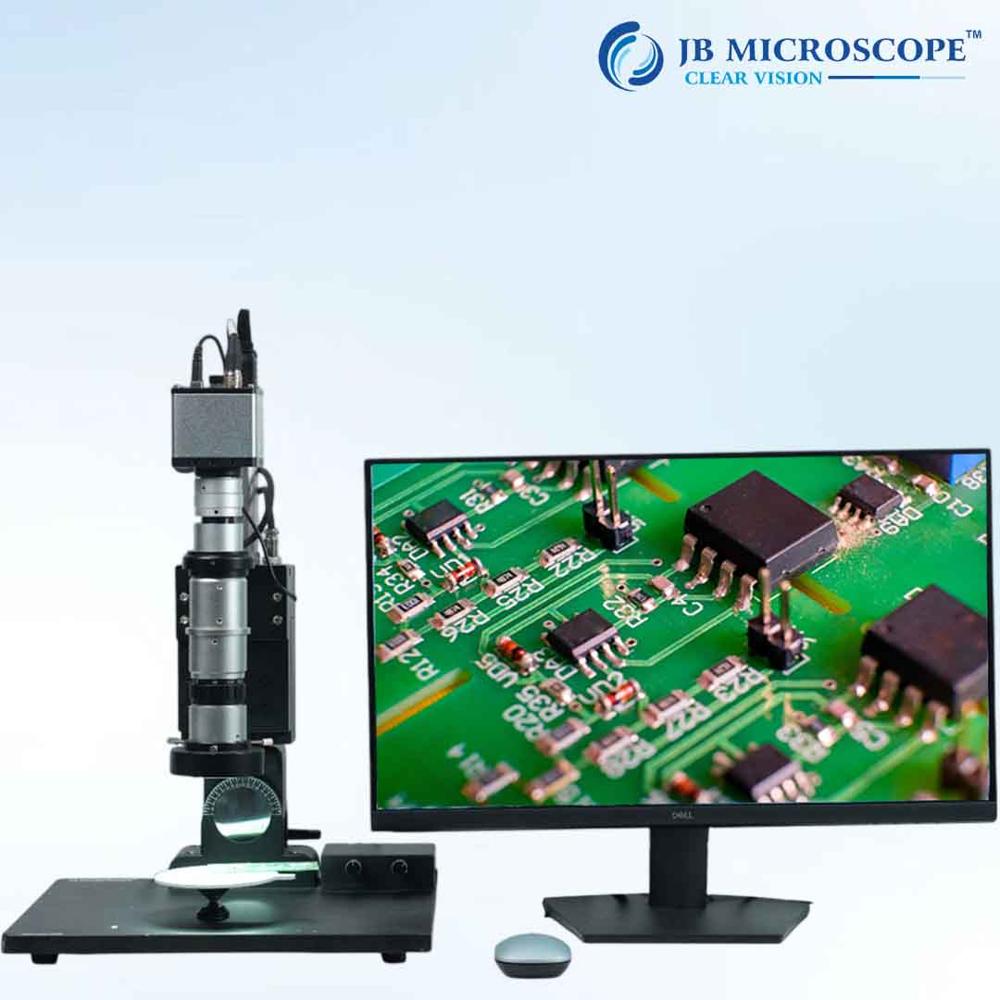
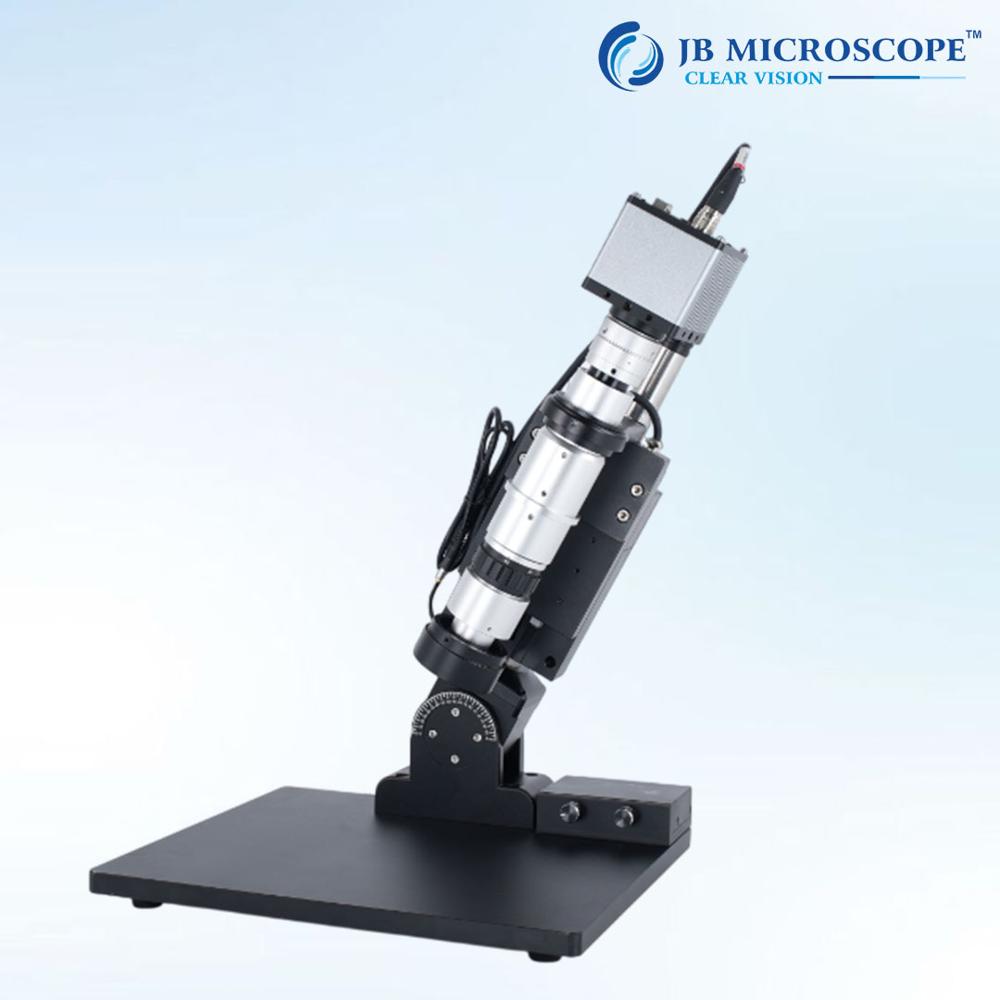
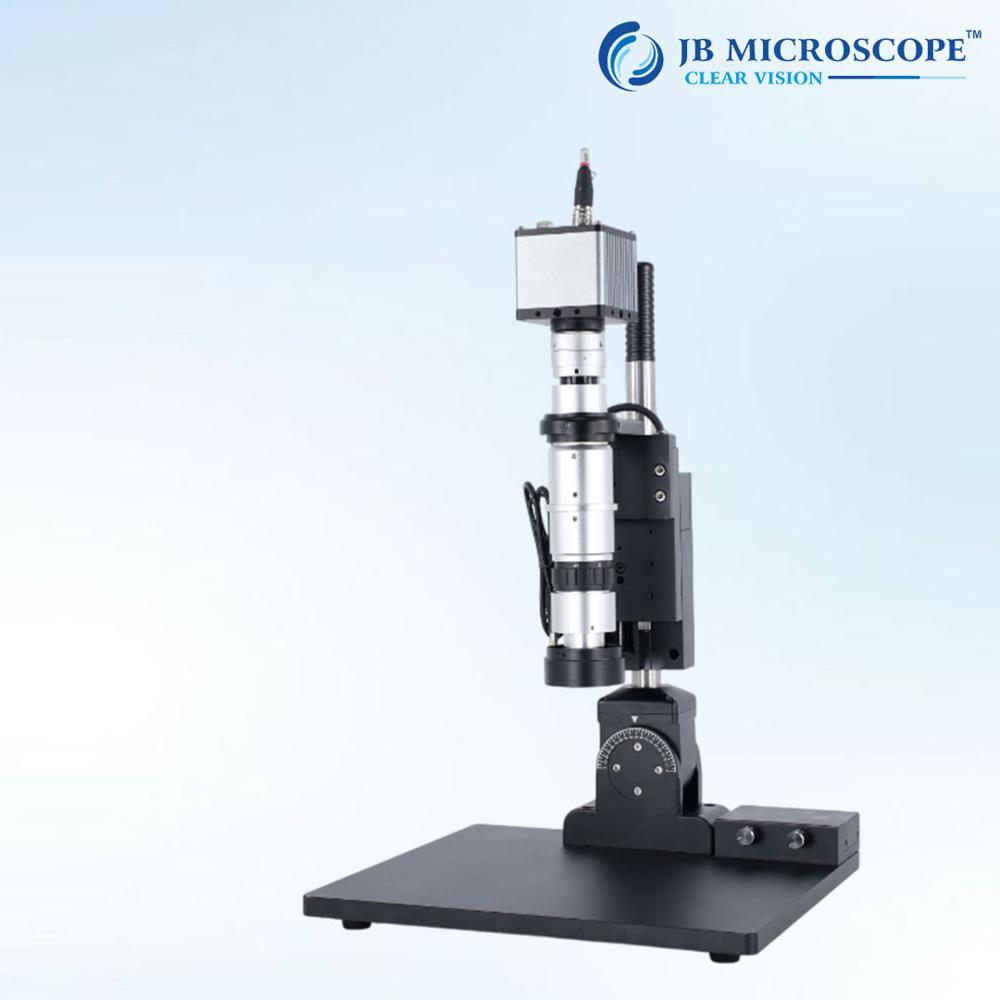
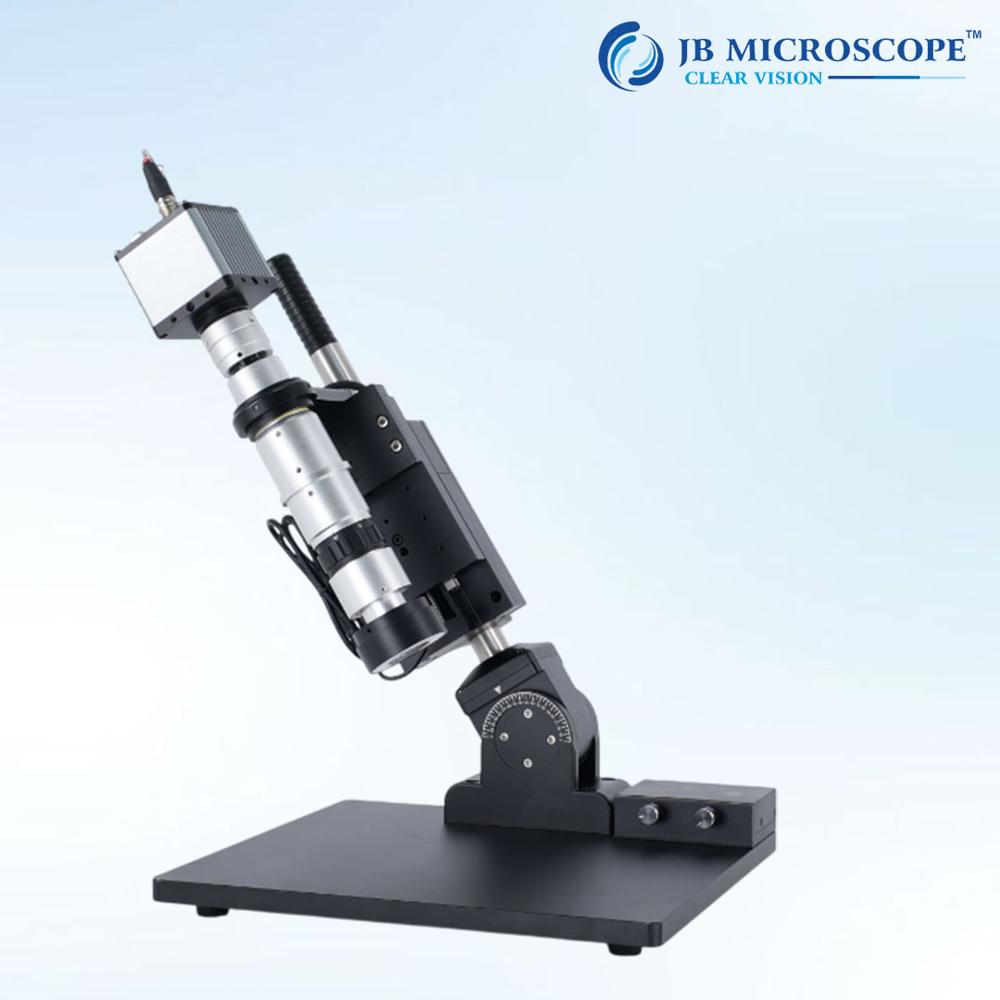
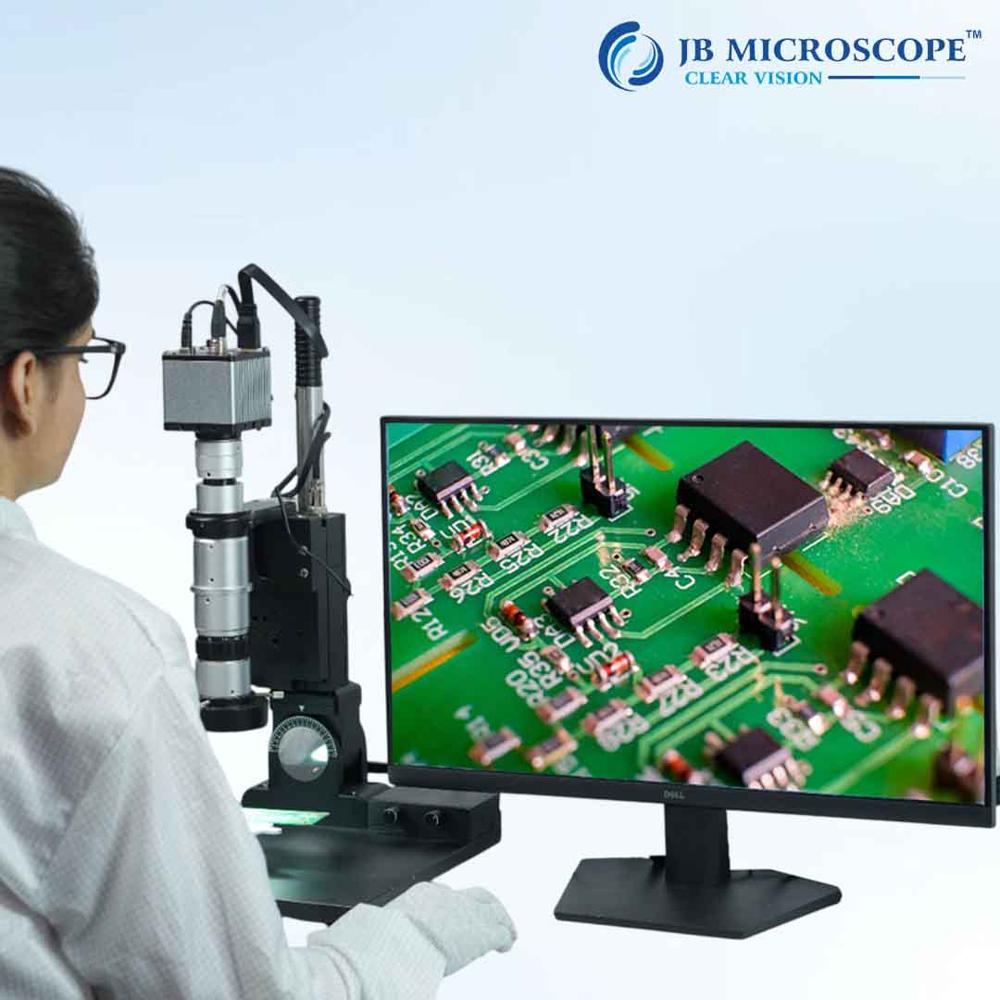
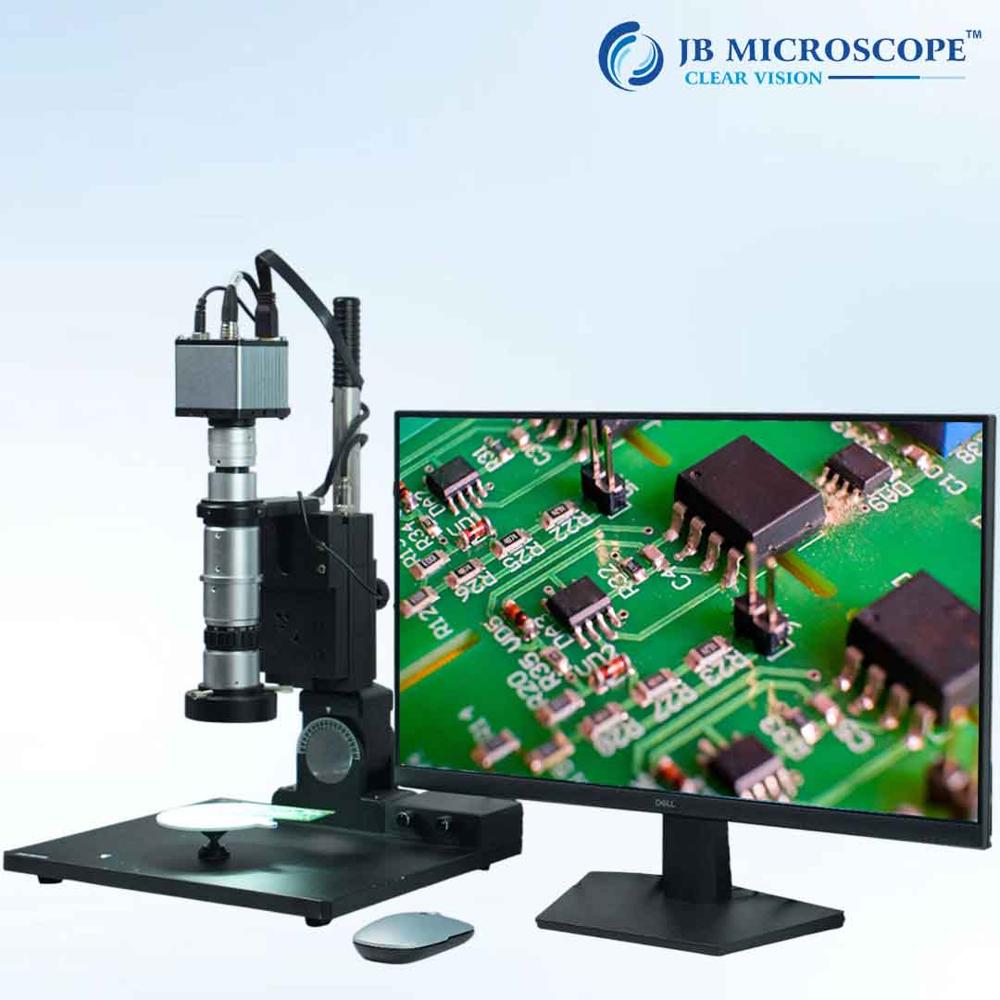
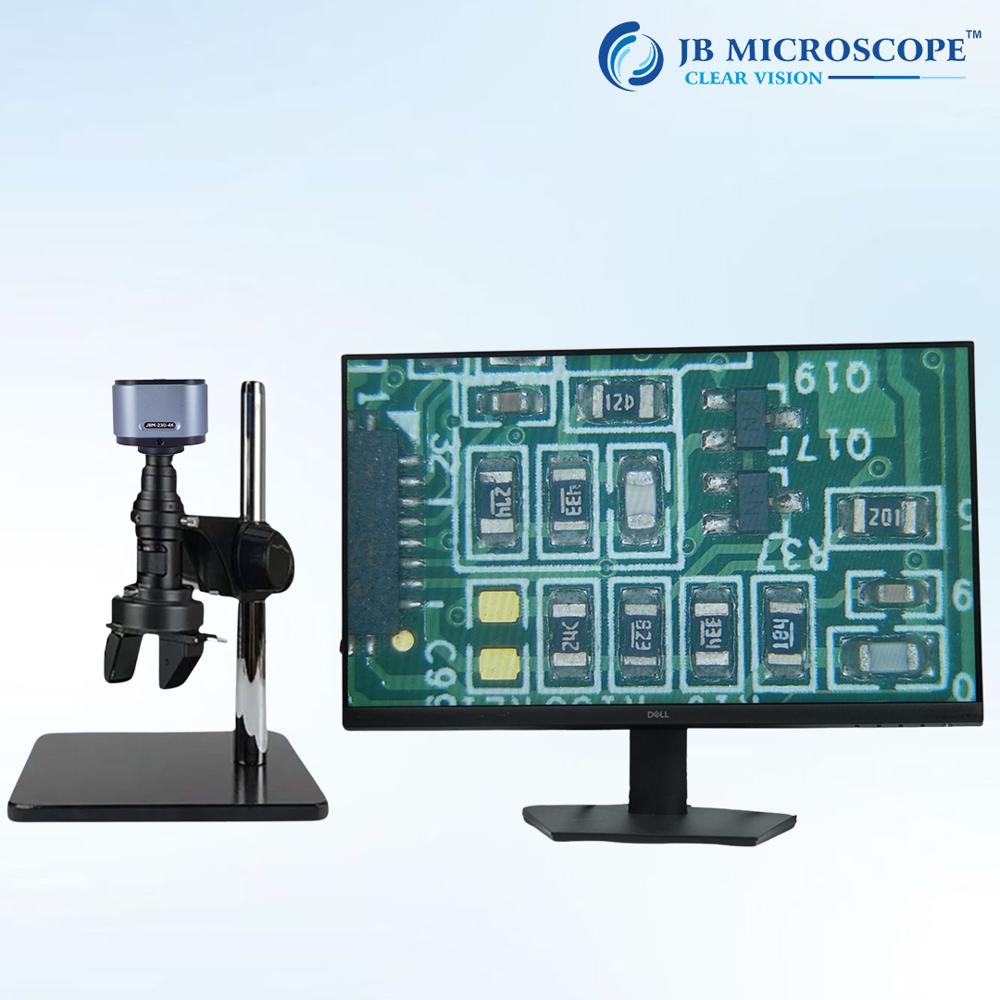
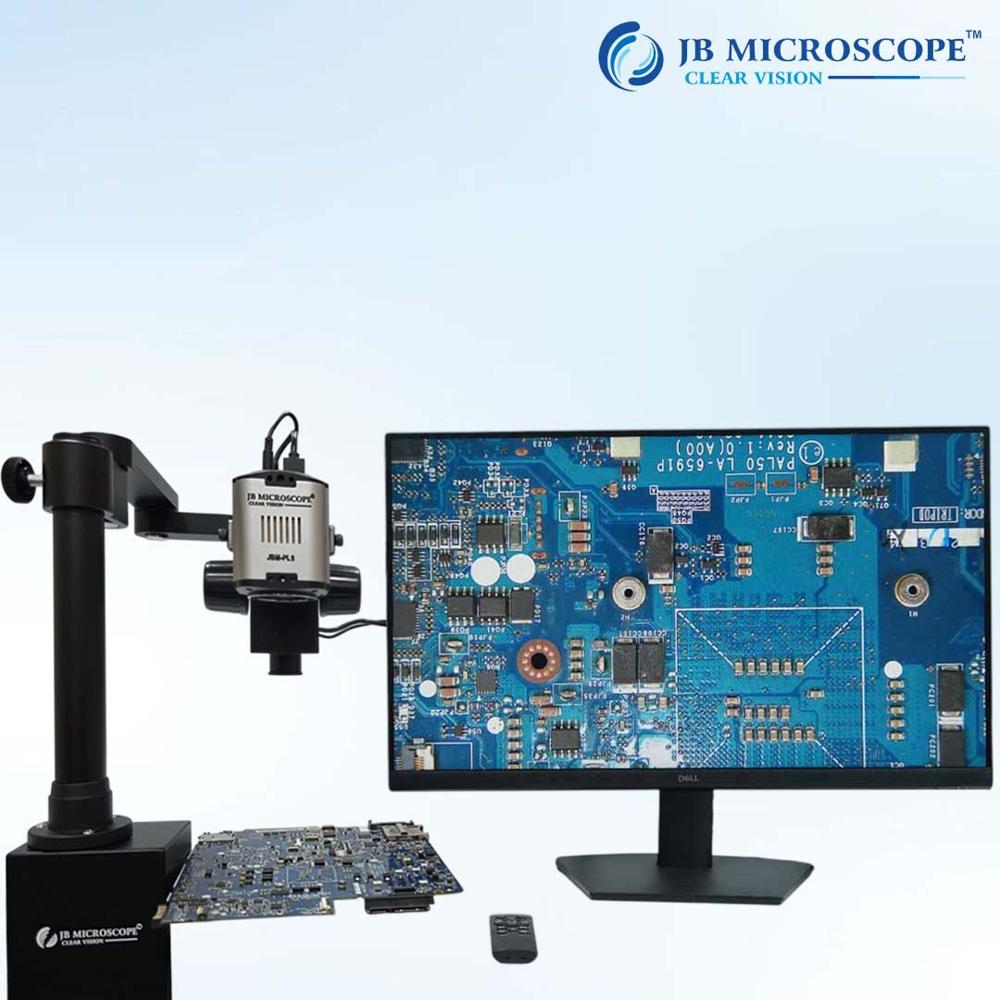
About Digital Microscope JBM-HM1000
Capable of measuring height in microns! High accuracy achieved through ultra-high magnification
Comes with an indicator for measuring height
Ultra-high magnification of up to 1000x!
Minimizes chromatic aberration
Sharper edges
Japans top zoom ratio of 12
Adopts a global shutter to prevent screen shaking at ultra-high magnification ranges
Coaxial lighting type
Comes standard with simple measurement software that can measure the distance between two points
SPECIFICATION
- Model Number JBM HM1000
- Magnification 230x 1000x Magnification value is calculated and converted to apply to 17-inch monitors.
- Field-of-view 1.5 mm x 1.25mm
- Supported Operating System Windows 1 O, 11
- Memory 8GB or more
Camera
- Image Sensor 1/2CMOS
- Number of Pixels 5.0 MP
- Resolution 26002160
- Frame Rate 26002160 (59.8fps) Actual frame rate varies depending on the performance of the computer and the settings.
- Connection USB3.0
- CPU Requirement intel core i5 or above
LENS
- Working distance 14mm constant
Introduction of optional software
We also offer a lot of optional software for measurement, focus stacking, automatic visual inspection, image connection, and graphite periodization rate measurement. You can also use the commercially available application (* DirectShow compatible) that are currently in use.
- Measurement support (Edge automatic fit) function
Pin-point digital zoom function
Focus stacking function for easier use
GS-4S0 calibration tool also included
(with 4 sets of increments 20m / 100m / 500m / 1mm)
-
[Measurement items]
- Distance between two points
- Distance between parallel lines
- Distance between horizontal parallel lines
- Distance between vertical parallel lines
- Vertical distance
- Distance between circle centers
- Point coordinates
- Angle from 3 points
- Angle from 4 points
- Diameter of a circle defined by 3 points. Diameter of an approximate circle
- Rectangle
- Ellipse
- Approximate straight line
- An arc defined by 3 points, etc.
Exceptional Imaging and Video CapabilitiesThe JBM-HM1000 digital microscope uses a high-sensitivity CMOS sensor to provide Full HD resolution (1920x1080 pixels) at 30fps. It supports both still image and video capture, making it ideal for documentation, quality checks, or educational demonstrations. Achieve clear and vivid visuals whether you project images to a monitor or record them directly onto an SD card.
Flexible Magnification and FocusWith a magnification range of 20x to 800x (digital zoom), this microscope caters to a variety of inspection needs. Adjust the focal distance from 10mm to 50mm and fine-tune focus manually for crisp, precise imaging. Optional wide-field eyepieces and coarse/fine focus adjustment further enhance user control.
User-Friendly Connectivity and OperationDesigned for ease of use, the JBM-HM1000 connects to your PC or laptop through USB 2.0 or HDMI. It works seamlessly with multiple operating systems including Windows XP through 10 and Mac OS. Alongside real-time viewing and capture options, measurement software is provided for detailed analysis. The adjustable LED ring light ensures consistent illumination under varying ambient conditions.
FAQ's of Digital Microscope JBM-HM1000:
Q: How do I connect the Digital Microscope JBM-HM1000 to my computer for real-time viewing?
A: You can connect the JBM-HM1000 to your PC or laptop using the USB 2.0 interface or HDMI port. Simply install the included driver software if prompted, launch the provided measurement software, and start real-time viewing on your monitor. It is compatible with Windows XP/Vista/7/8/10 and Mac OS.
Q: What are the benefits of using the JBM-HM1000 digital microscope for inspections?
A: The JBM-HM1000 offers high-definition imaging and video capture, adjustable magnification up to 800x, and reliable measurements. Its ergonomic design and built-in illumination make it easy to observe fine details for quality control, research, or educational demonstrations.
Q: Where can I use the JBM-HM1000 digital microscope effectively?
A: This microscope is ideal for laboratories, educational institutions, electronics inspection areas, or any workspace requiring close-up visual analysis. Its portable design (approx. 350 g) and compatibility with various computer systems ensure it is suitable for both field and desktop applications.
Q: What process should I follow to install the microscope and its software?
A: Begin by connecting the microscope via USB and inserting the driver disc into your computer. Follow the step-by-step installation instructions, then install the measurement software. Once completed, start the software to access real-time imaging, capture, and analysis functions.
Q: How does the adjustable illumination enhance image quality?
A: The built-in adjustable LED ring light provides consistent, high-intensity illumination across your subject. This allows you to adjust brightness as needed, ensuring sharp image contrast and detail regardless of ambient lighting conditions, which is crucial for precision work.
Q: What are the minimum system requirements to use the microscope's software?
A: Your computer should have at least 512MB RAM, 1GB HDD free space, and be running Windows XP/Vista/7/8/10 or Mac OS. Meeting these requirements ensures smooth performance and compatibility with the included measurement software.
 Rajouri Garden,New Delhi, India





 Send Inquiry

 Send Inquiry


 Send Inquiry
 Send SMS