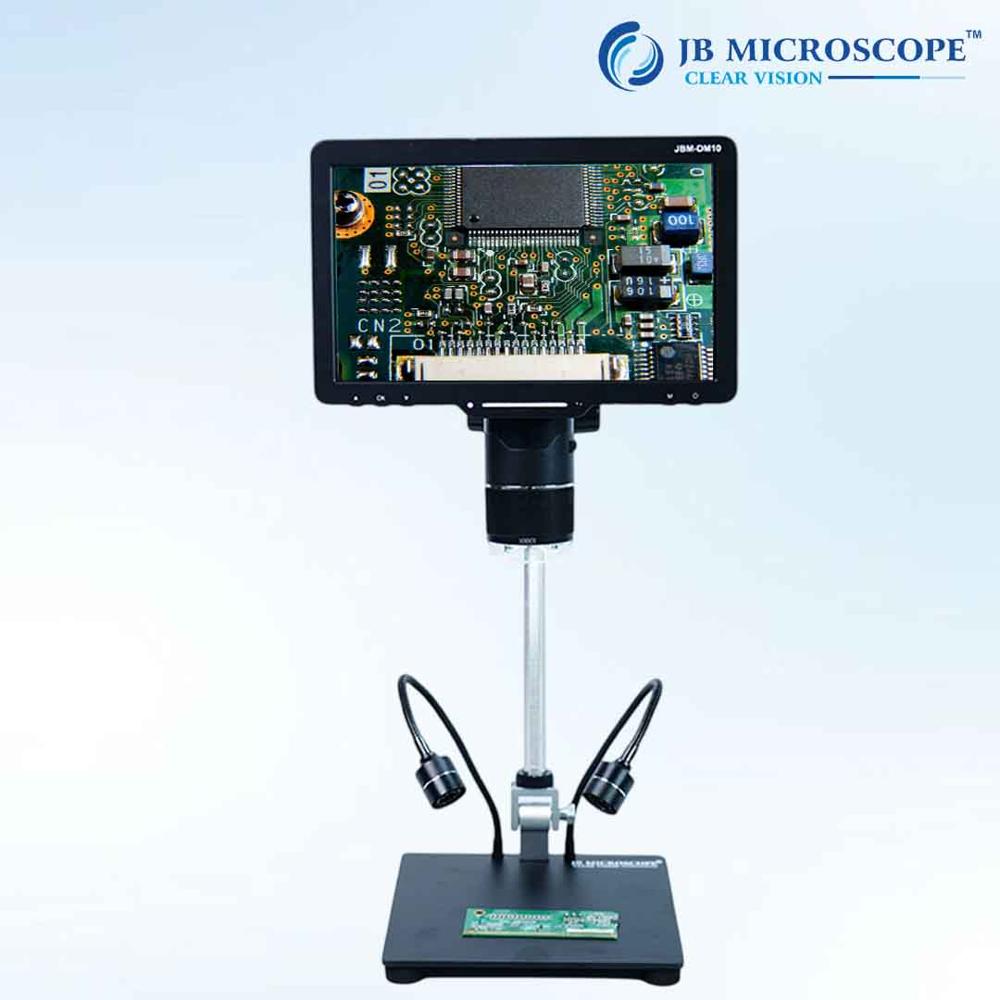
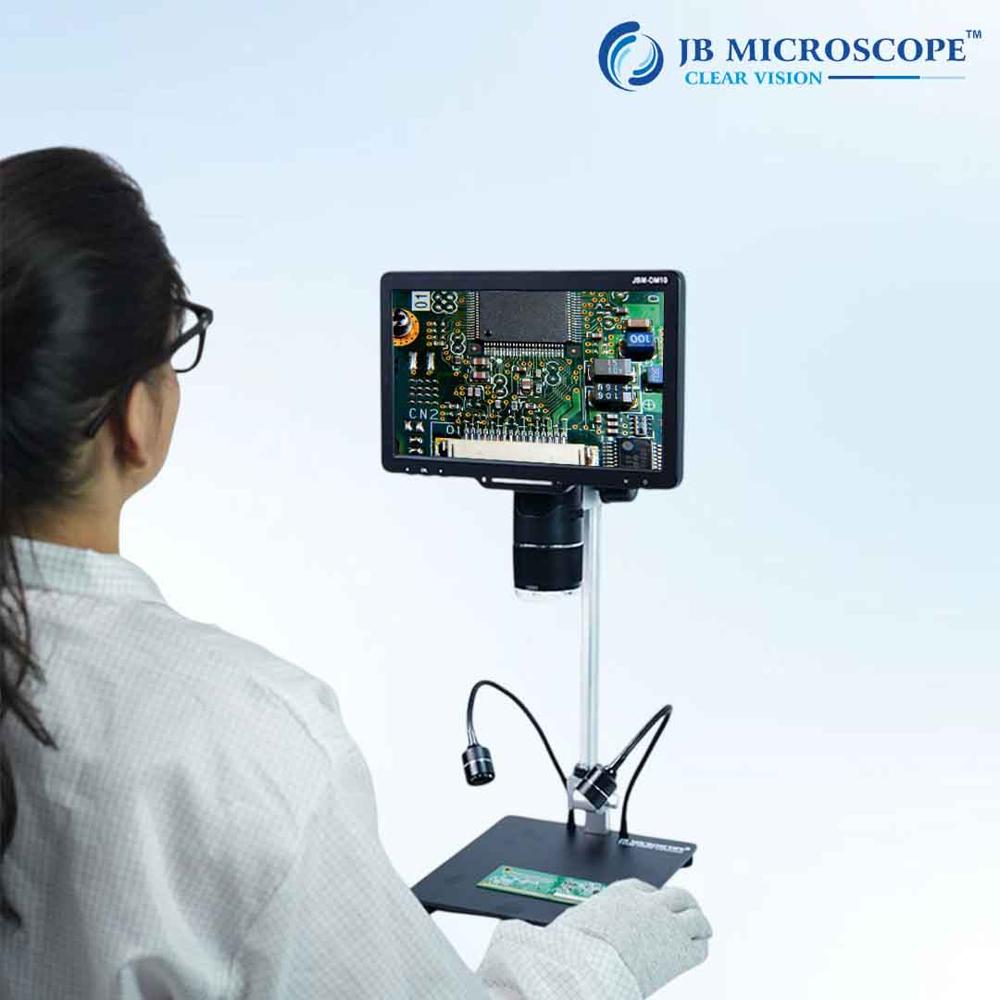
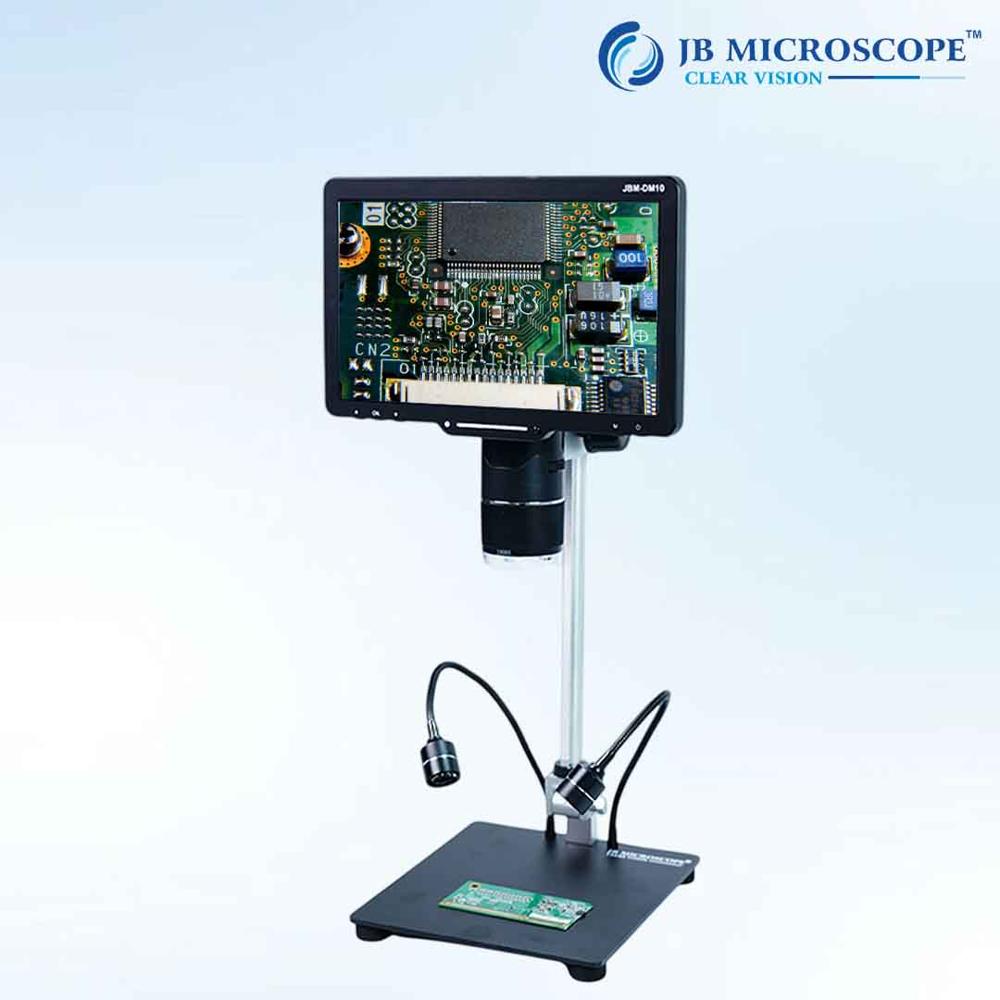
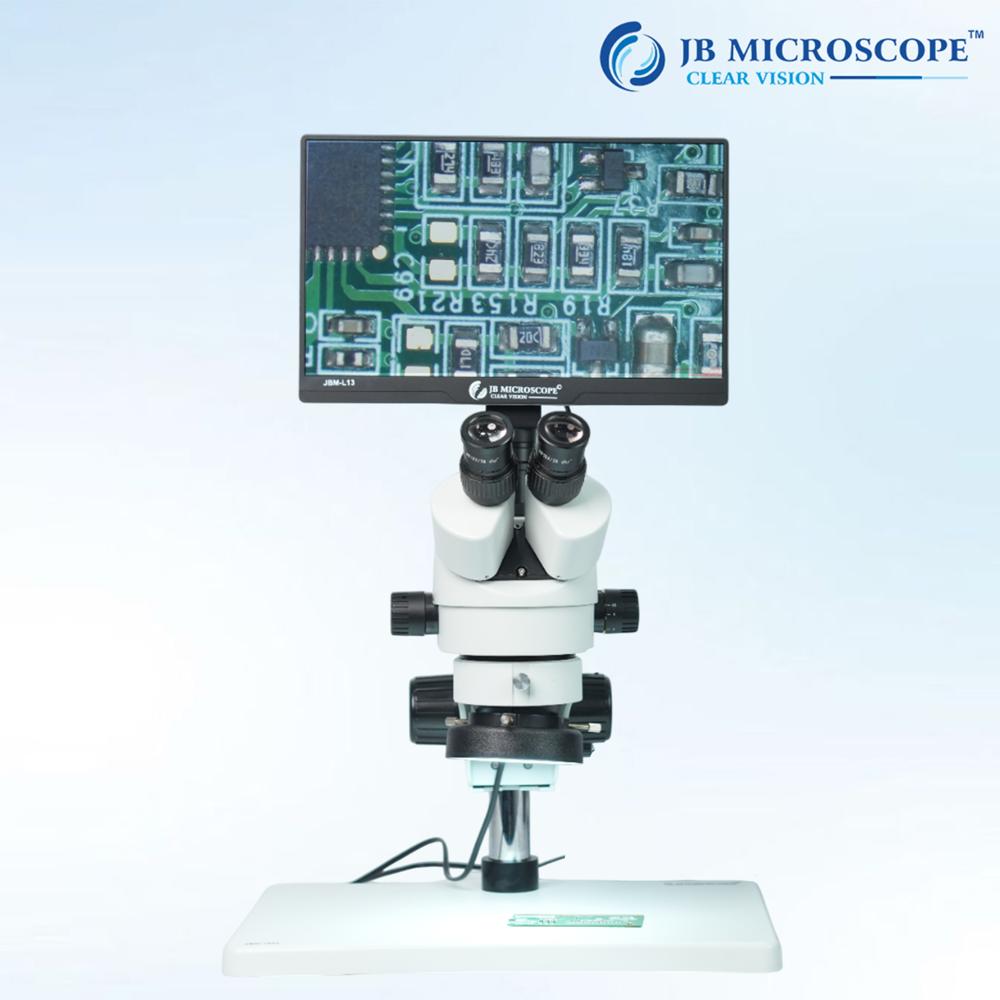
About DIGITAL MICROSCOPE JBM-DM10
- brand: JB MICROSCOPE
- Theory: Video Microscope
- Drawtube : Monocular
- Material : ABS
- Dimension : 31*29*10cm
- Magnification : 2000X
- Type : Digital Microscope, Stereo Microscope, Electron Microscope
- Screen : 10.1 inches IPS display
- Display resolution :1024*600 resolution
- Video Maximum Pixel:1080P
- Photo Resolution: 20M,16M, 12M, 8M, SM, 2M
- Video Resolution:1080P, 720P
- Video Format: mp4
- PC Resolution and Image Transfer Rate:1280*720/25fps
- PC Operating System:Win7, Win8.1, Win10, Mac OS x 12 or higher
- Interface and Signal Transmission Mode: Micro / USB 3.0 / HDMI
- Polymer lithium battery: 103665-3000mA
Advanced Imaging CapabilitiesEquipped with a high-resolution CMOS sensor, the JBM-DM10 captures detailed images at 1280 x 1024 pixels and video at 640 x 480 pixels. The integrated software enables image capturing, measurement, and annotation, making it suitable for documentation and analysis across a variety of fields including research, education, and quality control.
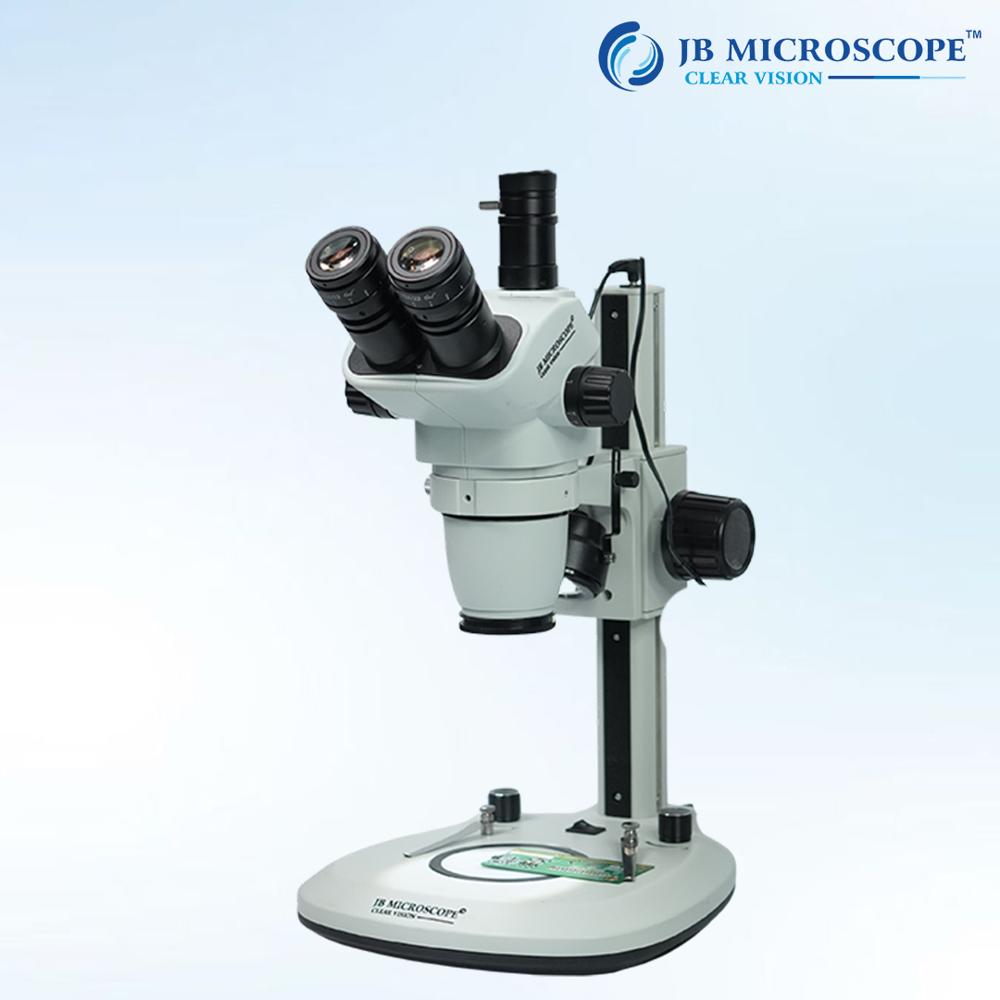
User-Friendly Ergonomics and ControlsThe inclined 30 Siedentopf head, adjustable interpupillary distance, and precision coarse and fine adjustments provide comfortable extended viewing and precise focusing. The durable, anti-fungal finish and double-layer mechanical stage further enhance user experience and equipment longevity.
FAQ's of DIGITAL MICROSCOPE JBM-DM10:
Q: How is the DIGITAL MICROSCOPE JBM-DM10 powered and installed?
A: The microscope operates on AC 220V/50Hz or AC 110V/60Hz and can be easily set up by connecting the included power supply. No complex installation is required; you simply plug in the unit and connect the USB 2.0 interface to a compatible Windows PC.
Q: What are the main benefits of using the JBM-DM10 in laboratory or educational settings?
A: Key benefits include ergonomic design for comfortable viewing, wide magnification range (40x to 1000x), precise imaging and measurement capabilities, anti-fungal durable finish, and comprehensive software support for image management and annotation.
Q: When should I use the adjustable LED illumination function?
A: Adjustable LED illumination should be used when observing specimens that require different lighting levels for optimal clarity and contrast. It allows users to adapt the brightness for various sample types and viewing conditions, enhancing visibility without damaging samples.
Q: Where does the JBM-DM10 store and transfer images or videos?
A: Images and videos are captured directly on your connected Windows computer via USB 2.0. The software saves files in formats such as JPEG, BMP, or TIFF for images and standard video files, enabling easy storage, sharing, and documentation.
Q: What is the process for capturing and annotating images using the JBM-DM10?
A: Connect the microscope to your Windows PC and launch the included software. Focus your sample, adjust illumination, then use the software's capture feature for still images or videos. You can annotate, measure, and save files as needed-all within the application interface.
Q: How does the anti-fungal, durable paint of the microscope body benefit users?
A: The anti-fungal coating protects the molecular structure of the microscope's surface, preventing mold growth and ensuring longevity, particularly in humid environments. It also makes cleaning and maintenance easier, extending the life of the equipment.
Q: Can spare parts and accessories for the JBM-DM10 be purchased separately?
A: Yes, spare parts and accessories are available upon request through dealers, importers, and authorized suppliers across India. Contact your local distributor or retailer for specific requirements.

 Send Inquiry



 Get Latest Price

 Send Inquiry


