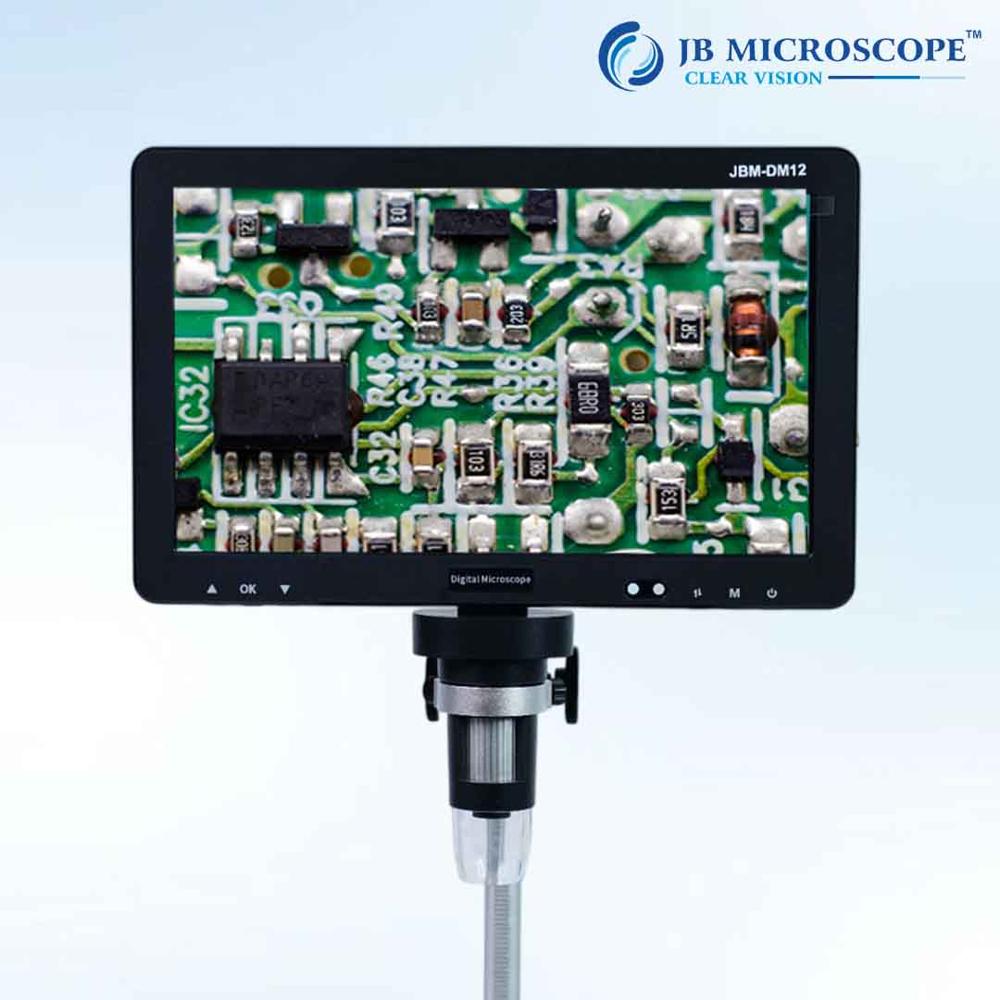
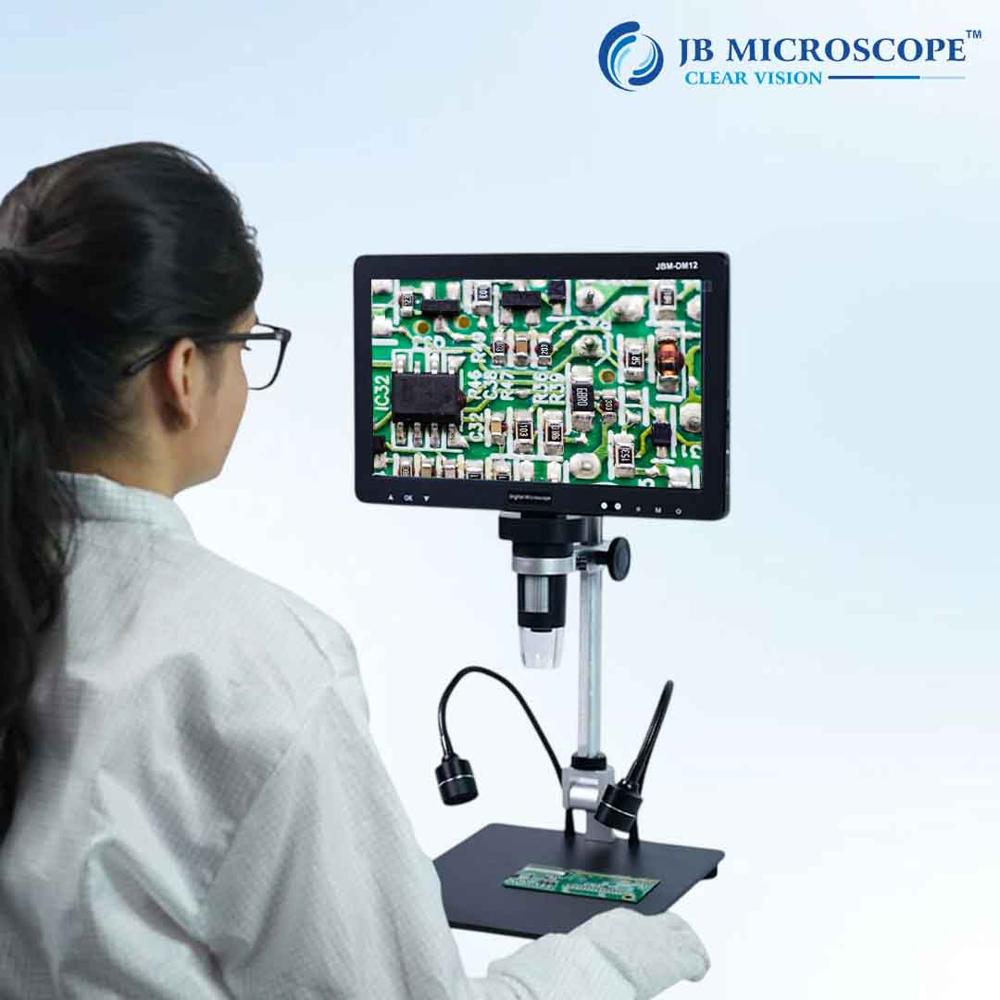
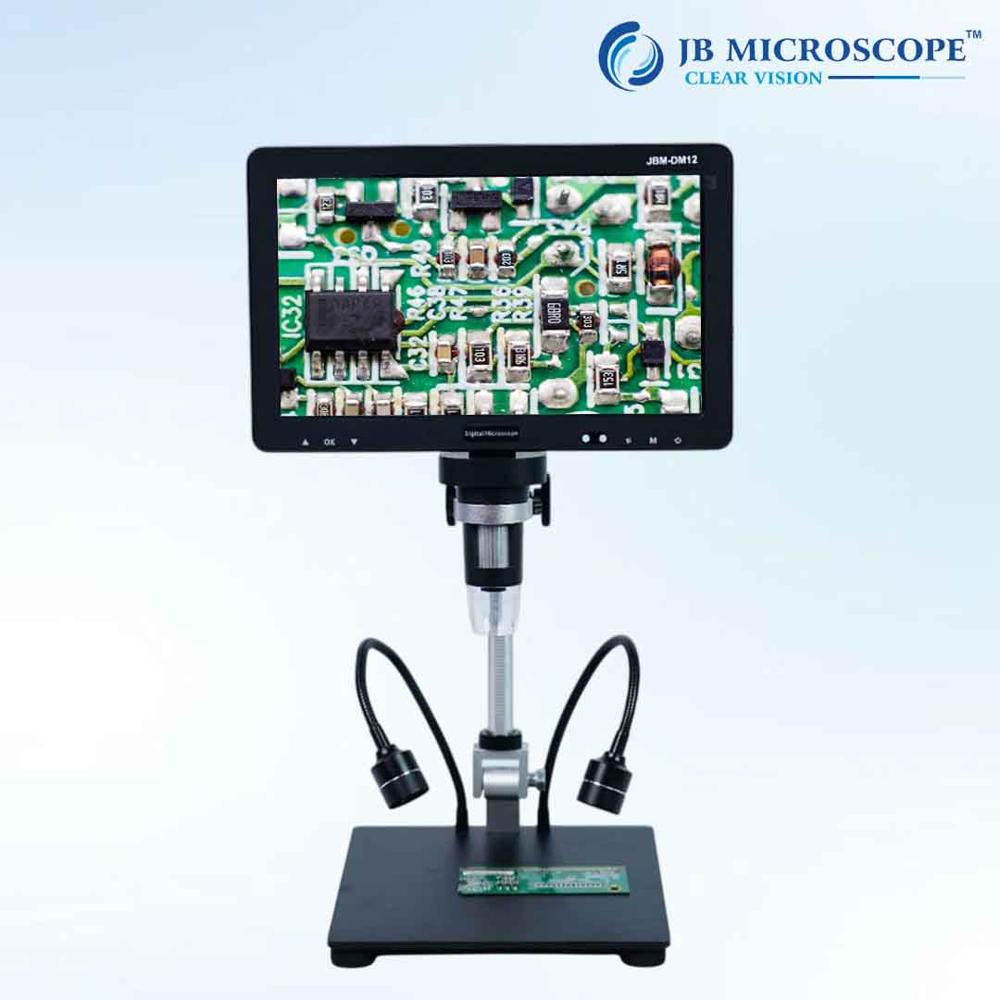
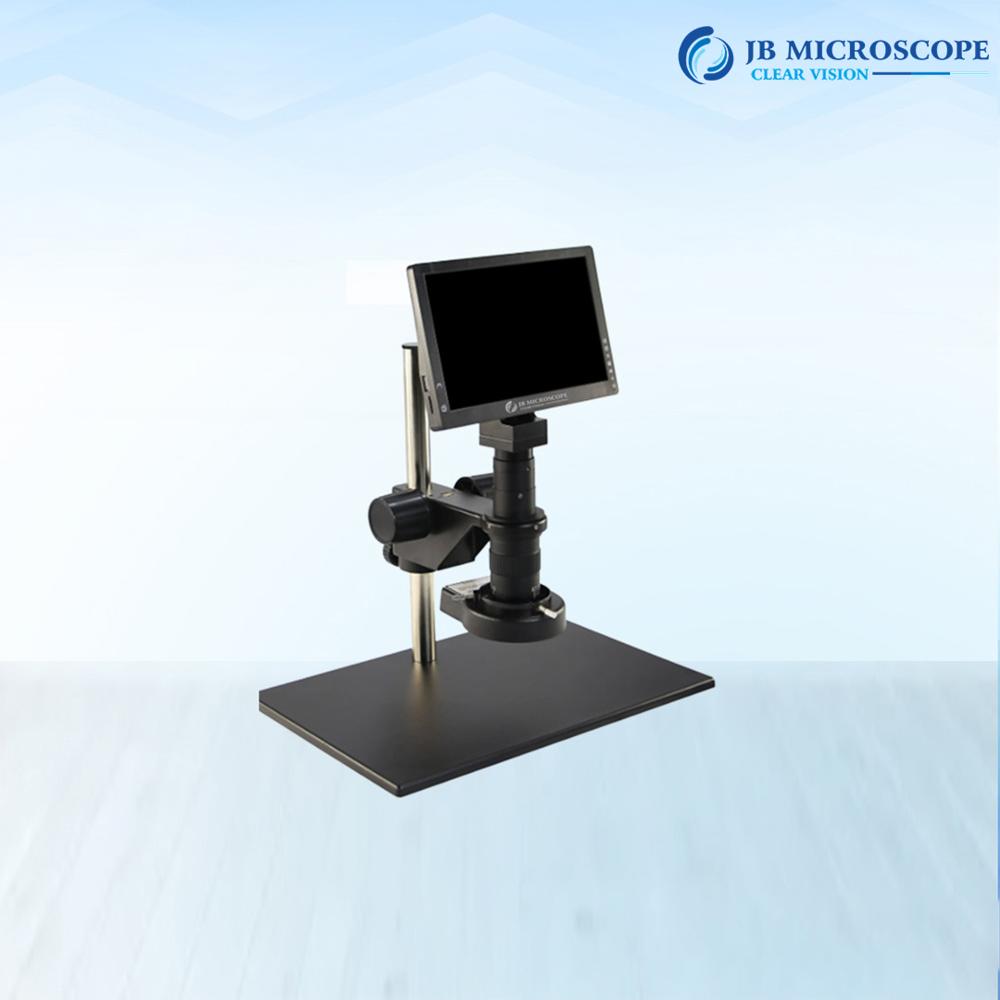
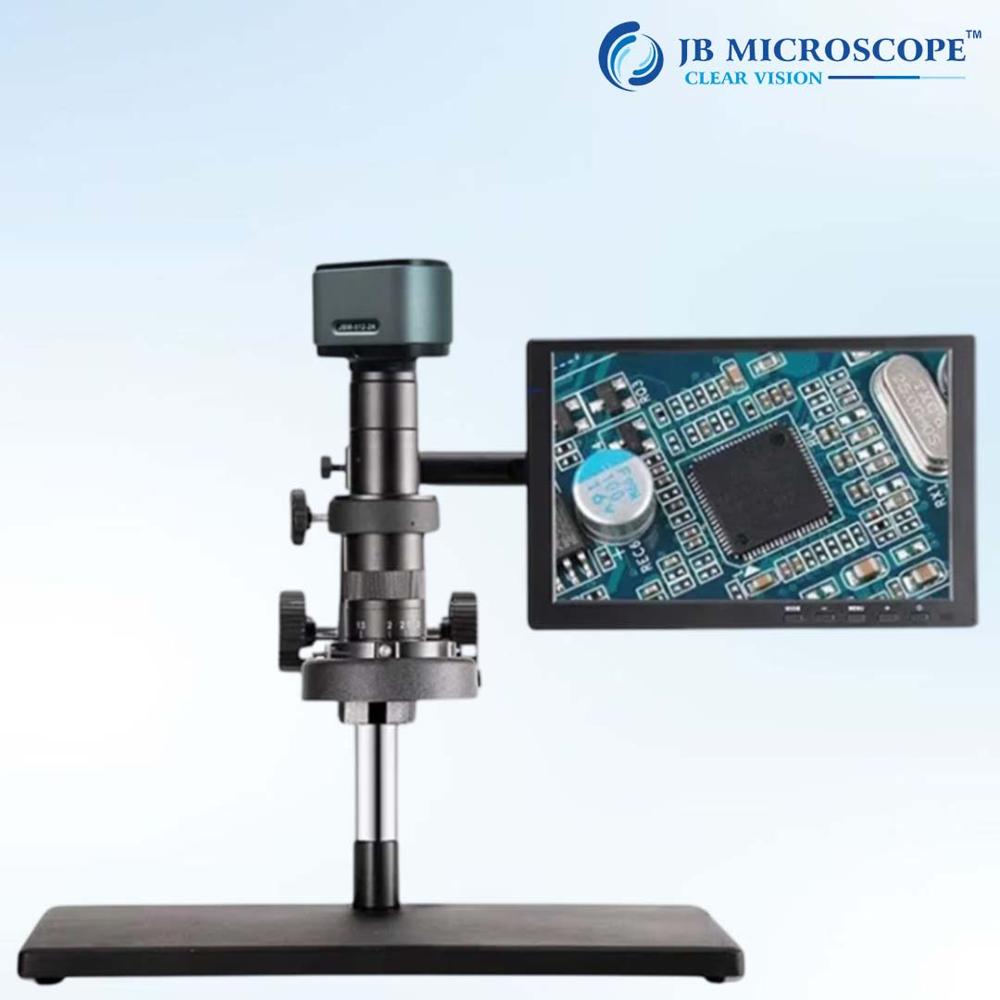
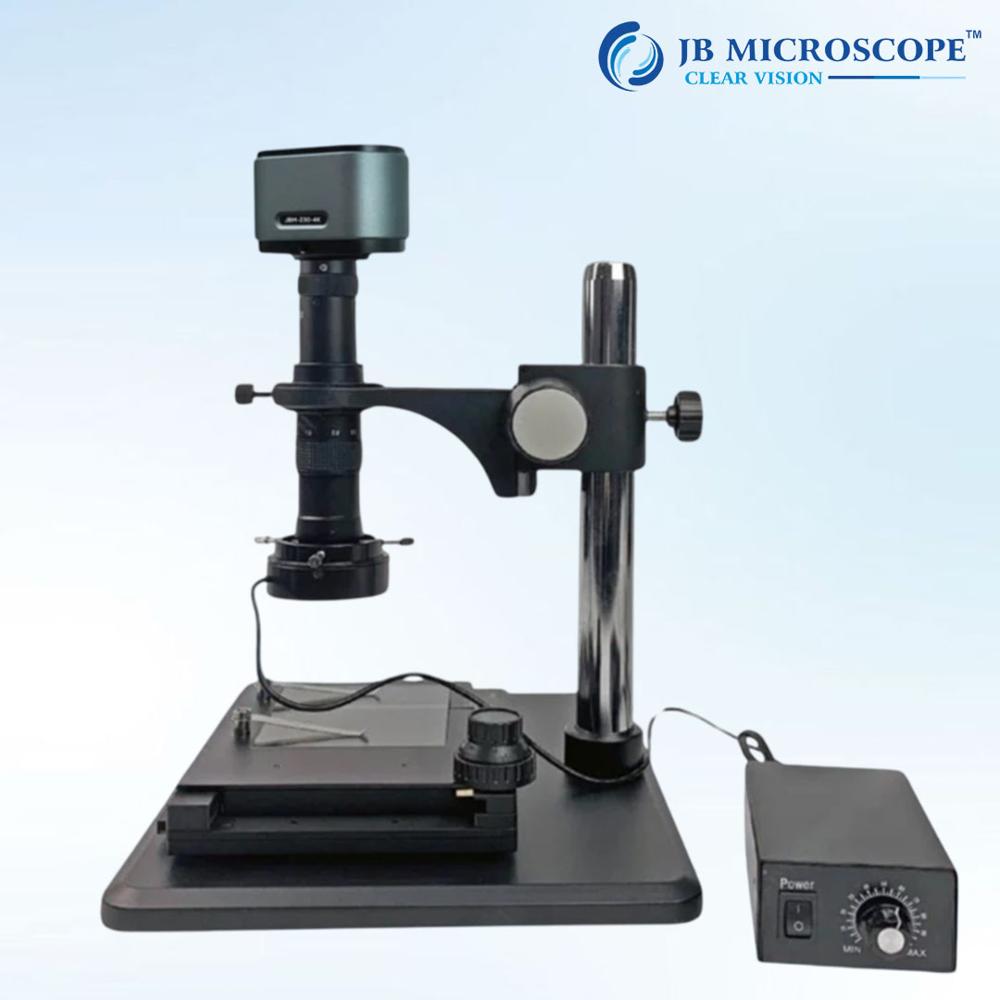
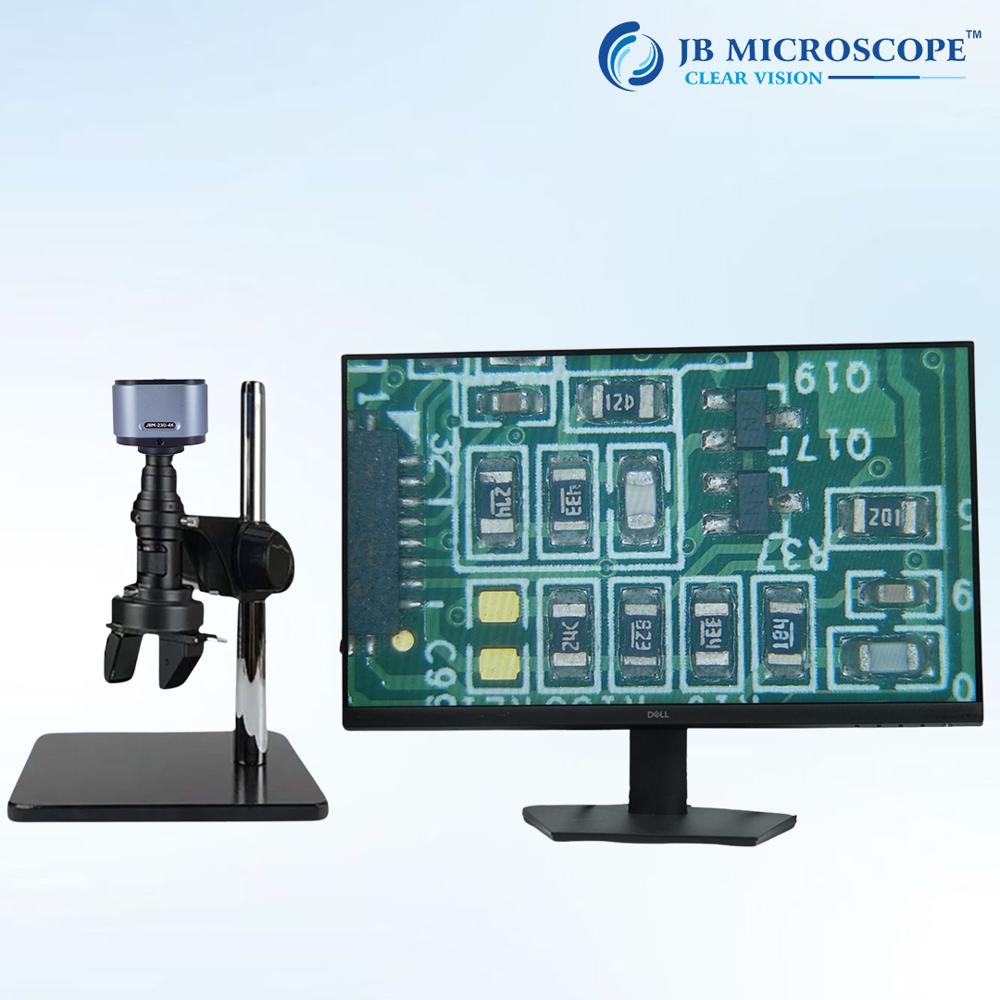
About Digital portable Inspection Microscope JBM-DM12
| Microscope type |
Digital |
| Magnification range |
2000x |
| Illumination |
LED ring |
| Working distance |
100 mm |
| Observation head |
Video only |
| Mounting type |
Bench stand |
| Camera |
Built in camera, C mount camera, USB camera, HDMI camera |
| Field of view |
18 mm |
Minimum order quantity: 1 Piece
Model Number: DM12
Theory: Video Microscope
Drawtube: Monocular
Material: ABS
Dimension: 31*29*10 Cm
Magnification: 2000x
Type: Digital Microscope, Stereo Microscope, Electron Microscope
Screen: 10.1 inches IPS Display
Display Resolution: 1024*600 Resolution
Video Maximum Pixel: 1080p
Photo Resolution:20M,16M,12M,8M,5M,2M
Video Format: MP4
PC Resolution and Image Transfer Rate: 1280*720/25fps
PC Operating System: Win7, Win 8.1, Win10,Mac Os X 12 or higher
Interface and Signal Transmission mode: Micro/USB3.0/HDMI
Polymer Lithium Battery : 103665-3000mah
High-Resolution Digital ImagingEquipped with an HD CMOS sensor and producing up to 2-megapixel stills and Full HD video at 30fps, the JBM-DM12 provides exceptionally clear imaging for inspection and analysis. Manual focus adjustment from 0mm to 40mm and magnification up to 2000x give users precise control over image clarity and detail, ensuring thorough inspection for a wide range of applications.
User-Friendly Portable DesignWeighing approximately 250 grams and with dimensions of 150mm x 110mm x 60mm, this microscope is compact and lightweight. Its built-in 3.5-inch LCD screen enables immediate viewing of samples without needing a computer connection. With the included USB cable and standard tripod mount, setups are quick and convenient wherever you work.
Versatile Connectivity and StorageConnect the JBM-DM12 to any Windows PC (XP/Vista/7/8/10) via USB for extended real-time viewing or capture. Store images and video on a microSD card up to 32GB, or transfer files to your computer for further analysis and sharing. All essential accessories, including a calibration ruler and software CD, are provided for a smooth user experience.
FAQ's of Digital portable Inspection Microscope JBM-DM12:
Q: How do I power and operate the JBM-DM12 portable inspection microscope?
A: The JBM-DM12 operates via a USB connection to your computer or a compatible 5V DC USB power source. Simply connect the device with the included USB cable, switch on the device, and you're ready to capture and inspect samples using the built-in LCD screen or your PC display.
Q: What operating systems are compatible with the microscope's software?
A: The microscope's software is compatible with Windows XP, Vista, 7, 8, and 10. This allows you to install the software and view or record images and videos conveniently on most Windows PCs.
Q: Where can images and videos captured by the microscope be stored?
A: Images and videos are stored directly onto a microSD card inserted into the built-in slot (supporting up to 32GB). Files can also be transferred to your computer for further review or sharing.
Q: What benefits does the digital display offer over traditional eyepieces?
A: The integrated 3.5-inch LCD screen provides instant, comfortable digital viewing without the need for a traditional eyepiece. You can also connect the microscope to your computer for even larger real-time viewing, making the inspection process more ergonomic and collaborative.
Q: How do I adjust focus and magnification during use?
A: Manual adjustment is available via the focus wheel, allowing precise focusing from 0mm to 40mm. Magnification can be set up to 2000x and adjusted using the on-screen controls, ensuring detailed observation of your samples.
Q: What lighting options does the JBM-DM12 feature for various inspection tasks?
A: The JBM-DM12 is equipped with adjustable integrated LED illumination, allowing you to modify brightness and contrast through camera controls to suit the sample and environment being inspected.
Q: When should I use the tripod mount with this microscope?
A: The standard 1/4-inch tripod mount is recommended when you require stable, hands-free operation for higher magnification inspections or time-lapse imaging. It enhances image stability and precision during extended observation sessions.

 Send Inquiry



 Get Latest Price

 Send Inquiry


