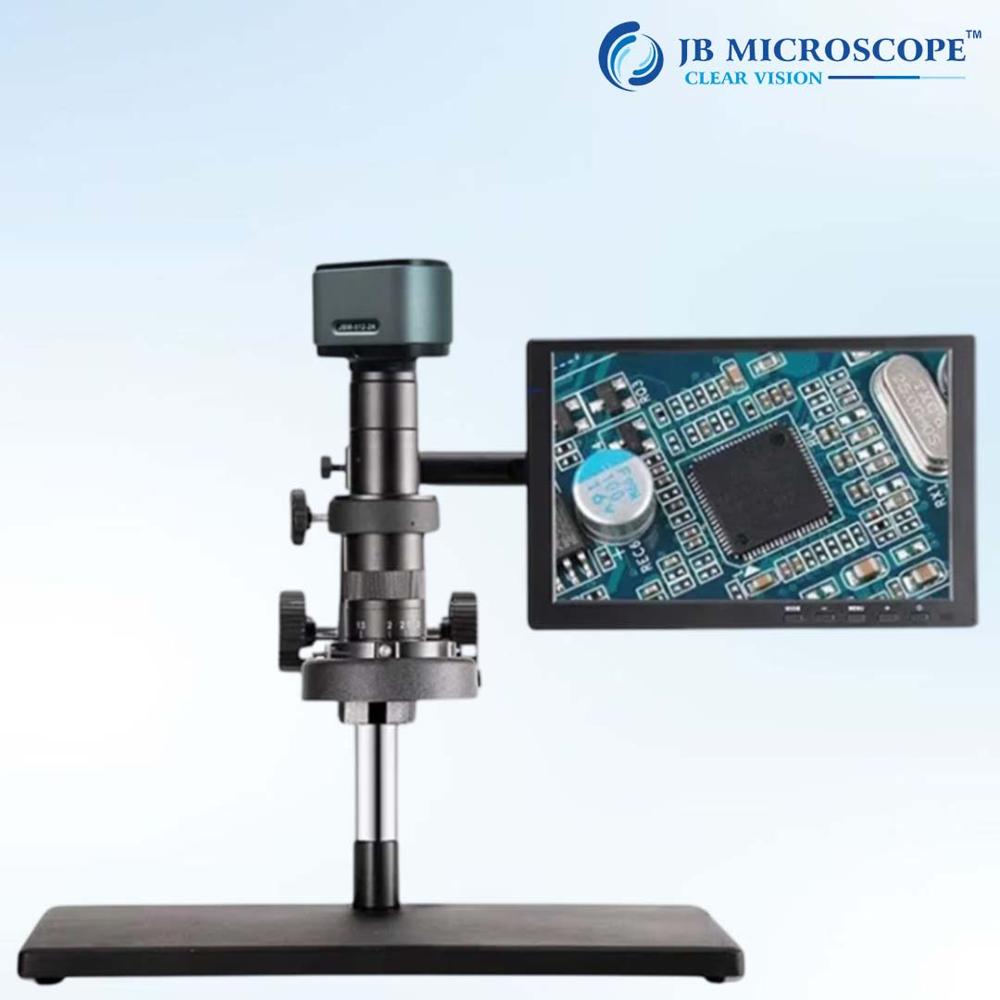
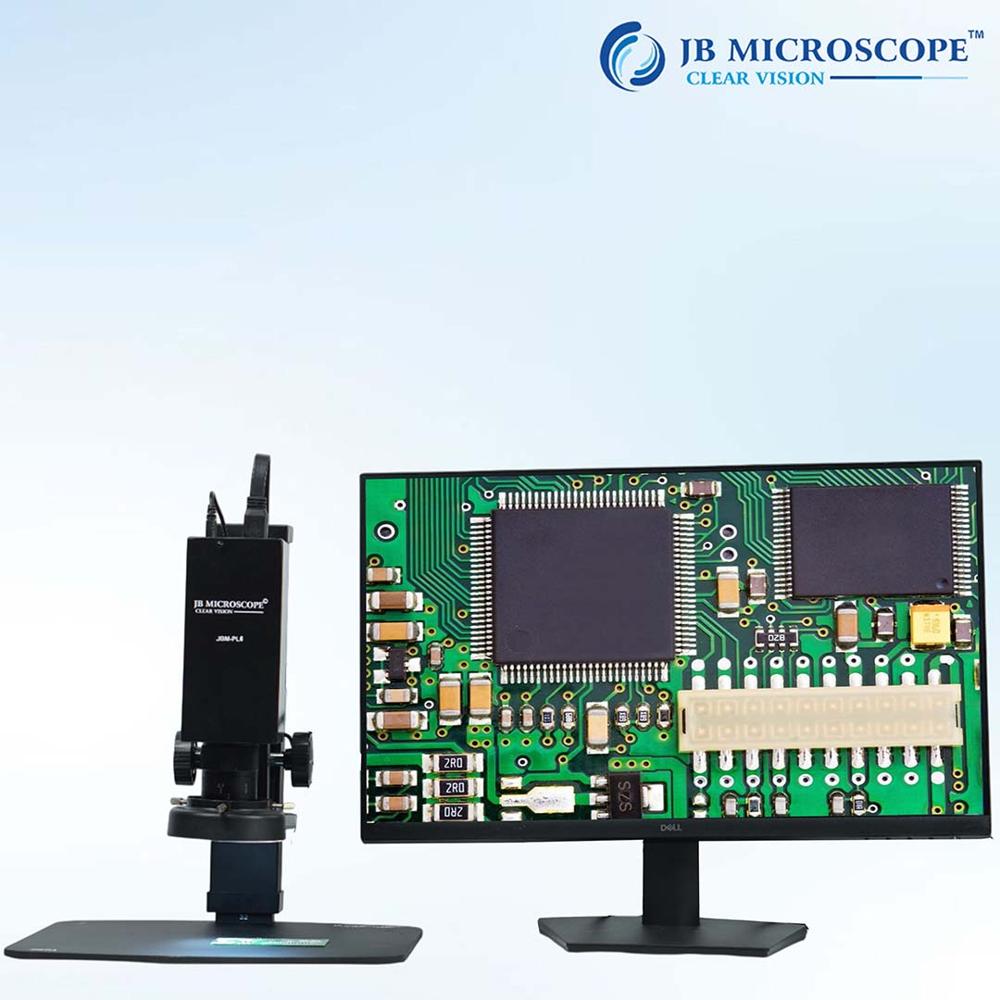
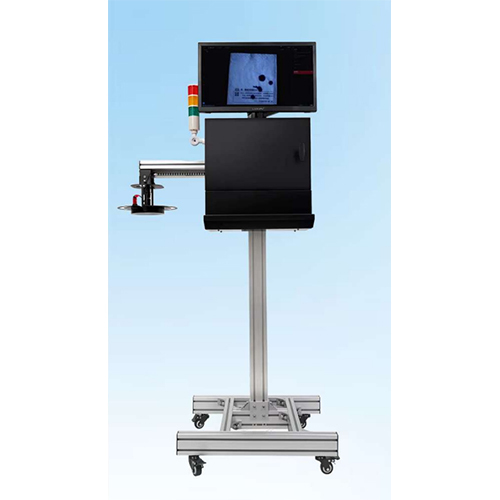
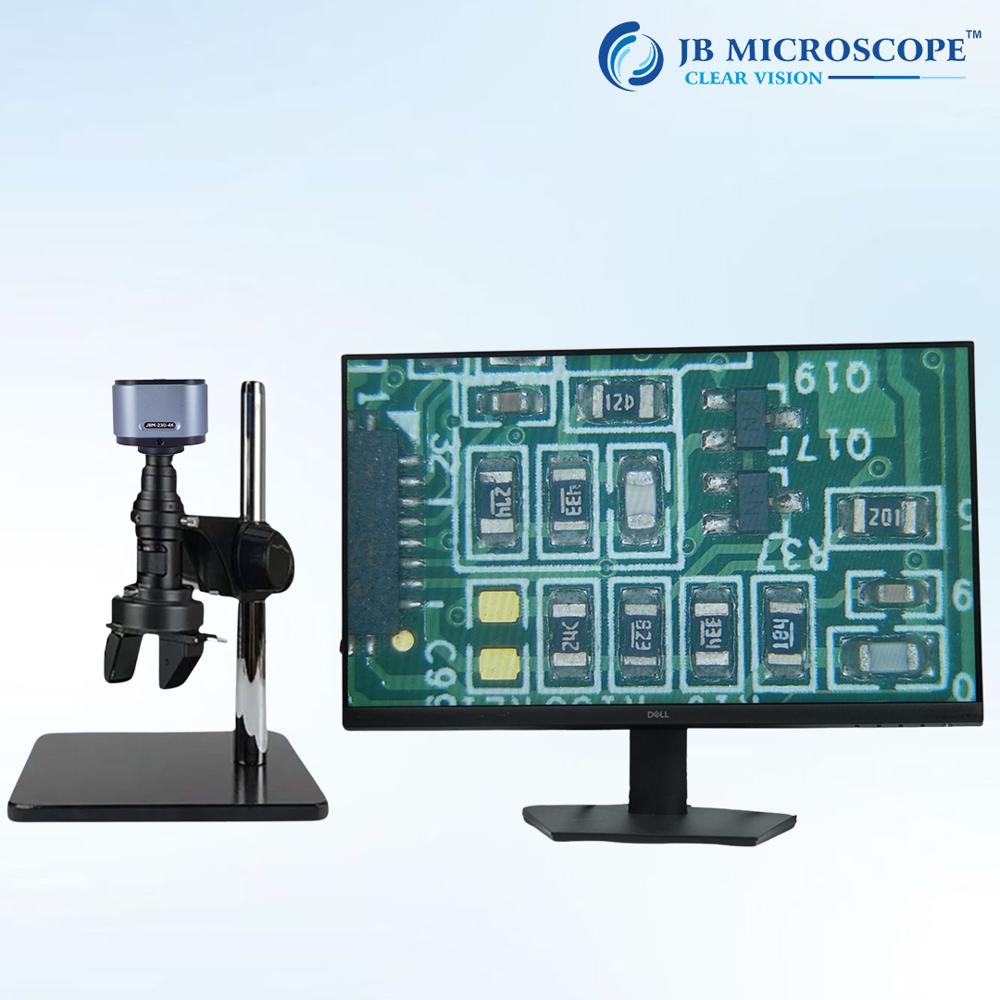
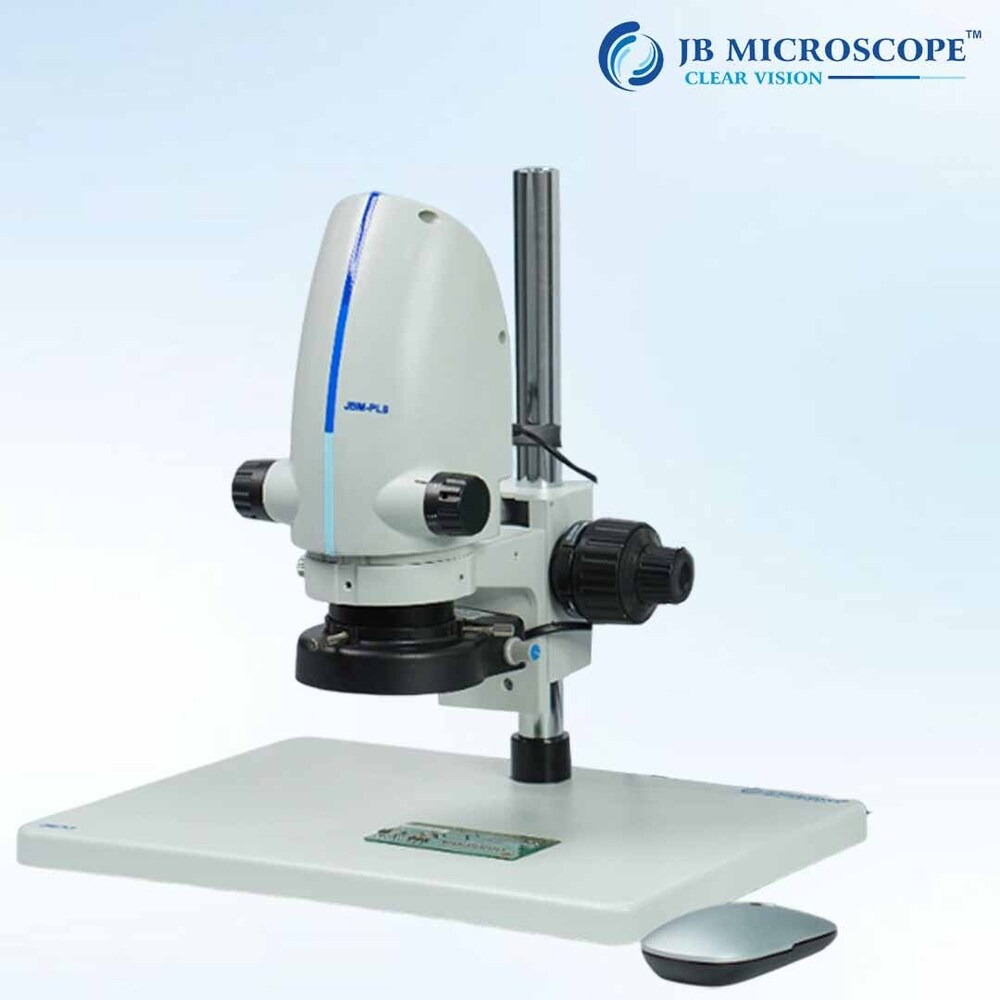
About Digital Inspection MicroscopeJBM-MZ2
| Microscope type |
Digital |
| Magnification |
45x |
| Resolution |
HD (1280 x 720 pixels) |
| Magnification range |
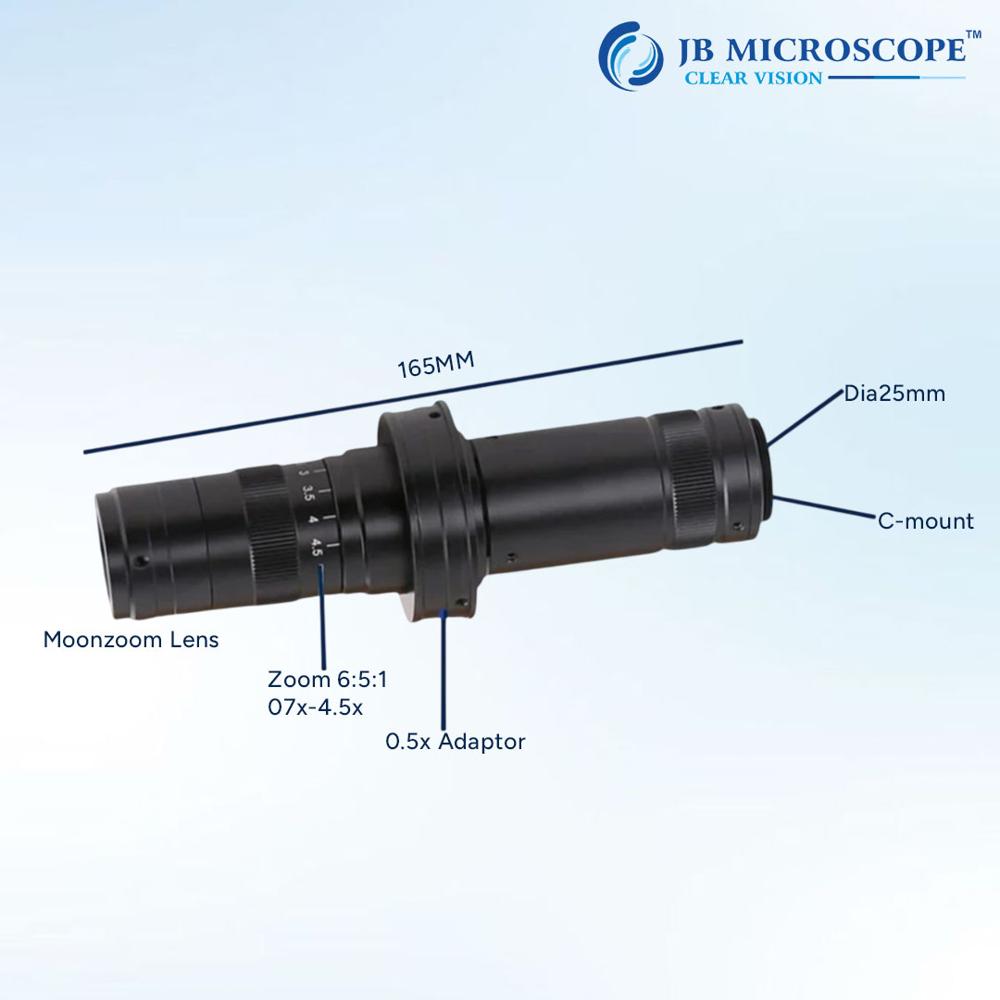
7x to 45x |
| Illumination |
LED ring |
| Working distance |
200 mm |
| Observation head |
Video only |
| Mounting type |
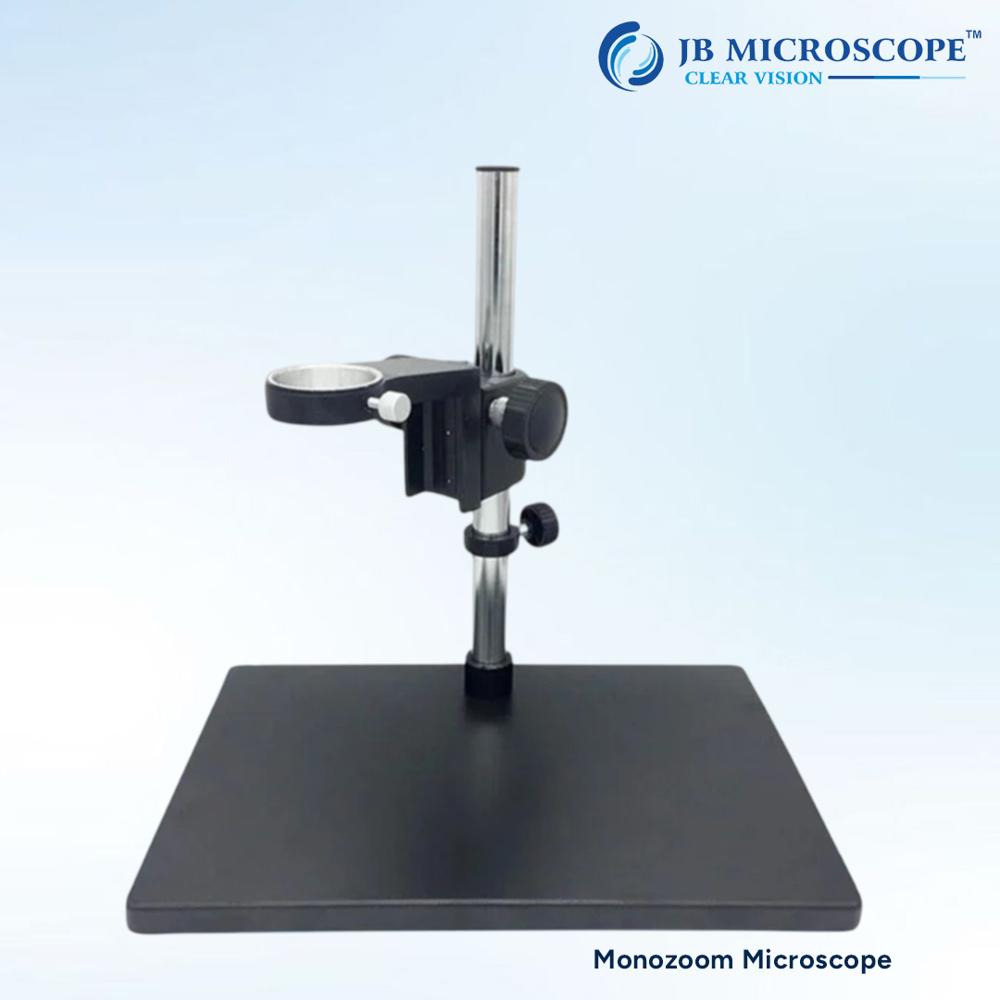
Bench stand |
| Model Name/Number |
JBM-MZ2 |
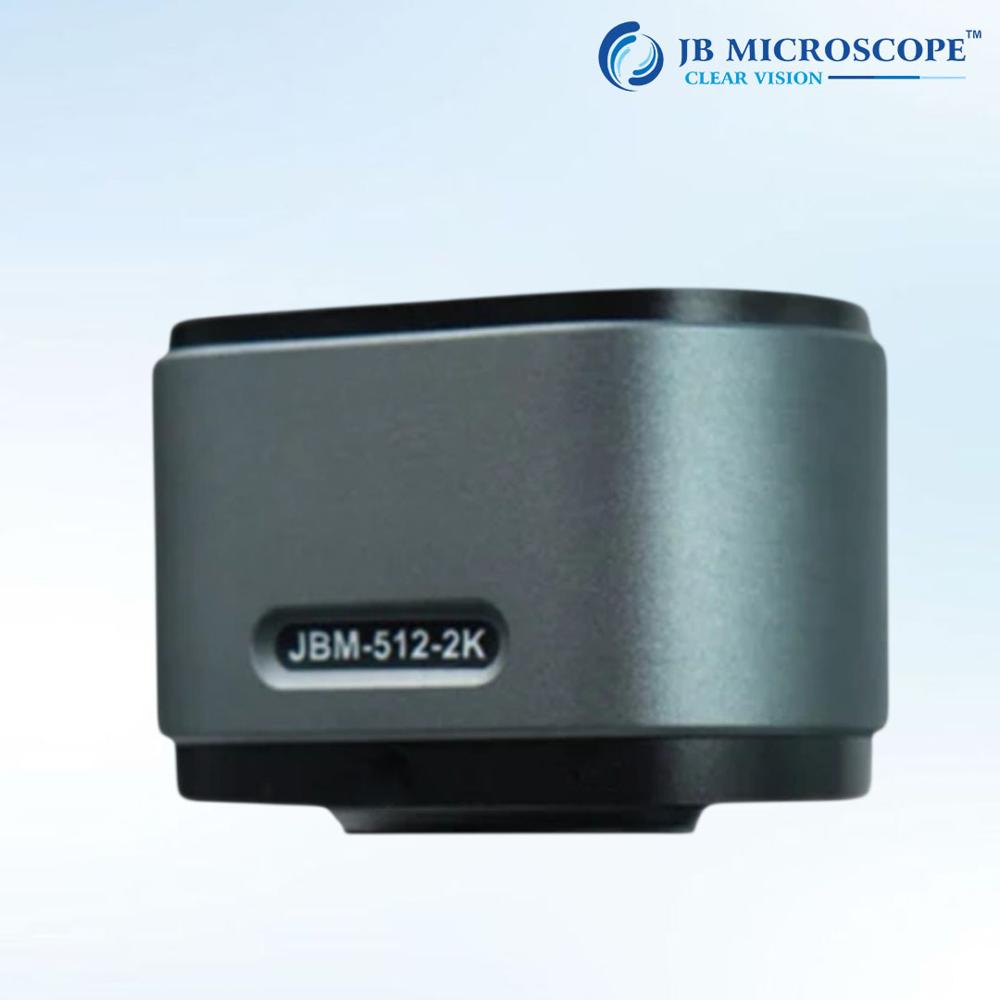
| Camera |
HDMI camera |
| Field of view |
25 mm |
| Objective |
0.7X-4.5X stereo |
| Eyepiece |
0.5X(standard) |
| Digital Microscope |
25000 |
Minimum order quantity: 1 Piece
Digital Microscope is a type of microscope that uses optics and a digital camera to output an image to a screen often through software running on a computer. Digital Microscope differs from traditional microscopes by their ability to capture images and videos, often at high resolutions, for documentation or analysis purposes. They are becoming increasingly popular in various fields, including biology, metallurgy and electronics.
Superior Imaging and Flexible OutputThe JBM-MZ2 offers simultaneous HDMI and USB outputs, empowering users with real-time Full HD (1920x1080) imaging on monitors and easy data archiving on computers. Its high-definition sensor, widefield eyepieces, and adjustable LED illumination provide clear, detailed views of inspected objects from 100 mm to 250 mm focal distances. Selectable capture resolutions, high frame rates, and support for various image/video formats make documentation and analysis straightforward.
Ergonomic, Durable, and User-Friendly DesignBuilt with high-strength aluminum alloy, the microscope ensures stability and longevity. The large metal working stage, 360 rotatable trinocular head, and 45 inclined eyepieces offer comfort during extended use. Intuitive dual-knob focusing and a lockable view head allow efficient and precise adjustment, meeting the needs of professionals demanding both accuracy and ease of handling in industrial, educational, and laboratory settings.
Versatility for Industrial ApplicationsThe JBM-MZ2 is designed to meet a wide range of industrial inspection tasks-from electronics assembly to materials research. Integrated measurement software enables precise evaluation and reporting. With compatibility across multiple operating systems and robust set of features, it is the ideal solution for dealers, importers, manufacturers, and researchers seeking consistent, high-quality digital inspection in India.
FAQ's of Digital Inspection MicroscopeJBM-MZ2:
Q: How do I connect the JBM-MZ2 microscope to my computer or monitor?
A: You can connect the JBM-MZ2 microscope to computers using the USB 2.0 interface for live viewing, image/video capture, and software integration, or directly to HDMI monitors for real-time high-definition observation. Both outputs can be used simultaneously for maximum flexibility.
Q: What operating systems are supported by the JBM-MZ2 software?
A: The microscope's imaging and measurement software is fully compatible with Windows 7, 8, 10, 11, and Mac OS X. This allows seamless integration into various laboratory or industrial workstations without operating system hassles.
Q: When should I use the adjustable zoom feature, and what is its benefit?
A: Use the continuous zoom feature (7x to 45x) to quickly switch between wide-area inspection and detailed examination. This flexibility enhances the inspection process, ensuring you can focus on the overall structure or zoom in for minute details without changing objectives.
Q: Where is the JBM-MZ2 microscope typically used?
A: The JBM-MZ2 is widely used in industrial inspection, electronics manufacturing, quality control laboratories, research institutions, and educational settings. Its robust build and versatile imaging capabilities make it ideal for environments that demand consistent accuracy and reliability.
Q: What is the process for capturing still images or videos with this microscope?
A: To capture images or videos, simply use the included software when connected via USB, or use the HDMI output with compatible recording hardware. You can select resolutions (2 MP or 5 MP for stills, up to 1080p for video) and save in JPG, BMP, or AVI formats for easy documentation and analysis.
Q: How does the ergonomically-designed trinocular head improve microscope usage?
A: The trinocular head, inclined at 45 and rotatable 360, enhances user comfort during long sessions by reducing neck and eye strain. It also allows for simultaneous camera use and direct visual observation, increasing workflow efficiency.
Q: What maintenance or spare parts are necessary for the JBM-MZ2 microscope?
A: Routine maintenance includes cleaning optics and ensuring all moving parts are dust-free. Spare parts like eyepieces, the objective lens, LED ring light, and power adapter are available through dedicated dealers, ensuring ongoing performance and minimal downtime.
 Rajouri Garden,New Delhi, India





 Send Inquiry

 Send Inquiry


 Send Inquiry
 Send SMS
 Call Me Free