About Digital Video Inspection Microscope
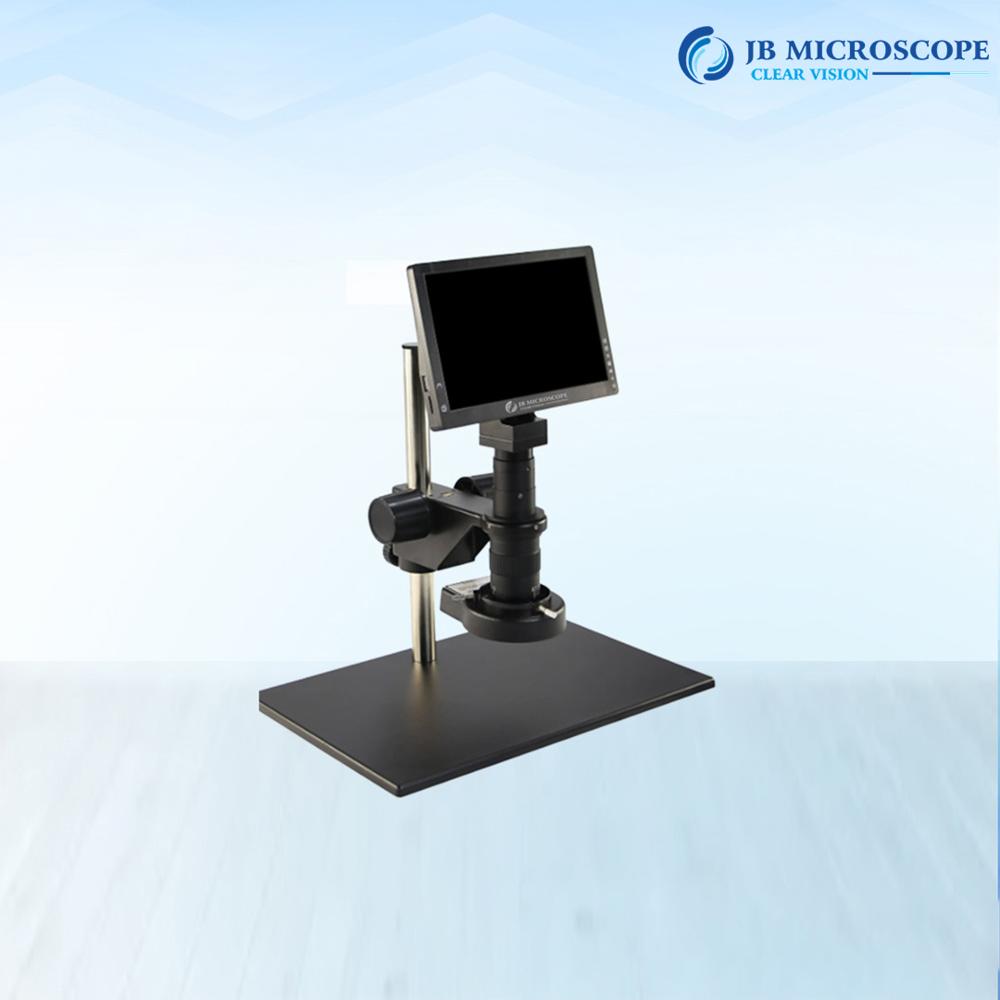
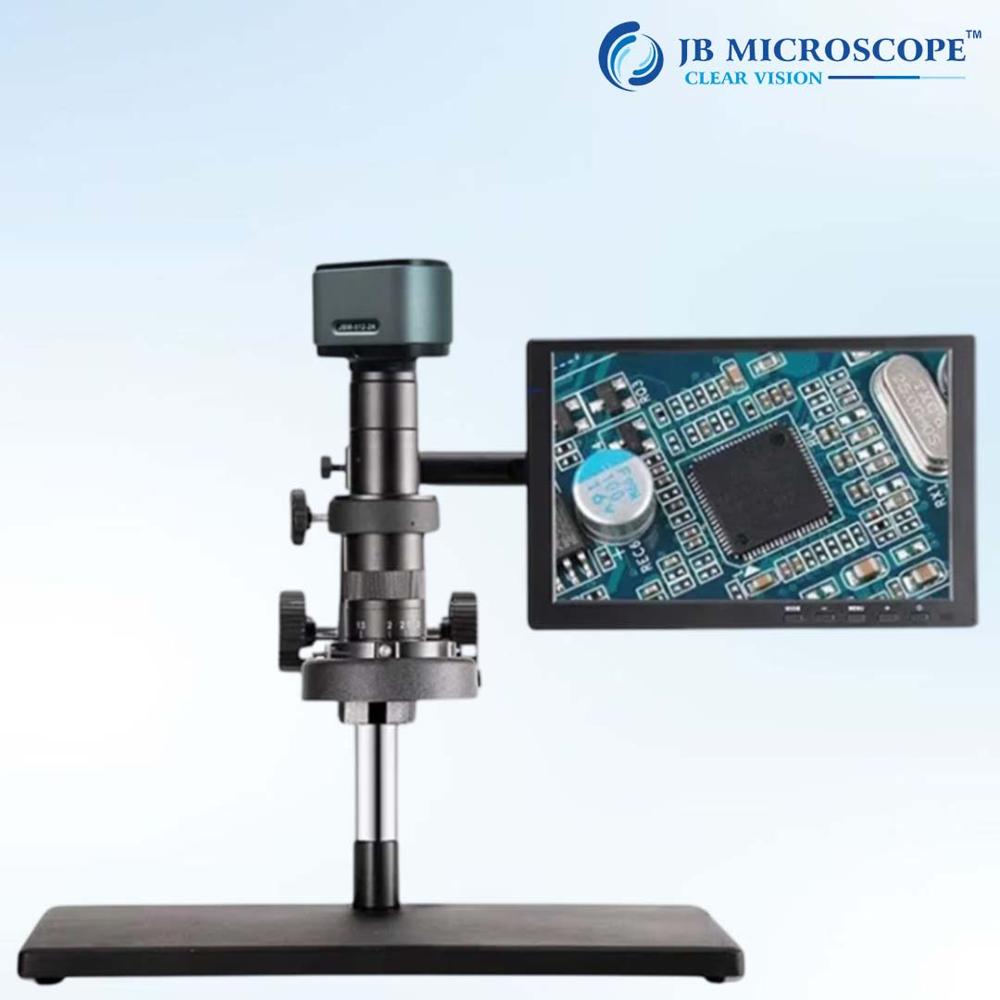
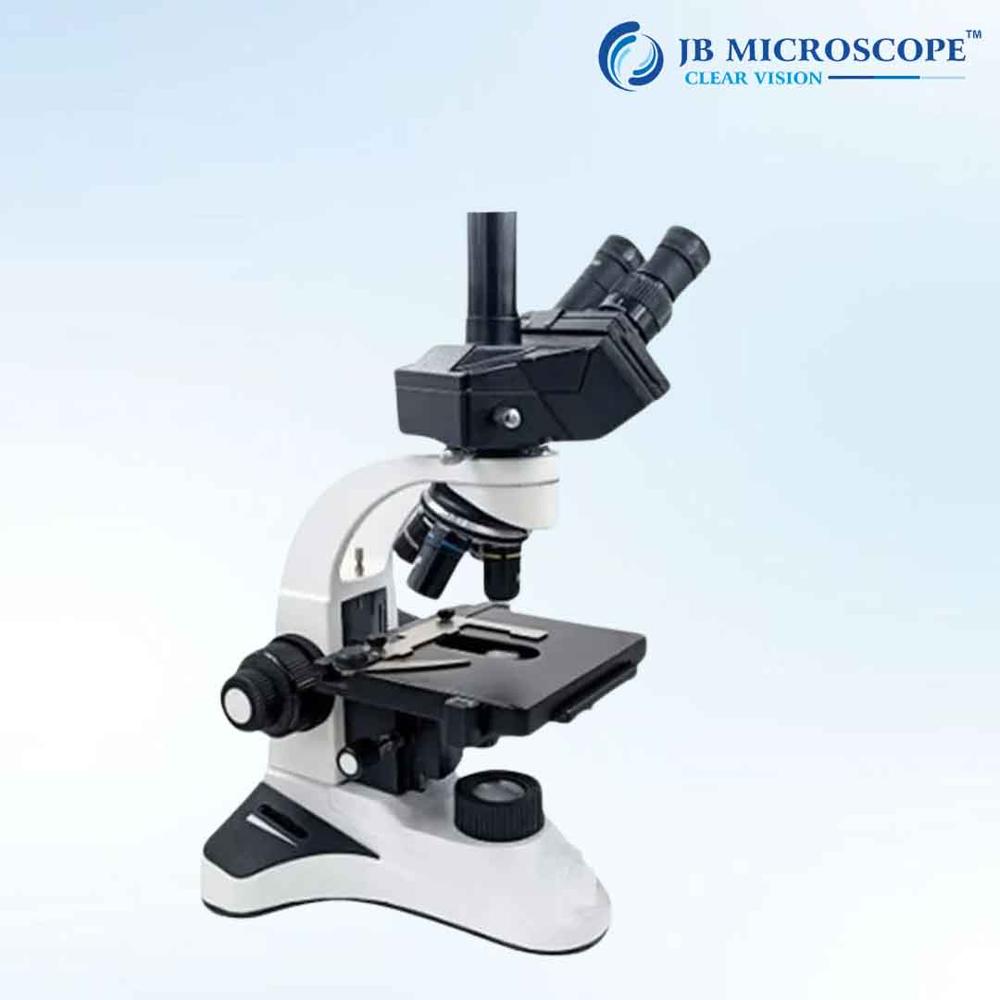
A Monozoom MZ50i Microscope is a high quality, advance instrument used in electronic industry, educational demonstration, agriculture research, observing and magnifying microscopic organisms and various industries, this high precision microscope is designed to provide exceptional magnification capabilities for detailed examination of microscopic specimens. With its advance optics, adjustable zoom, digital imaging capabilities, and ergonomic design. It consists of a single lens system which offers adjustable magnification levels, and allows for precise and detailed examination of Electronic component & PCB.
Specifications:
- Magnification: 50x
- Zoom Ratio: 1.7
- Zoom objective Eyepiece: 0.7x-5x
- Working: 0.4x
- Distance: 100mm (increase Hight with 0.5x auxiliary lens)
- Vertical Post Height: 240mm
- Vertical Post Diameter: 32mm
- Microscope Body Holder: 50mm
- Focus Travel: 50mm
- ESD Base Size: 320x260x16mm
- Material: Metal
- JBM-MZ50i + ANDROID SCREEN + ACCESSORIES Camera
Features:
- CPU: Max resolution 1080p, high frame frequency, duplex video decoding 4 core Cortex-A17, max frequency 1.8GHzSupport Android 5.1 and above system.
- Storage Interface: Support multiple storage and DDR3L, LPDDR2, LPDDR3 Built-in 2GB-RAM/4GB-ROM Storage, external SD card is acceptable.
- Camera video interface: UVC structure, work with external USB Camera Support multiple input format: RAW, RGB and YUV when using android tablet, support 8MP CMOS digital imaging, live display by 10-30 frames/ sec (resolution1920*1080 and so on). White balance adjusting and image calibration.
- Hardware: Android Touch Screen Tablet 10 retina IPS LED display, resolution 1920*1080 Support/ mouse input. Five Points touch screen. Support max 32GB C10 high speed SD card USB 2.0, HDMI, Standard USB2.0 extended interface Support WIFI, Bluetooth, HDMI, USB, OTG.
ANDROID SCREEN, SPECIFICATION INBUILT WIFI
- Camera MP : 8 mega pixels
- Storage: 32 GB
- Sensor: Aptina MT9P001
- Scanning: Progressive
- Sensor Size: 1/2.5 inch (4;3)
- Effective pixel: 2592H*2.2um
- Effective Image Size: 5.70*4.28mm,7.13mm(diagonal)
- Pixel Size: 2.2um*2.2um
- Dynamic range: 66.5dB
- SNR (max): 40.5dB
- A/D exchange resolution: 12-bit, on-chip
- Sensitivity: 0.53V/lux-sec(550nm)
- Video Format and frames: 1920*1080:15fps
- Exposure range and format: ERS, auto
High-Resolution Digital Imaging and VersatilityUtilizing a high-performance CMOS sensor, this microscope delivers sharp 1920 x 1080 pixel images and supports full HD video at 30 FPS. The trinocular head allows simultaneous video output, making it suitable for live demonstrations or collaborative inspections. Adjustable magnification from 10X to 220X and both coarse and fine focus enable detailed observations across a broad range of specimens and applications.
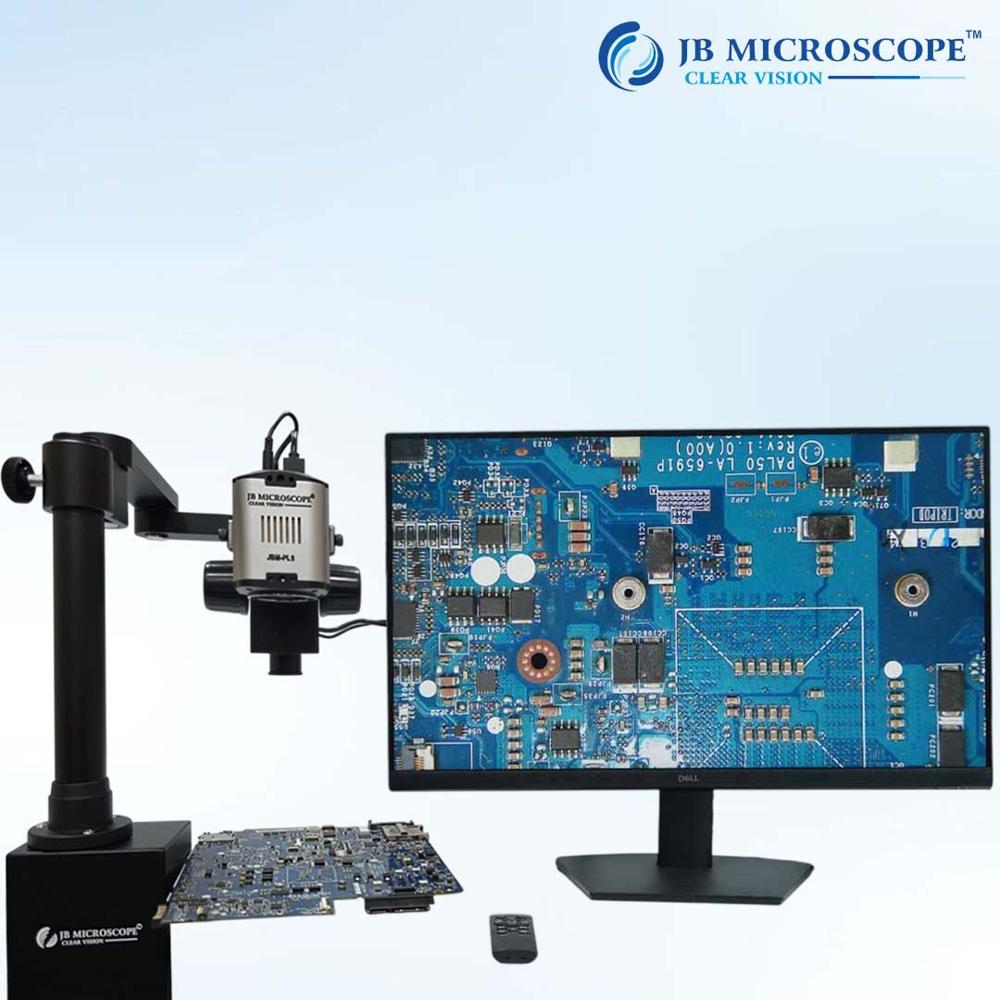
Enhanced Software and Connectivity for Efficient WorkflowCompatible with both Windows and Mac OS, the included imaging software facilitates image capture, processing, and measurement. Multiple output interfaces (USB 2.0/3.0, HDMI) streamline integration with monitors or computers, while optional SD card storage up to 32GB ensures convenient file management. Whether for industrial or educational purposes, efficiency is at the core of its design.
FAQ's of Digital Video Inspection Microscope:
Q: How do I operate the Digital Video Inspection Microscope for specimen analysis?
A: Begin by connecting the power supply (100-240V AC), then position your sample on the large working stage. Adjust the coarse and fine focus to bring the specimen into sharp detail. You can use the included imaging software on Windows or Mac to observe, capture, and analyze images or videos in real time.
Q: What are the main benefits of using this microscope for industrial or PCB inspection?
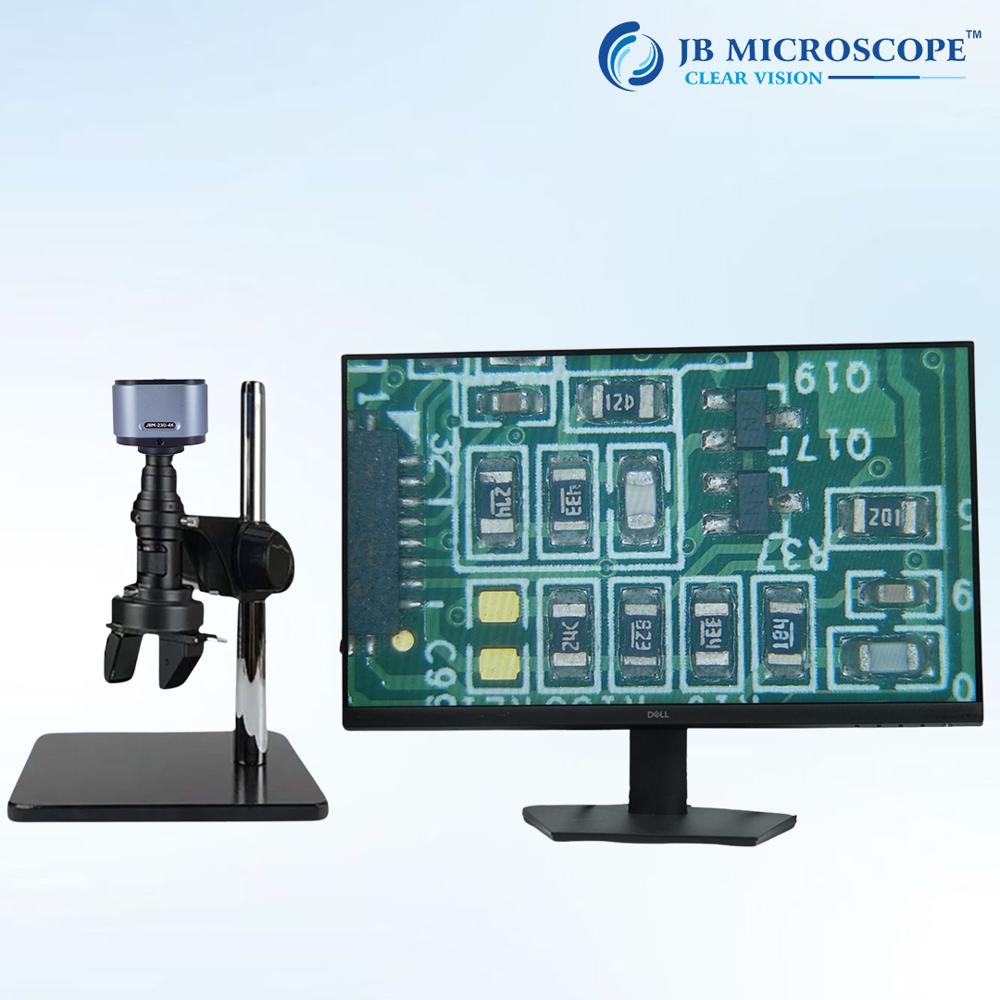
A: This microscope offers full HD digital imaging, adjustable magnification (10X to 220X), and excellent illumination control, making it easy to detect defects, measure features, and analyze components. Its ergonomic design and compatibility with imaging software also streamline workflow and documentation.
Q: Where can I store the captured images and videos from the microscope?
A: Captured images and videos can be saved directly to a connected computer via the included software, or optionally stored on an SD card (up to 32GB supported), allowing for flexible data management and backup.
Q: What's the process for connecting the microscope to external displays or computers?
A: Simply use the USB 2.0/3.0 or HDMI outputs to connect the microscope to your computer or monitor. Once connected, launch the imaging software to start live viewing, capturing images, or recording videos.
Q: When is this microscope most effectively used?
A: It is ideal for applications requiring precise inspection and documentation, such as industrial quality control, PCB repair, medical laboratory analysis, and teaching demonstrations. Its wide operating temperature (0-40C) and relative humidity tolerance (<85% RH) make it suitable for diverse environments.
Q: What is the advantage of having automatic and manual color adjustment features?
A: The combination of automatic and manual color controls ensures accurate color representation of specimens. Automatic adjustment optimizes color balance instantly, while manual mode allows users to fine-tune for specialized inspection needs.

 Send Inquiry

 Get Latest Price


 Send Inquiry


