About DIGITAL MICROSCOPE JBM-AD10
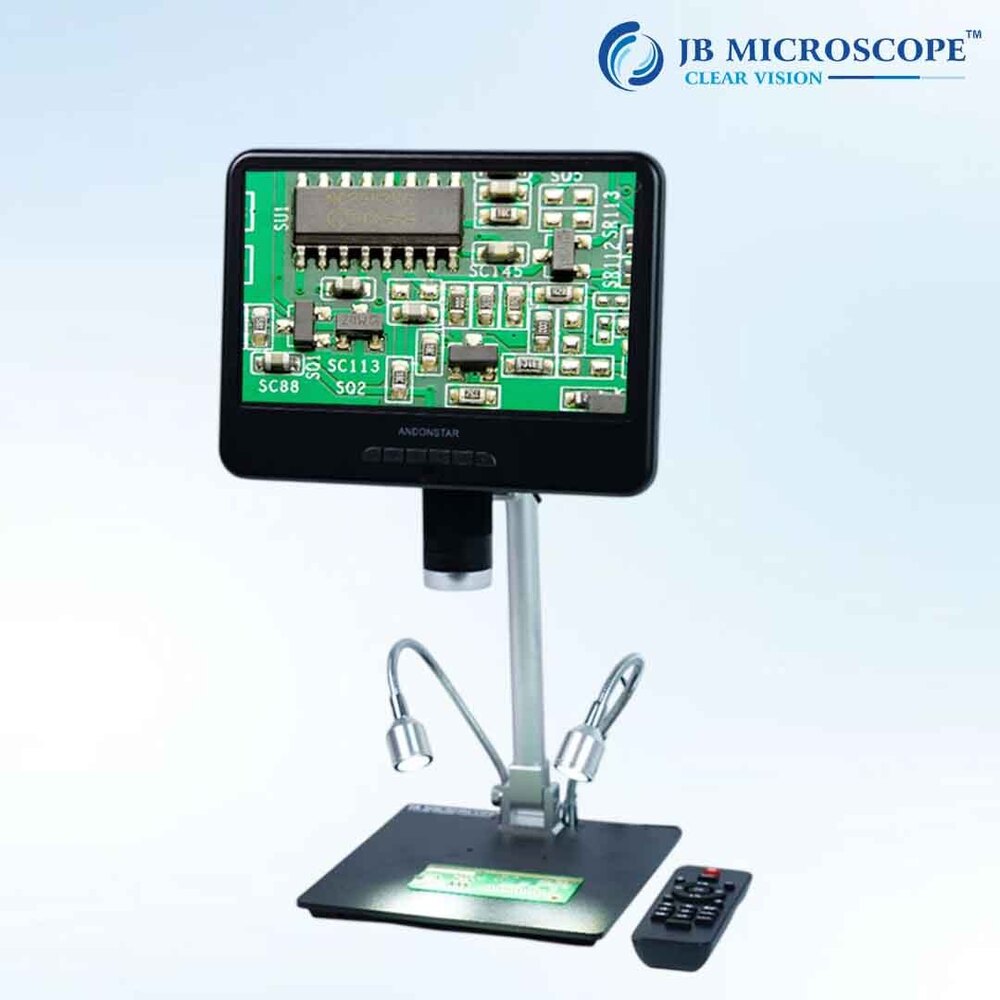
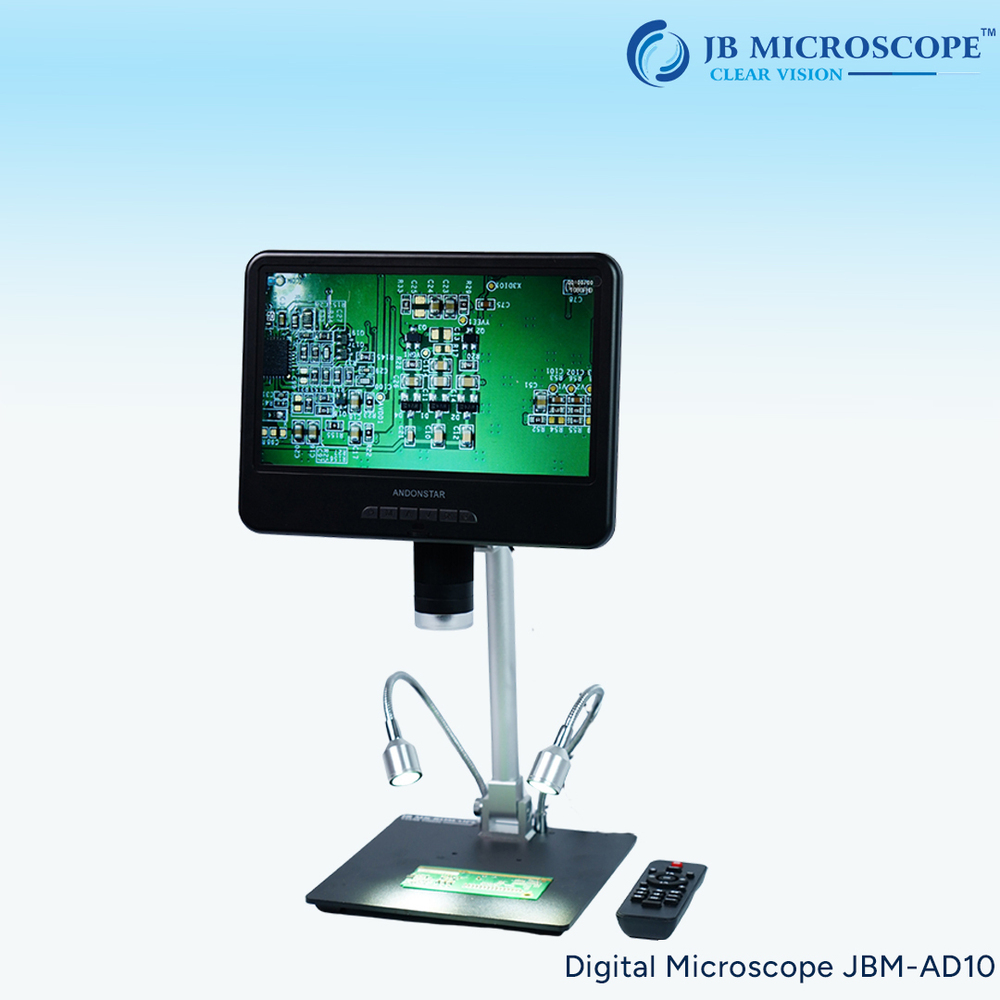
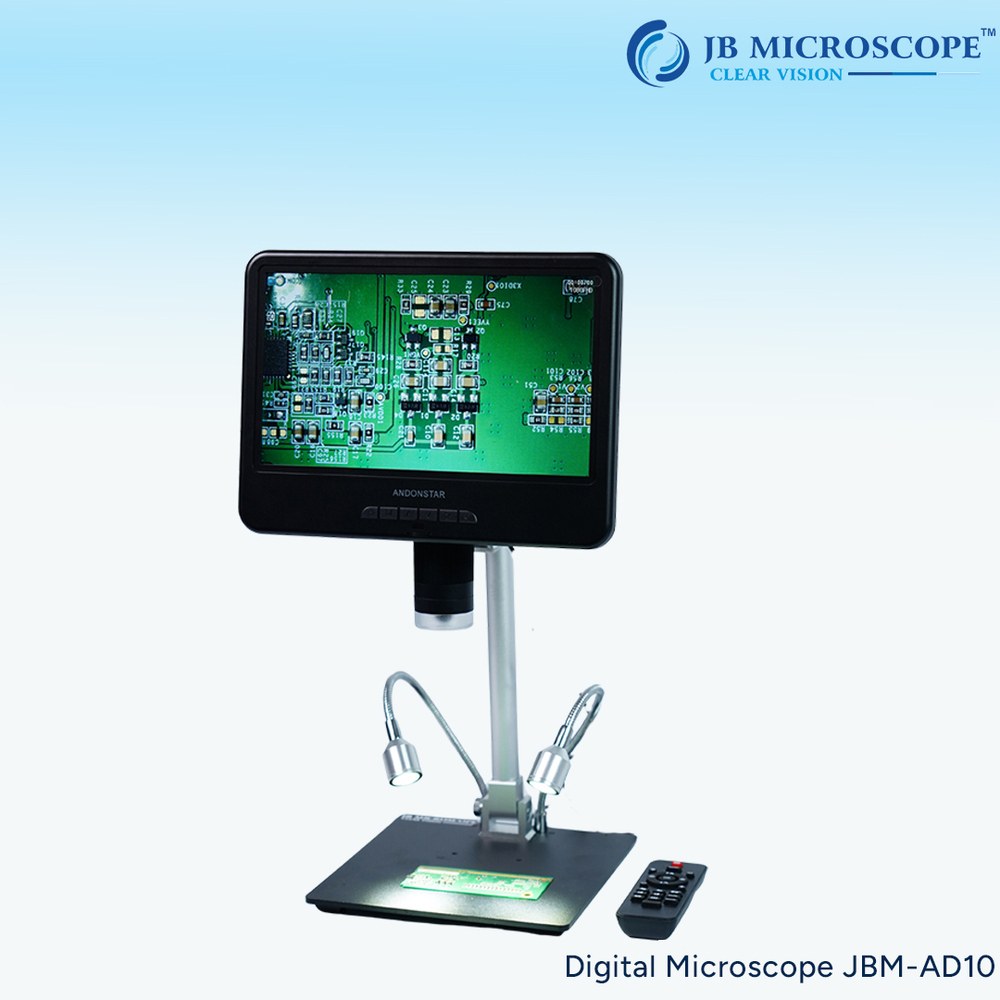
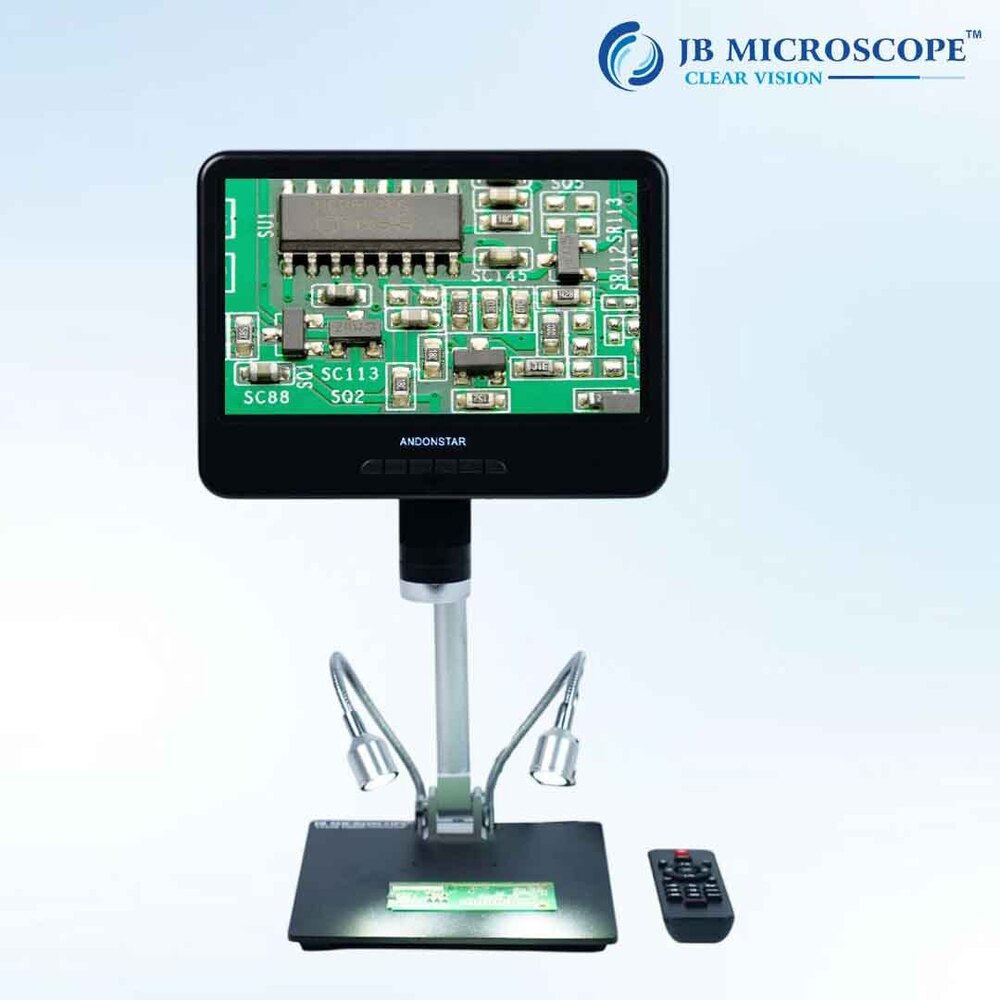
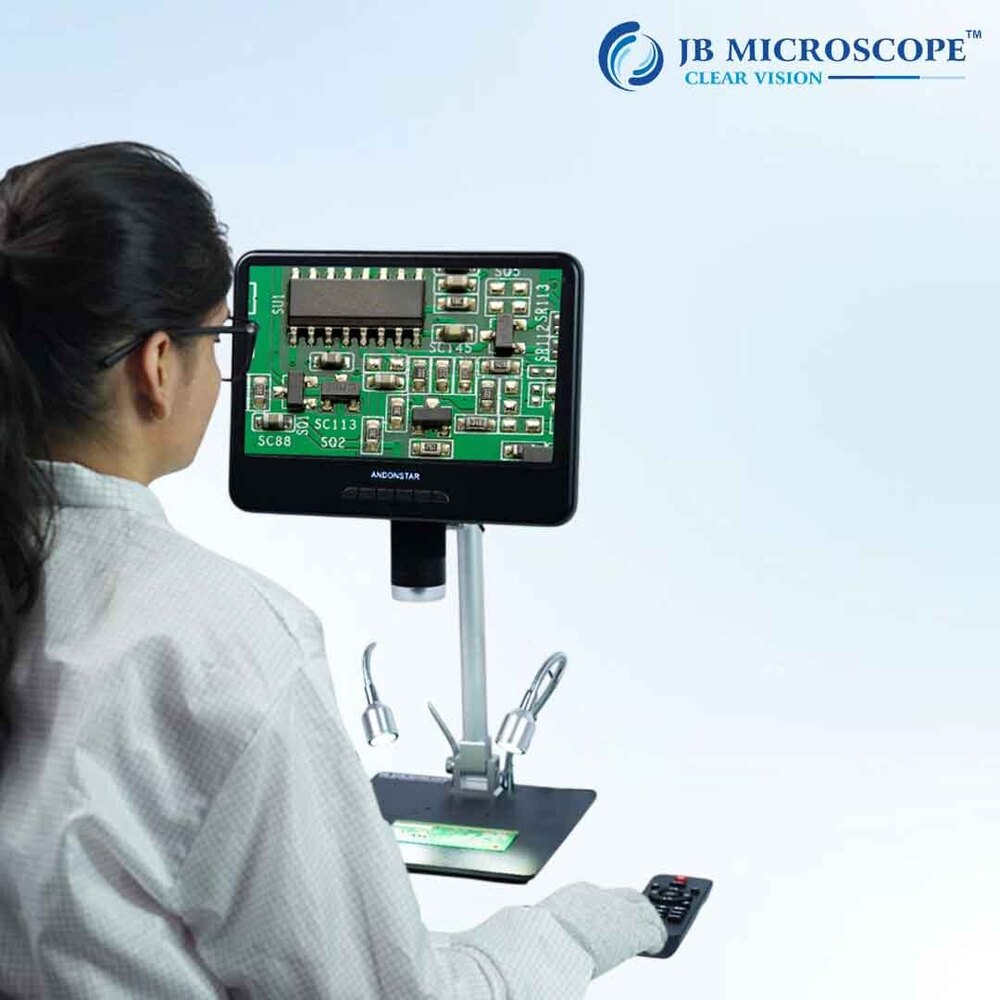
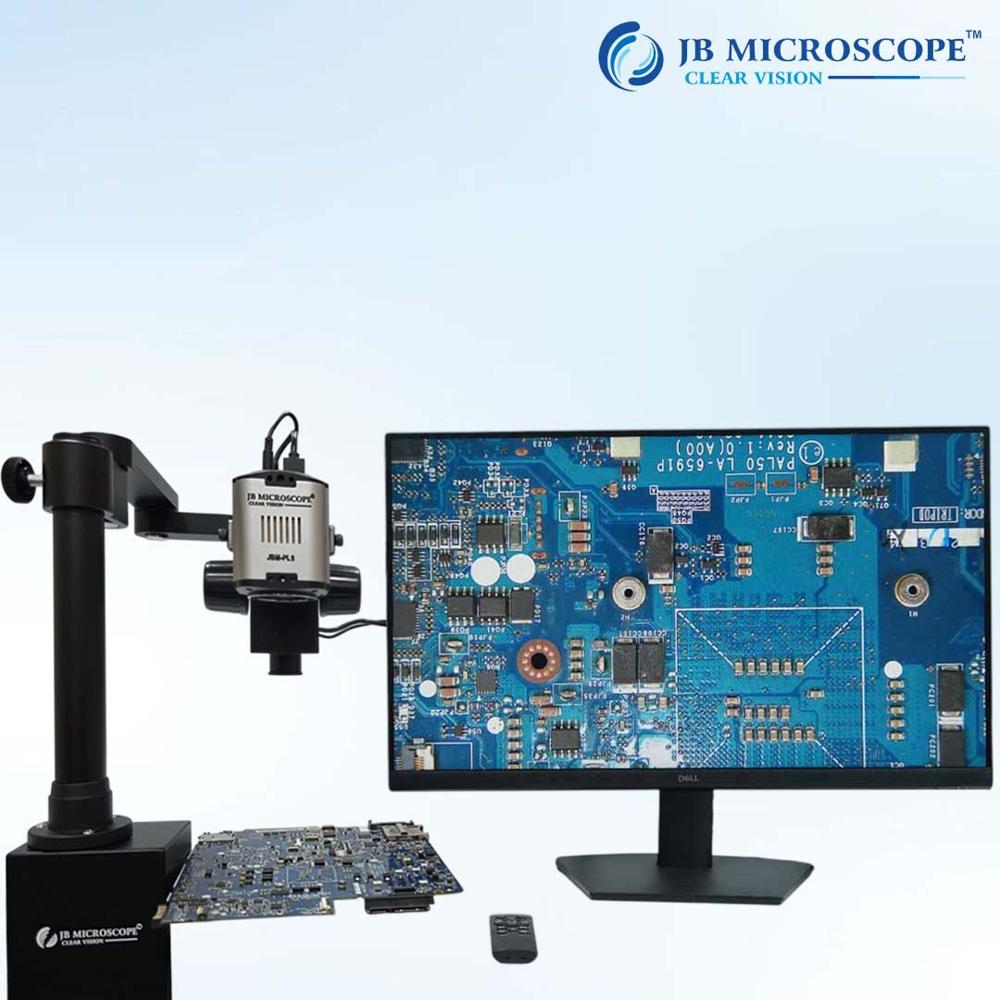
10-inch LCD screen, larger screen, clearer display. The microscope display Angle can be adjusted tofacilitate multi-angle observation . The metal bracket is adjustable front and rear for 3D visuals and more room to operate. Black metal base with clip to hold the viewing item. Two LED lights are added to the base of the stand to make the image clearer. Support memory card records and photos, more convenient to use. Products are widely used: mobile phones, computers and other electronic products repair, anti-counterfeiting identification, prints, textiles, jewelry, factory production lines, tender maintenance, plants and insect observationDiscover Detailed Imaging with a Large DisplayThe JBM-AD10 digital microscope features a bright 8.5-inch IPS LCD, providing a clear and expansive view of specimens. With manual magnification up to 220x and an integrated Full HD CMOS sensor, you can experience vivid, accurate images and videos ideal for inspection, classroom demonstrations, or hobby use. The display reduces eye strain associated with traditional eyepieces, making extended usage comfortable and productive.
Connect and Save SeamlesslyCapture and store your observations easily-images and videos can be saved directly to a micro SD card (up to 64GB supported). Thanks to multiple output ports, including USB and HDMI, you can connect effortlessly to computers, TVs, or projectors for sharing or analysis. Its included editing software allows you to fine-tune images and videos directly after capture, enhancing workflow efficiency.
Adaptable and User-Friendly OperationDesigned for flexibility, the microscope operates in various environments (0C to 40C, humidity <85%) and supports Windows, Mac OS, and Android via USB. The large adjustable base plate accommodates different sample sizes, while manual focus and adjustable LED lighting give you precise control over your observations, ensuring reliable results in labs, classrooms, or fieldwork.
FAQ's of DIGITAL MICROSCOPE JBM-AD10:
Q: How do I connect the JBM-AD10 microscope to my computer or TV?
A: You can connect the JBM-AD10 via its USB port to Windows, Mac OS, or Android (via USB OTG). For TV or projector use, simply use the HDMI or AV Out ports. Select the appropriate input on your device to view the microscope's live feed.
Q: What are the benefits of the 8.5-inch IPS LCD display on the JBM-AD10?
A: The large IPS display delivers crisp, vibrant images and videos, making it easier to observe fine details without eye strain. Its wide viewing angle ensures that multiple people can comfortably view the screen at once during demonstrations or collaborative work.
Q: What process should I follow to capture and save images or videos?
A: To capture images or videos, use the control buttons next to the LCD display. Files are saved directly to an inserted micro SD card (up to 64GB supported) in JPEG or AVI format for easy transfer and editing.
Q: Where can the JBM-AD10 digital microscope be used?
A: This microscope is suitable for classrooms, laboratories, factories, hobbyist workshops, or field inspections, thanks to its portable build, adaptable power options, and adjustable base plate for samples of various sizes.
Q: How do I adjust the focus and magnification?
A: Manual knobs located beside the display allow you to fine-tune both the magnification (10x to 220x) and focal distance (10 mm to 150 mm). Adjust the LED brightness as needed for optimal clarity.
Q: What basic maintenance is required for the JBM-AD10?
A: Keep the lens clean using a soft cloth and avoid exposing the device to moisture or extreme temperatures. Store the unit and its cables in a dry area when not in use to maintain performance.
 Rajouri Garden,New Delhi, India





 Send Inquiry

 Send Inquiry


 Send Inquiry
 Send SMS