About Metallurgical Microscope Software
| Minimum Ram |
8GB |
| Shape |
Rectangular |
| Type |
Mettalurgical Analysis Software |
| Device Compatibility |
Desktop Only |
| Number of user |
01 |
| Language support |
English |
| Service Mode |
Pan India |
Minimum order quantity: 1 Piece
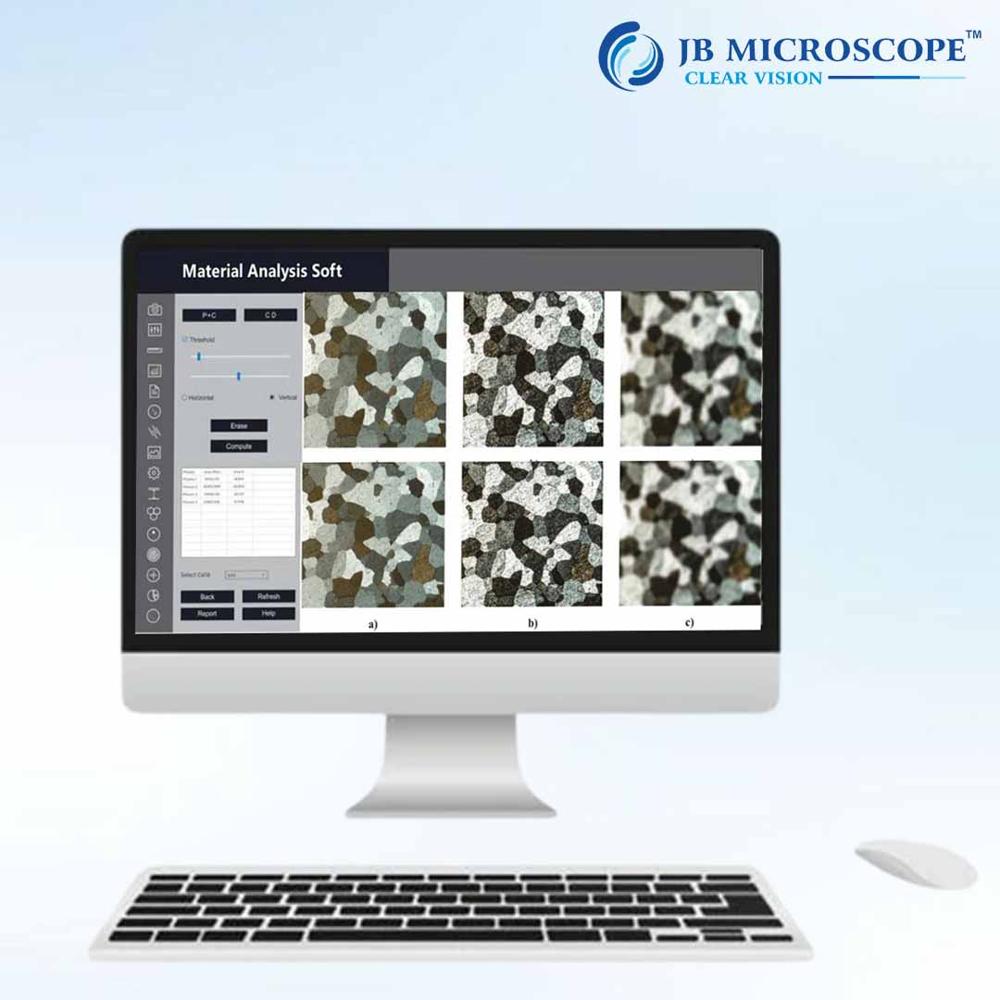
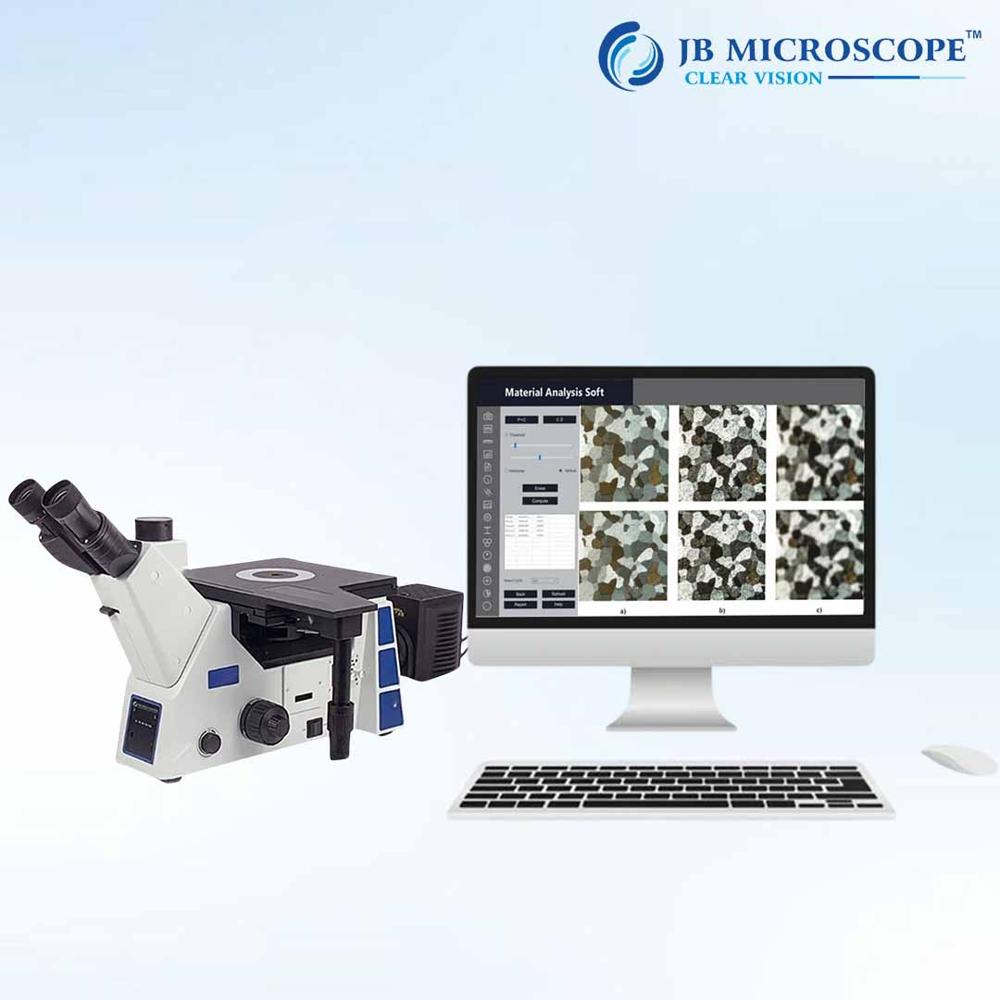
Material Analysis Soft is a comprehensive micrographic solution for metallographic studies. The available software modules conform to all equivalent national and international standards. The available wizards are:
Grain SizeASTM E-112, E-930, E1181, ISO 643-03, JIS G 0551-05 BS 490 DIN 643-03, IS-4748-88,SIS 111101 GOST 5639-82. Determine feritic and austerritic grain size in steel. Theavailable methods are:1. Automatic lineal heyn intercept method.2. Jeffries planimetric method.3. Automatic and Semiautomatic Snyder and graff open scale intercept method.4. Comparison method.5. ALA grain size.6. Selected grain size.7. Manual count etc.
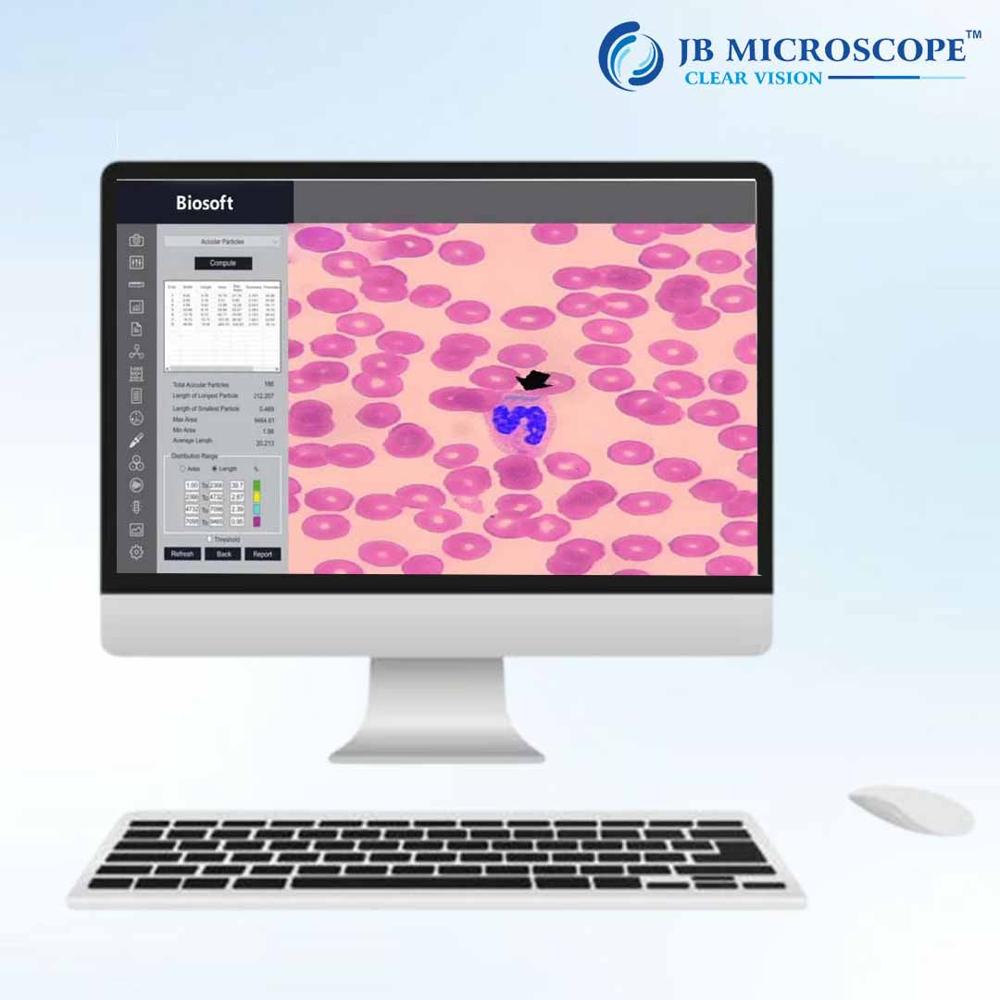
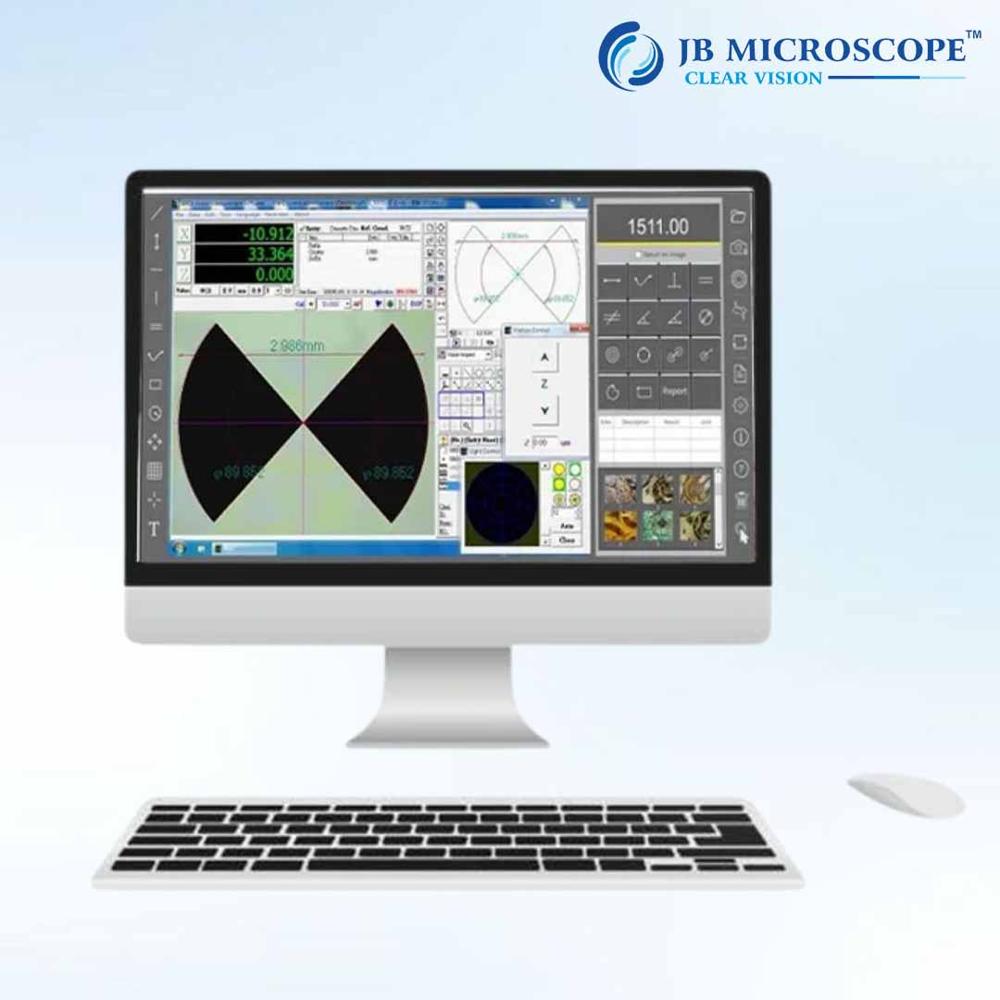
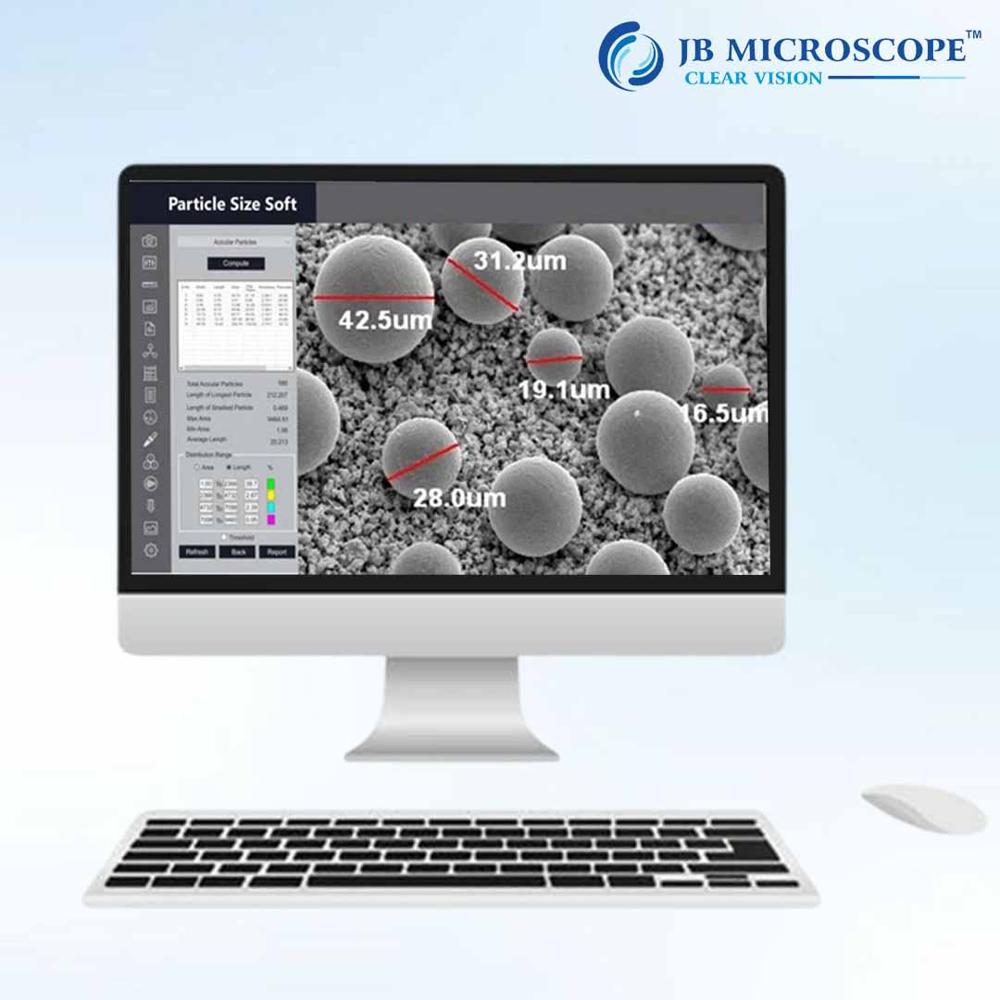
Comprehensive Measurement & AnalysisThis microscope software enables both automatic and manual measurement of key parameters such as distance, area, angle, and perimeter. Its micron-scale, pixel calibration (using a certified scale) ensures highly accurate quantitative results, crucial for reliable metallurgical examination and quality control.
Versatile Data Export and AnnotationWith the capability to annotate using text, arrows, shapes, and scale bars, users can effectively document critical findings. Direct report exports to Excel, Word, or PDF streamline data sharing and documentation workflows, saving valuable time and enhancing report accuracy.
Optimum Imaging & User-Friendly OperationFeaturing a high-resolution CMOS camera, image enhancement (adjustable contrast, brightness, sharpness), multiple color modes, and both reflected and transmitted illumination, the system delivers exceptional image quality. The interface is simple to use, with intuitive controls and flexible data storage on local and network drives.
FAQ's of Metallurgical Microscope Software:
Q: How do I perform measurements using the Metallurgical Microscope Software?
A: To measure parameters like distance, angle, area, or perimeter, use the software's automatic measurement tools or opt for manual mode for customized assessment. The included certified scale allows for precise micron-scale calibration, ensuring accurate results every time.
Q: What operating systems are supported by this software?
A: The software is compatible with Windows 7, 8, and 10, in both 32-bit and 64-bit configurations, ensuring wide applicability across standard laboratory computers.
Q: Where can I save and export my captured data and reports?
A: You can save images and data both locally and on network drives, with seamless export options for reports directly to Excel, Word, and PDF formats for easy data sharing and archiving.
Q: What are the benefits of using the built-in annotation and enhancement tools?
A: Annotation tools (text, arrows, scale bars, shapes) and image enhancement functions (contrast, brightness, sharpness adjustment) allow for maximum clarity and detail in your documentation, improving the interpretability and quality of your analysis.
Q: How is image calibration performed, and why is it important?
A: Calibration is achieved using a provided certified scale, enabling both micron-scale and pixel calibration. Proper calibration is essential for ensuring all measurements and analyses are accurate and trustworthy in scientific and industrial contexts.
Q: When should I use full color versus grayscale imaging modes?
A: Use full color mode for general observation and compositional studies, while grayscale can enhance contrast and detail for certain metallographic structures during analysis and measurement.
Q: What makes this microscope and software system suitable for metallurgical applications?
A: Its specialized image analysis, precision measurement, robust documentation features, and advanced optics (including plan achromatic objectives, adjustable lighting, and high-resolution imaging) make it ideal for metallurgical sample examination, comparison, and reporting.
 Rajouri Garden,New Delhi, India





 Get Latest Price

 Send Inquiry


 Send Inquiry
 Send SMS