About Weld Check Measurement Software
| Minimum Ram |
8GB |
| Supporting OS |
English |
| Minimum Storage |
8GB |
| USB Dongle |
yes |
| Service Mode |
Pan India |
| view |
Zoom in/Zoom out, rotation 90 Degree,180 Degree,27 Degree |
| Number of user |
01 |
| Shape |
Rectangular |
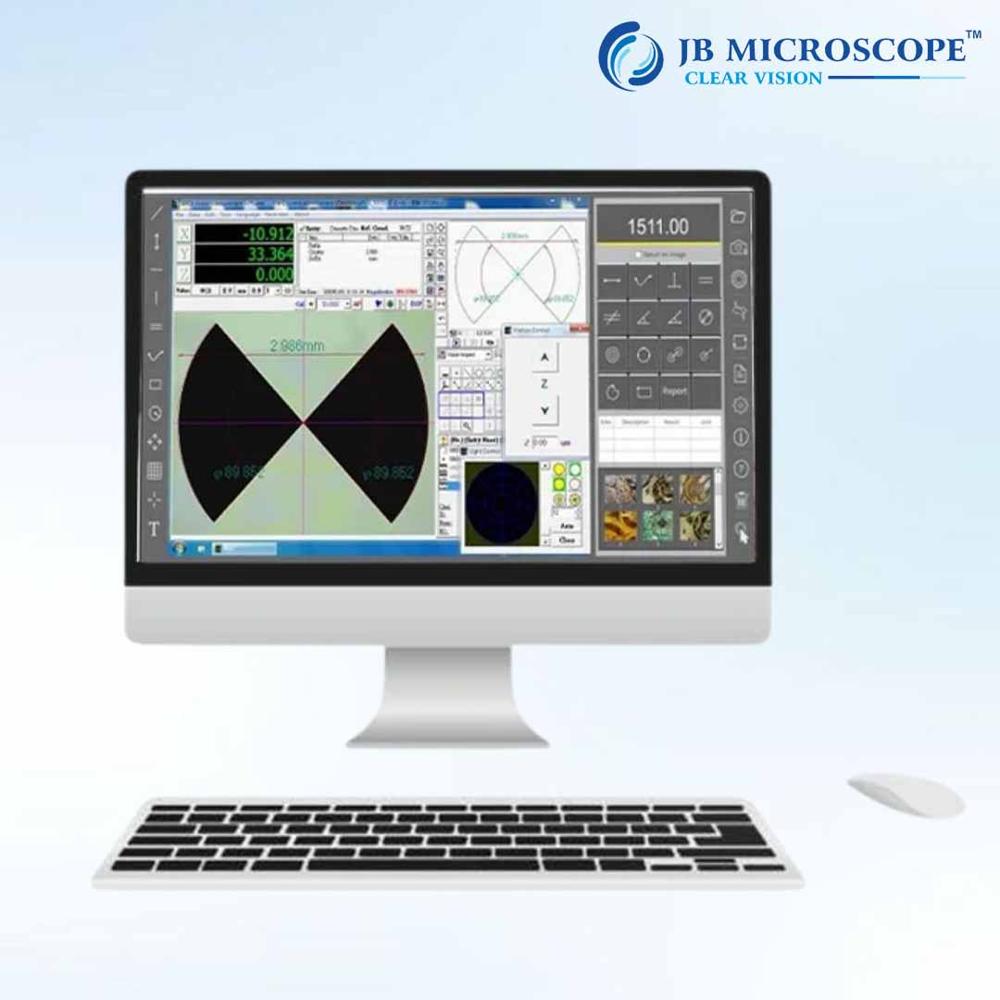
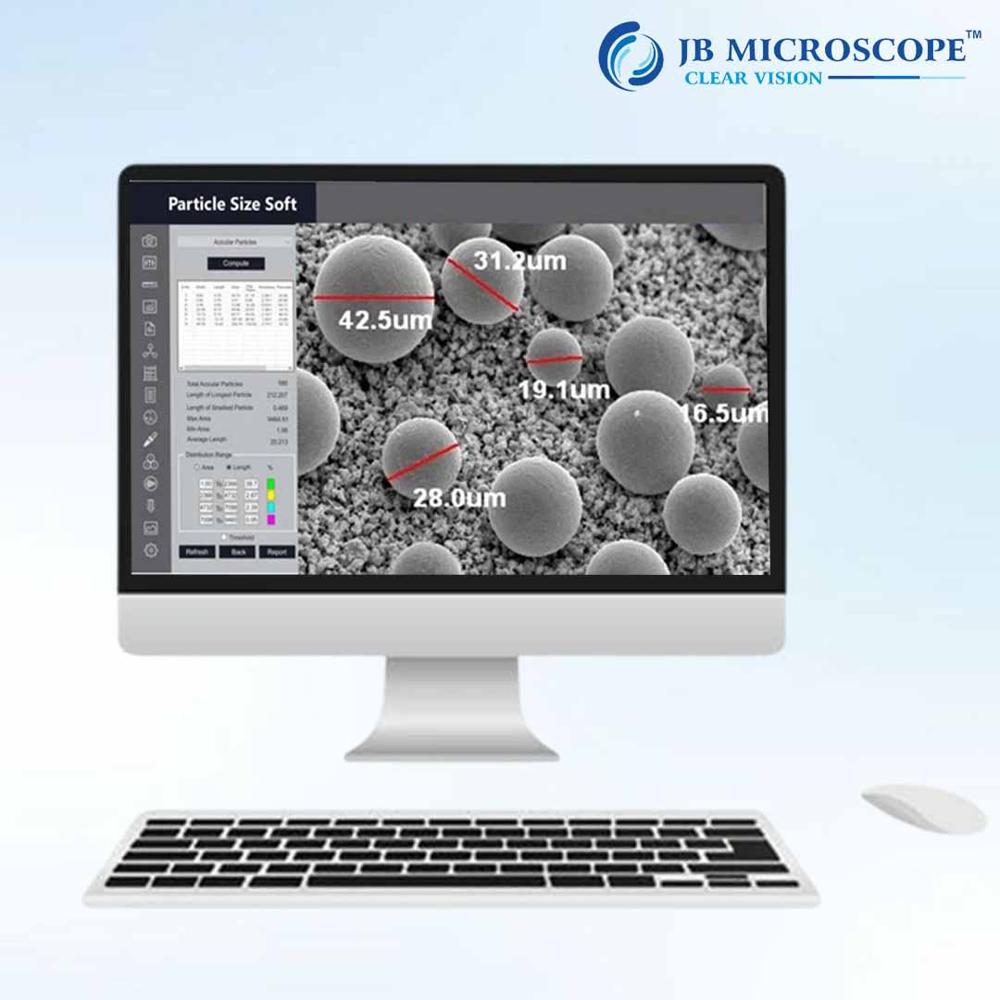
Measurement Soft is a new generation image analysis software, meant for metallurgistand material scientist for analyzing Measurement dimensions. It is a single Window basedsystem. The Measurement Soft software can handle both grey monochrome (8bit) and color(24bit) image. Multiple images of any size can be opened and displayed on thescreen for analysis or comparison. The software supports the most common formatslike BMP, JPEG, TIFF, PNG, GIF, and PSD. Live images also can be observed andcaptured on the same platform. Since the system is in a Window environment, graphsand charts displayed on the monitor can be quickly transferred into other Windowsbased rograms such as, MS Word, MS Excel or any other commercial Windows basedsoftware for the purpose producing reports and presentations.
Versatile Weld Measurement ToolsEquipped to handle linear, profile, area, and angle measurements, the software empowers users to inspect and analyze welds from various perspectives. Advanced edge detection, contrast adjustment, and overlay grids enhance the precision and clarity of weld assessments for both documentation and quality control.
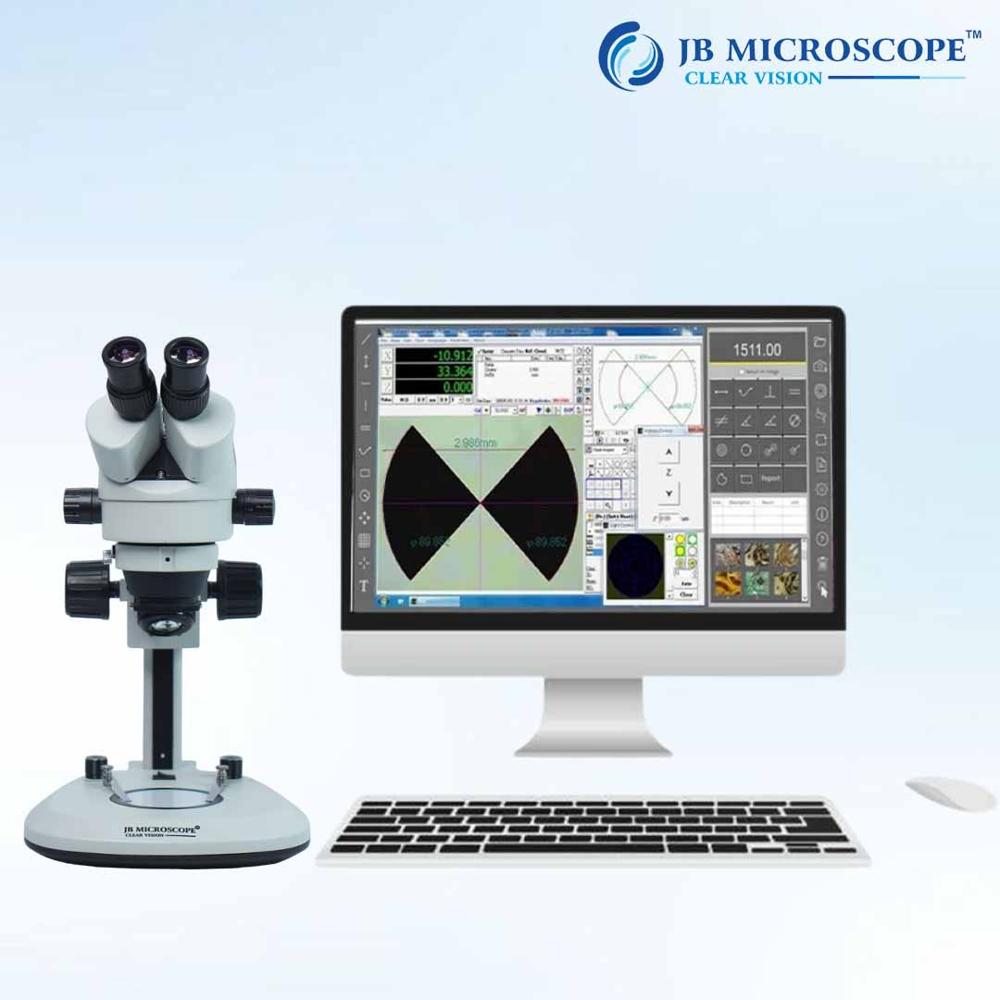
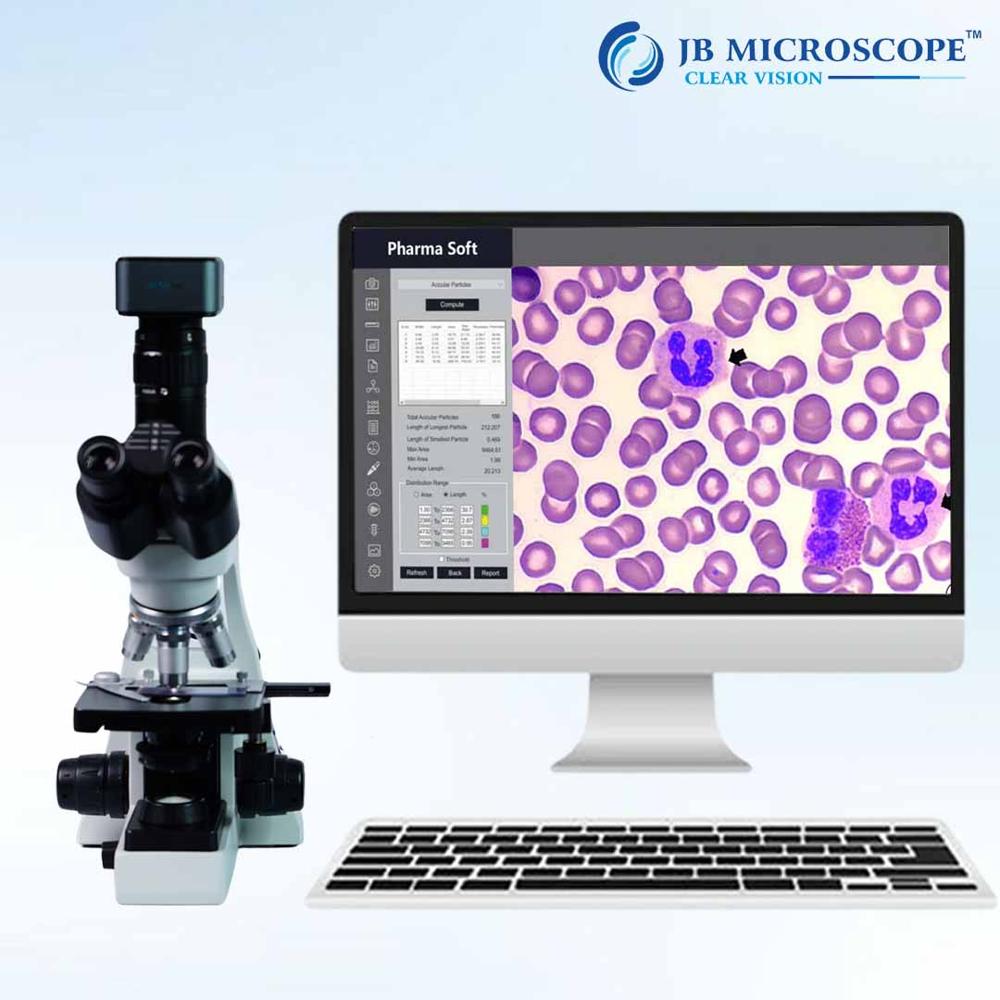
Reliable Hardware & Calibration IntegrationDesigned to connect seamlessly with high-definition CMOS/CCD sensors and adjustable focal microscopes, this software supports up to 24MP still image capture and full HD video. Both automatic and manual calibration features help maintain accuracy, while adjustable LED illumination ensures optimal imaging regardless of the working environment.
Robust Data Security & StorageData is safeguarded through user authentication, tiered access controls, and support for both internal/external USB drives and network backups. Flexible export options (JPEG, BMP, PNG, TIFF, PDF) allow easy sharing and archival, while the ability to annotate and generate custom reports streamlines workflow and facilitates traceability.
FAQ's of Weld Check Measurement Software:
Q: How do I calibrate the Weld Check Measurement Software for precise weld analysis?
A: Calibration is easily performed through the software's intuitive interface, offering both automatic and manual options. Simply use the built-in calibration scale, follow the step-by-step prompts, and the system ensures measurement accuracy for all subsequent inspections.
Q: What are the different measurement modes available, and when should I use each?
A: The software supports linear, profile, area, and angle measurements. Use linear and profile modes for general weld sizing, area measurement for cross-sectional analysis, and angle measurement to evaluate geometric precision, depending on your inspection requirements.
Q: Where can measurement data be stored, and is it secure?
A: Measurement data can be saved internally, to USB drives, or backed up across network storage. Data security is ensured via user authentication and customizable access control levels, protecting sensitive inspection records from unauthorized access.
Q: What process should I follow to document and export inspection results?
A: Use the report generation and annotation tools to document observations, then export final reports and images in JPEG, BMP, PNG, TIFF, or PDF formats. Data can also be transferred to databases or external drives for comprehensive documentation and traceability.
Q: How does the image analysis feature enhance weld inspection?
A: Integrated image analysis tools such as edge detection, contrast adjustment, and grid overlays allow for greater clarity and detail when assessing weld integrity. This improves defect identification, ensuring higher accuracy and repeatability in quality checks.
Q: What benefits does multi-language support provide in industrial applications?
A: Multi-language support enables seamless usage across diverse teams, auditing and reporting in users' preferred languages (English, German, French, Spanish, Chinese). This helps streamline communication, promote consistency, and reduce training time.
Q: How is the Weld Check Measurement Software integrated with camera and microscope systems?
A: The software interfaces with high-definition CMOS/CCD cameras via USB 2.0/3.0, LAN, or HDMI connections. It allows digital focusing, magnification (up to 200X), and manual stage adjustments, ensuring optimum image capture and analysis in various inspection settings.
 Rajouri Garden,New Delhi, India





 Get Latest Price

 Send Inquiry


 Send Inquiry
 Send SMS